Engage
Answer comments, reviews and messages, share one link in your bio, and see how you compare with competitors.
On this page
Posting is half the job. The Engage pages help with the other half: answering people, sending them somewhere useful, and learning from accounts like yours.
The pages#
| Page | What it is for |
|---|---|
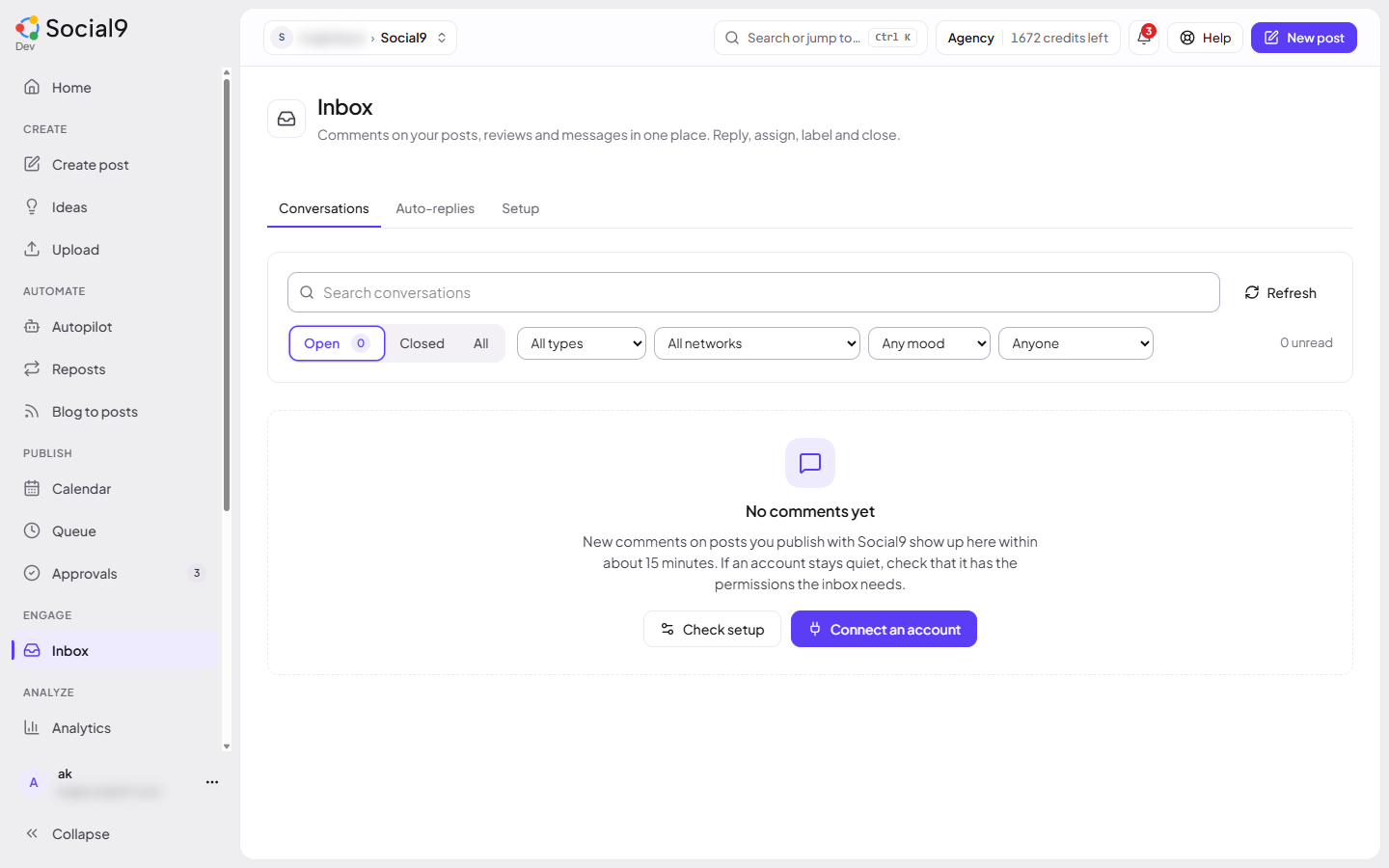
| Inbox | Comments on posts you publish with Social9, Google reviews and direct messages, all in one list. See Inbox |
| Auto-replies | Answer comments that contain a keyword, in public and by private message. See Comment-to-DM |
| Google reviews | Read and answer reviews of your Google Business Profile. See Google reviews |
| Link in bio | One public page with your buttons and latest posts. See Link in bio |
| Competitors | Daily public numbers for Instagram and YouTube accounts. See Competitors |
The AI can also write a caption, hashtags and alt text from a photo. See AI image captions.
What each network allows#
| Network | Read comments | Reply | Private messages |
|---|---|---|---|
| Facebook Page | Yes | Yes | Waiting for Meta approval |
| Instagram business or creator | Yes | Yes | Waiting for Meta approval |
| YouTube | Yes | Yes | No |
| LinkedIn Company Page | Yes | Yes | No |
| LinkedIn personal profile | No (LinkedIn doesn't allow it) | No | No |
| Threads | Yes, after you reconnect | Yes, after you reconnect | No |
| Bluesky | Yes | Yes | No |
| Mastodon | Yes | Yes | No |
| X | Only once X replies are switched on (needs a paid X API plan) | Yes (each reply counts as an X post) | No |
| Google Business Profile | Reviews, waiting for Google approval | Review replies, waiting for Google approval | No |
Open Inbox → Setup to see what works today for each of your accounts, and which permission is still missing.