Reposts
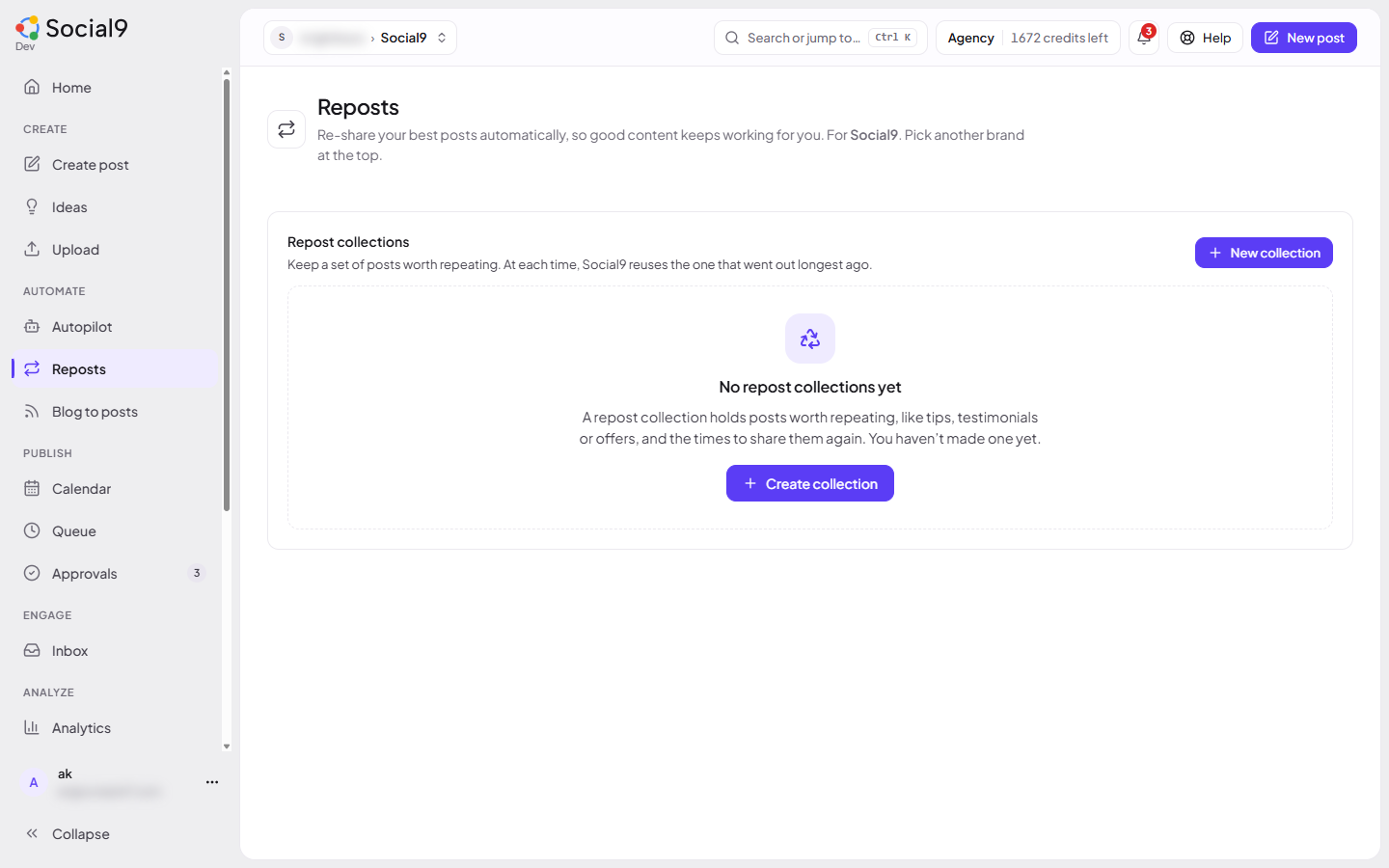
Keep a collection of posts worth repeating, and Social9 reposts them on a schedule, the longest-unused first, without repeating anything too soon.
On this page
Reposts re-share your best timeless posts (tips, testimonials, offers, "how to find us") on a schedule, so your feed never goes quiet. (Formerly called Evergreen.)
Which plan: All plans. It doesn't use AI credits.
Where to find it#
Dashboard → Automate → Reposts, for the brand picked in the switcher at the top.
How to set up a repost collection#
A repost collection is a set of posts plus a schedule.
- Press New collection (or Create collection if you have none yet).
- Under Name, type a name, for example Tips or Testimonials.
- Under Post to, tick the accounts.
- Under When, press + Time next to a day and add a time, for example Tuesday at 10:00.
- Set the options (below).
- Press Save collection.
- Click the collection name, write a post in the box and press Add post. Repeat for each post.
Options#
| Option | What it does |
|---|---|
| Repeat every (weeks) | 1 = every week, 2 = every other week, and so on (up to 12). |
| Skip if posted within (days) | A post isn't reused if it went out within this many days, from this collection or because you posted the same text yourself. |
| Retire a post after (uses, 0 = never) | After this many uses a post is retired. Press Reuse again to bring it back, or Retire to retire it by hand. |
| Stop on (optional) | The collection stops making posts after this date. |
| What happens | Schedule automatically puts the post on the calendar. Save as a draft to review saves it in Drafts with the time filled in, for you to check. |
Which post goes next#
At each time, Social9 picks the post that hasn't been used for the longest. Posts never used go first. Retired posts, and posts inside the skip window, are left out.
If nothing in the collection can be used, that time is skipped and you see why under the collection.
Good to know#
- Posts are created up to a day ahead, so you see them on the calendar before they go out. Each one is a normal post you can edit, move or delete.
- Use the switch next to a collection to pause it. Nothing new is made until you turn it back on.
- Edit changes a collection. Deleting it removes its posts list, but posts it already made stay on the calendar.
- Times are in the brand's timezone (the workspace timezone unless the brand has its own). The form shows it, for example times in India (Kolkata). See Timezones.
- A brand can have up to 20 repost collections, with up to 500 posts in each.
- Old links to Queue → Evergreen open this page.
- On paid plans, AI assistants can use
recycling_categories_listandrecycling_categories_create(Tools reference). In test mode they can't create collections, because collections make real posts later.