Your brand
Learn what a brand holds in Social9, how to use the brand switcher and All brands page, the Overview, Posts and Brand & voice tabs, and profile versus voice.
A brand is one business or product. Everything the AI writes is written for one brand, in its voice, using its facts.
Where to find it#
Pick the brand in the Workspace › Brand switcher at the top of every page. The Brand group in the menu on the left then has:
| Page | What it is for |
|---|---|
| Brand & voice | What the brand is about and how it sounds. See Brand & voice |
| Channels | The social accounts this brand posts to. See Connect your accounts |
| All brands | Every brand in the workspace. Add a brand, or open one |
| Agency | Client approvals, reports and more. See Agencies and clients |
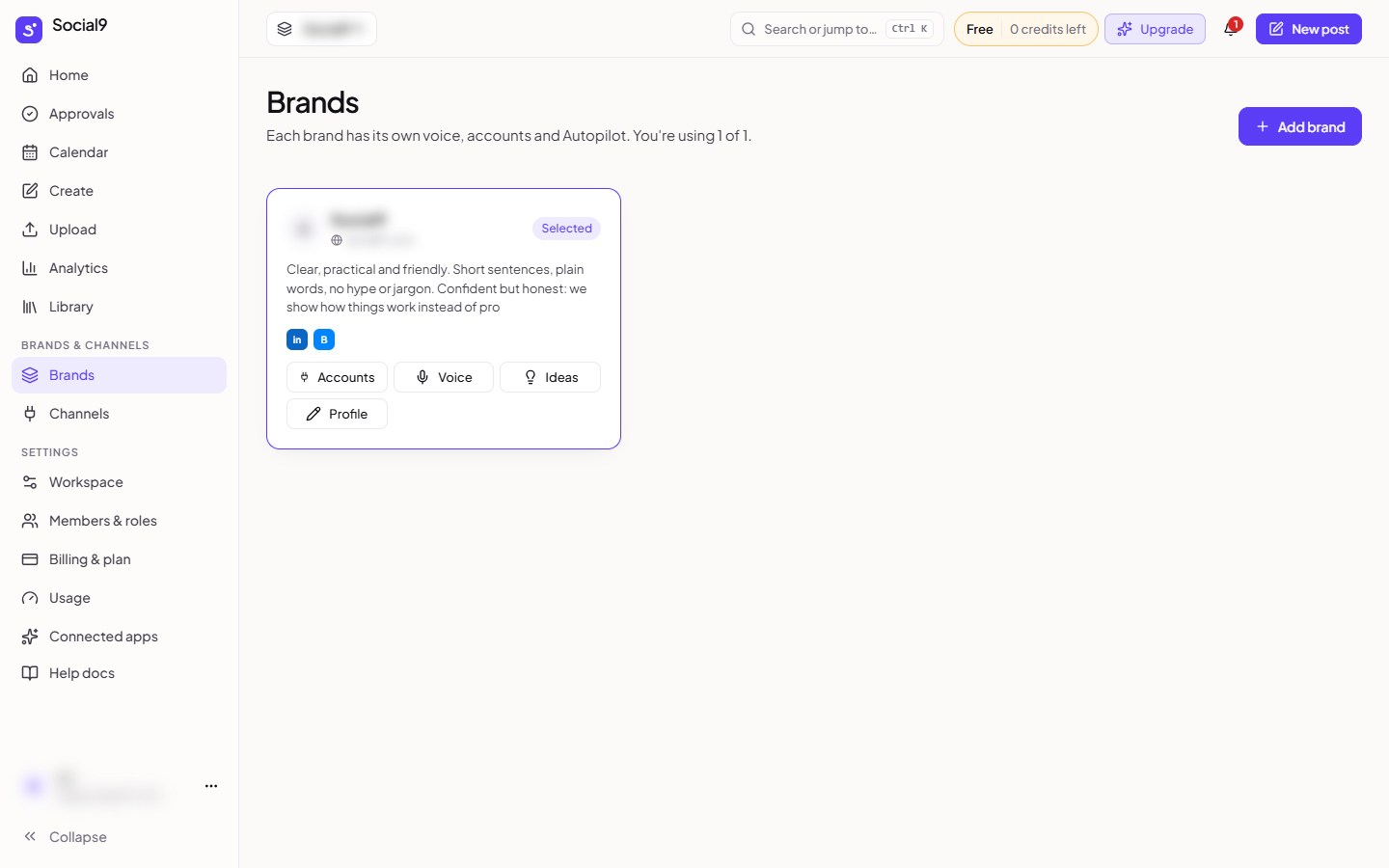
The All brands page lists each brand as a card with its accounts and the buttons Accounts, Voice, Ideas, Edit profile and Delete.
The tabs on a brand#
Open All brands and click a brand. Its page has three tabs.
| Tab | What it is for |
|---|---|
| Overview | Its connected accounts, posts coming up, a few saved ideas, Autopilot at a glance, and how complete its profile is |
| Posts | This brand's posts |
| Brand & voice | The profile (who it is for, what it posts about, its call to action, website, timezone) and the voice (tone, words, facts). Same as the Brand & voice page |
Ideas and Autopilot have their own pages: Create → Ideas (Ideas) and Tools → Autopilot (Autopilot modes). Old links to a brand's Ideas, Autopilot, Profile or Voice tab still work and open the right place.
Profile or voice?#
Both are on the Brand & voice page.
| Profile details | Voice | |
|---|---|---|
| Answers | What is this business? | How does it talk, and what is true? |
| Holds | Audience, topics, call to action, website, products, timezone | Tone, emoji, words, hashtags, sample posts, facts sheet |
| Filled in by | The brand setup, from your website. Change it with Edit profile | Analyze my website, or you |
Both are used every time the AI writes.