Blog to posts
Add your blog, a news site or a YouTube channel, and every new article or video becomes a draft or a queued post.
Blog to posts turns every new blog post or video you publish into a social post, so you never forget to share it. (Formerly called RSS feeds.)
Which plan: All plans. Write captions with AI uses AI credits.
Where to find it#
Dashboard → Automate → Blog to posts, for the brand picked in the switcher at the top.
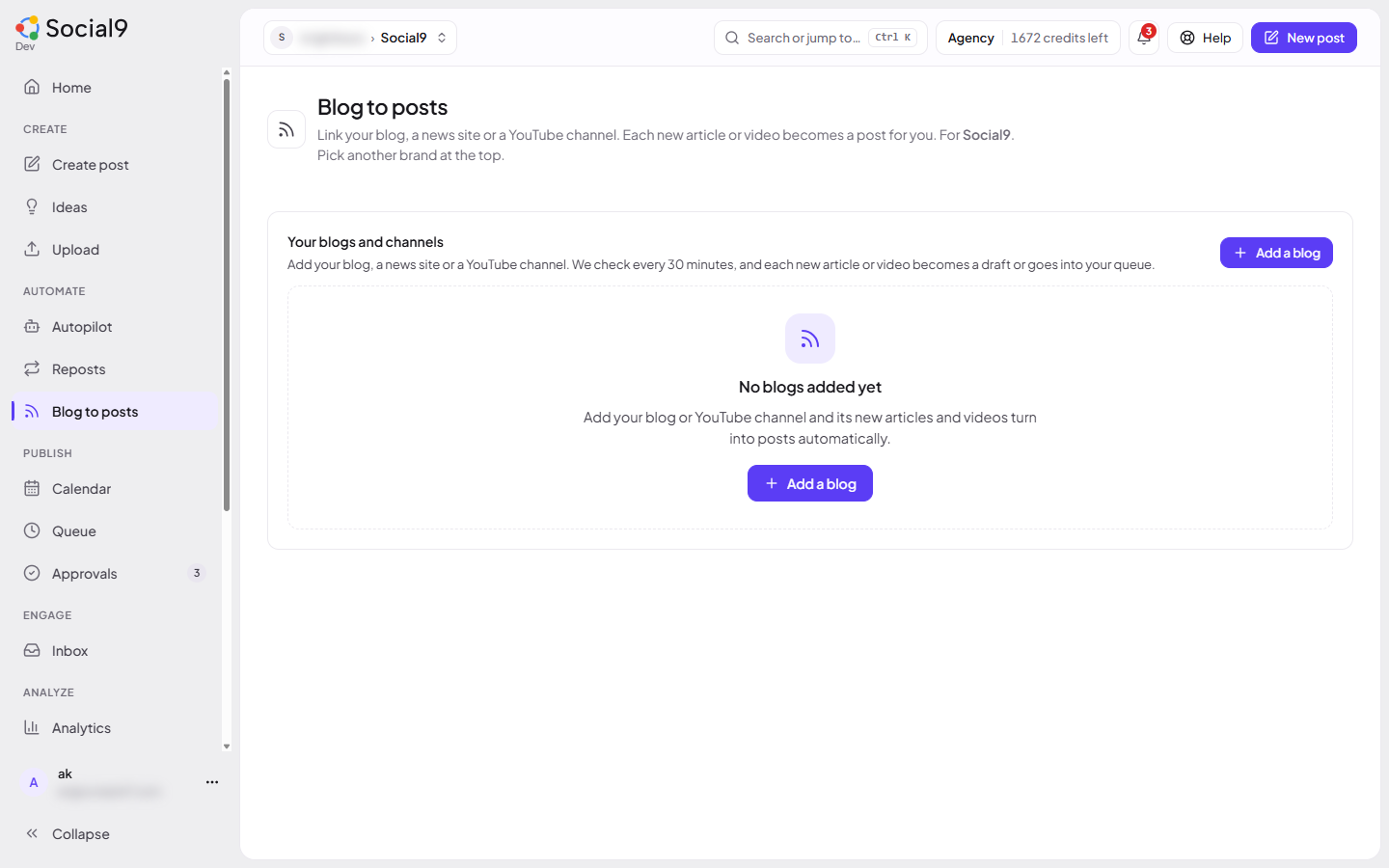
How to add a blog or channel#
- Press Add a blog.
- Under Blog, news site or YouTube channel link, paste:
- your blog's feed link, for example
https://yourblog.com/feed; or - a YouTube channel link like
https://www.youtube.com/channel/UC…, or a playlist link.
- your blog's feed link, for example
- Under Post to, tick the accounts.
- Under New items, choose Save as drafts for me to review or Add to my posting queue.
- Optional: turn on Write captions with AI.
- Press Add blog.
Social9 checks the link straight away. Articles and videos already there are skipped, so only what you publish from now on becomes a post.
The post text#
Without AI, the post uses the text under Post text. You can use:
{title}: the article or video title{link}: its link{summary}: the start of its description
The default is the title, an empty line, then the link.
With Write captions with AI on, the post is written in your brand voice from the title and summary, with the link at the end. Each item costs the same credits as one AI post. If you're out of credits or the AI is busy, the plain Post text is used and nothing is charged.
Good to know#
- Blogs and channels are checked every 30 minutes. At most 5 new items become posts per check, newest first.
- Press Check now to check one straight away.
- Use the switch to pause one. Stop following (the bin button) removes it; posts it already made stay.
- If a link fails 5 times in a row (the site is down or the link changed), it stops and shows the error. Fix it, then turn it back on.
- Add to my posting queue needs posting times set up, and a role that can schedule posts.
- Only secure (https) links on public websites work. The feed must load in 10 seconds and be under 2 MB.
- Images in the article aren't attached. The networks show the link preview instead.
- A brand can follow up to 10 blogs or channels.
- Old links to Queue → Feeds open this page.
- On paid plans, AI assistants can use
feeds_listandfeeds_add(Tools reference).