Drafts and the Library
Where every post lives after you make it, what you can do with each one, and how to fix a post that did not go out.
On this page
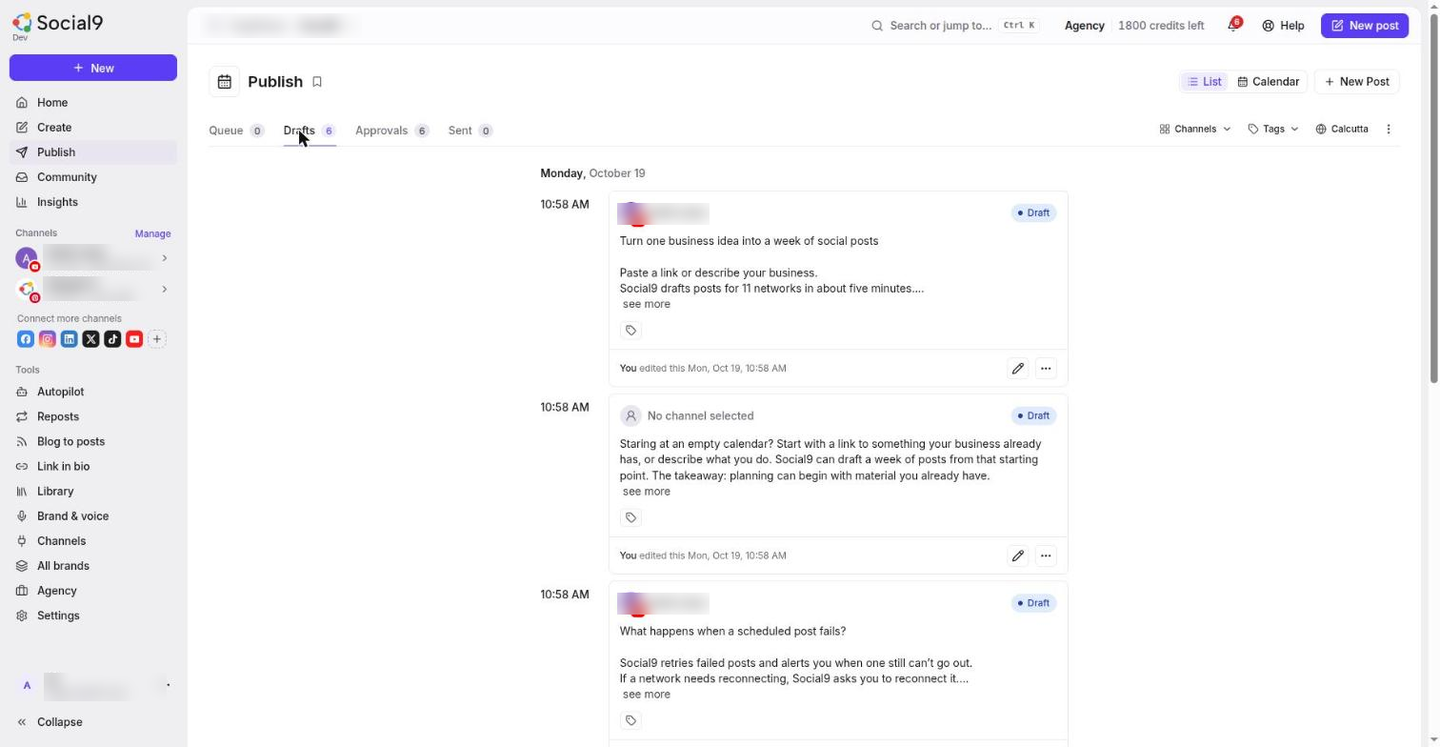
The Library holds every post you have written, scheduled or posted, with proof of where each one went.
Where to find it#
Dashboard → Library.
The tabs#
| Tab | What is in it |
|---|---|
| Drafts | Posts you saved, approved posts without a time, and posts Autopilot writes in Drafts only mode |
| Scheduled | Posts waiting for their time, and posts waiting for approval |
| Posted | Posts that went out, with View live links to each network |
| Didn't post | Posts that could not go out, with the reason |
| Media | Every image and video you uploaded or made with AI |
The brand switcher at the top decides which brand's posts you see.
What you can do with a post#
Open the … menu on any post.
| Option | What it does |
|---|---|
| Edit | Opens it in the Create Post window |
| Schedule post or Change time | Pick a new time |
| Duplicate | Makes a copy as a new draft |
| Copy text | Copies the text |
| Retry now | For a post that didn't post: tries again in about a minute |
| Delete post | Removes it for good. This cannot be undone |
A post that is already posted cannot be edited.
When a post didn't post#
Open Library → Didn't post. Each post shows why it failed, in plain words, for example "Too long for X (max 280 characters)" or "This account needs reconnecting".
- Fix the cause. Reconnect the account, or edit the post.
- Press Retry.
Social9 already retries by itself when a network has a temporary problem, up to 5 tries over about an hour and a half. A post lands in Didn't post when retrying will not help, or when the tries run out.
See When something is wrong for the usual causes.
Media#
Library → Media keeps every file you upload in a post, so you can use it again with Choose from media in Create. Press Create image with AI here to make one without starting a post.
Click any image or video to see it full size.
Deleting a file does not affect posts that already went out. They keep their copy.
Next steps#
- Calendar: see and move what is planned
- When something is wrong