Press & Media
Social9 press kit
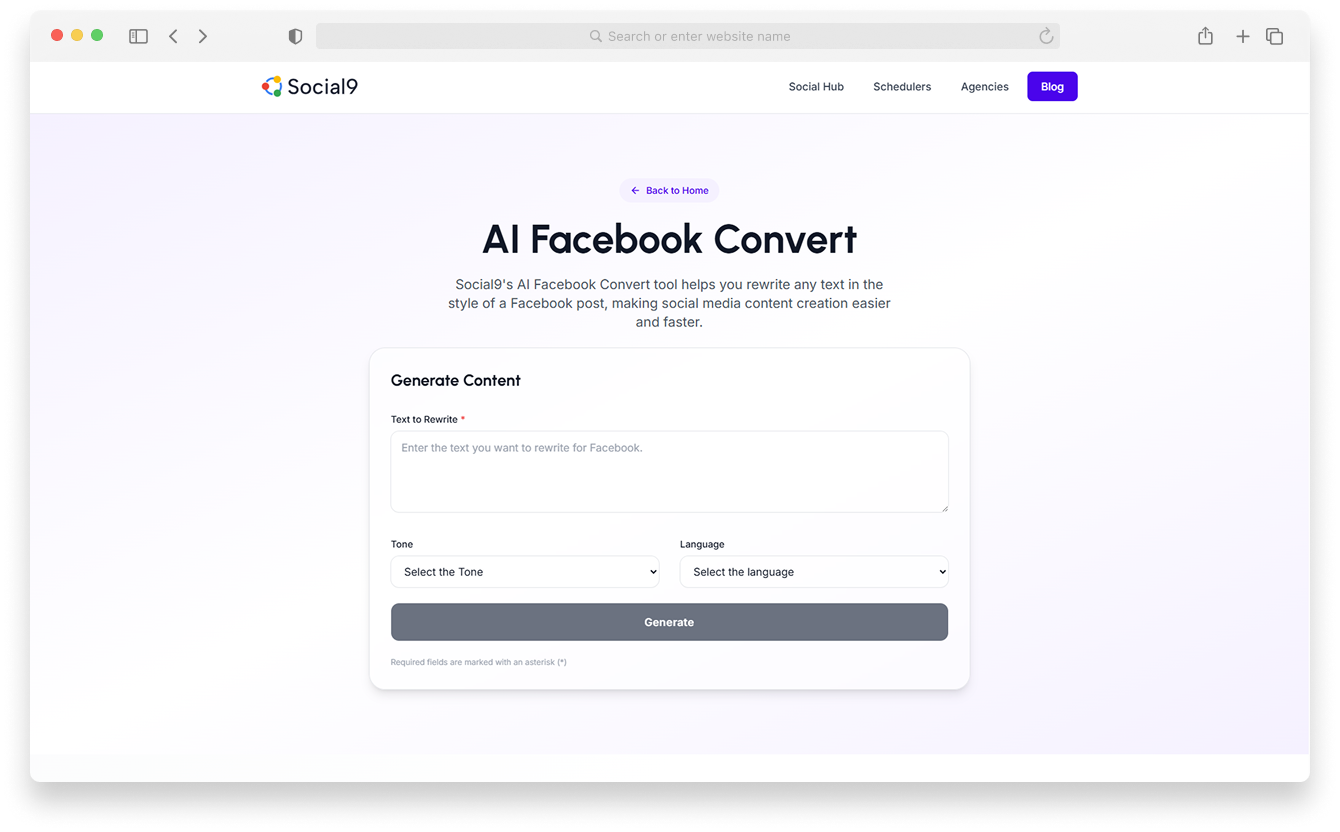
Official logos, brand colors, typography, screenshots and company facts for writing about Social9, the social media scheduler that writes, adapts and publishes posts on every network. Press inquiries: press@social9.com
Brand assets
Logos
Vector (SVG) for print and web, transparent PNG for everything else.

Primary logo
Full-color mark with dark wordmark. Use on white or light backgrounds.

Logo for dark backgrounds
Full-color mark with white wordmark. Use on black, navy or photography.

App icon / mark
The mark on its own, for avatars, favicons and small sizes (under 120 px wide).

One-color logos
For single-color print, embossing or when color is not available.
Brand assets
Brand colors
Four mark colors, one ink and one accent. Values for screen (HEX, RGB).
Social9 Blue
Ring of the mark, links
- HEX
- #4285F4
- RGB
- 66, 133, 244
Social9 Red
Mark accent
- HEX
- #EA4335
- RGB
- 234, 67, 53
Social9 Yellow
Mark accent
- HEX
- #FBBC05
- RGB
- 251, 188, 5
Social9 Green
Mark accent
- HEX
- #34A853
- RGB
- 52, 168, 83
Ink
Wordmark, headings
- HEX
- #202636
- RGB
- 32, 38, 54
Violet
Website accent, buttons
- HEX
- #5B3DF5
- RGB
- 91, 61, 245
Paper
Page background
- HEX
- #FBFAF8
- RGB
- 251, 250, 248
White
Surfaces
- HEX
- #FFFFFF
- RGB
- 255, 255, 255
Brand assets
Typography
Aa
Geist
The one typeface on social9.com: headings, body text, navigation and interface. Weights 400, 500, 600, 700.
Geist by Vercel ↗Aa
Geist Mono
Code, hex values, data labels and small technical captions. Weights 400, 500.
Geist by Vercel ↗Guidelines
Logo usage
Do
- Leave clear space around the logo at least the height of the mark's red dot.
- Use the full-color logo on white or light backgrounds and the white-wordmark logo on dark ones.
- Keep the logo at least 96 px wide on screen (24 mm in print). Use the mark alone below that.
- Write the name as Social9: one word, numeral 9.
Don't
- Do not recolor, rotate, stretch, outline or add effects to the logo.
- Do not rearrange the dots of the mark or change their colors.
- Do not place the logo on busy backgrounds with poor contrast.
- Do not use the logo to imply partnership or endorsement without written permission.





Press coverage
Announcements and coverage, newest first.
Latest: Social9 opens its scheduler to Claude, ChatGPT and other AI assistants, with test mode, fact checks and approvals built in. Read the story behind the announcement →
Social9 Lets Businesses Plan, Write and Schedule Social Media Posts From Claude and ChatGPT, With Guardrails Built In
Social9 Lets Businesses Plan, Write and Schedule Social Media Posts From Claude and ChatGPT, With Guardrails Built In
Social9 Lets Businesses Plan, Write and Schedule Social Media Posts From Claude and ChatGPT, With Guardrails Built In
Social9 Lets Businesses Plan, Write and Schedule Social Media Posts From Claude and ChatGPT, With Guardrails Built In
Social9 Launches AI Agent Army for Viral Content Creation
Social9 Launches AI Agent Army for Viral Content Creation
Social9 Launches AI Agent Army for Viral Content Creation
Social9 Launches AI Agent Army for Viral Content Creation
Press inquiries
Writing about Social9 or need an interview, a product demo or custom assets? Email press@social9.com.
FAQ
Press kit FAQ
Where can I download the Social9 logo?
Official Social9 logos are on this page in SVG and PNG: the primary full-color logo, a version for dark backgrounds, the standalone mark (app icon) and one-color versions. The full media kit is also available as a single .zip download.
What are Social9's brand colors?
The Social9 mark uses Blue #4285F4, Red #EA4335, Yellow #FBBC05 and Green #34A853. The wordmark and headings use Ink #202636, and the website accent is Violet #5B3DF5.
How do I contact Social9 for press or interviews?
Email press@social9.com with your outlet, deadline and topic.
How should I write the company name?
Write Social9 as one word, capital S, with the numeral 9 and no space: Social9. Not Social 9, social9 or SOCIAL9 in running text.