Competitors
Track public numbers for Instagram business accounts and YouTube channels every day and compare them with your own.
Competitors shows how accounts like yours grow: followers, posts and how much engagement their posts get.
Which plan: Individual, Team, Agency and Enterprise. Not on the Free plan.
Where to find it#
Dashboard → Competitors. Competitors belong to the brand picked at the top.
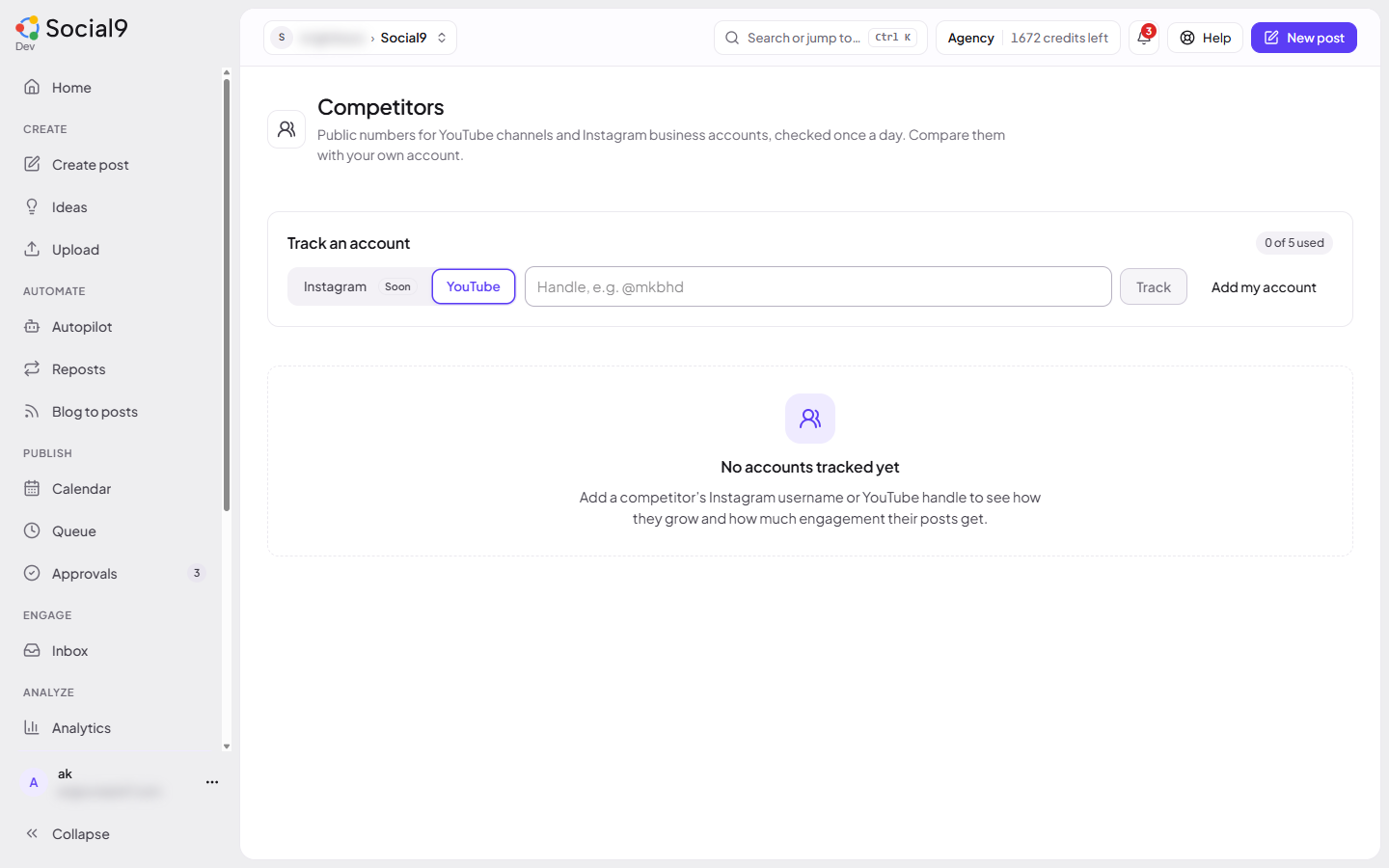
How to track an account#
- Under Track an account, pick Instagram or YouTube.
- Type the Instagram username (for example
natgeo) or the YouTube handle (for example@mkbhd). - Press Track. The first numbers appear straight away.
- Press Add my account to put your own account in the table for comparison.
Your own account (Add my account) doesn't use a slot.
Plans and limits#
The limit counts tracked accounts across the whole workspace (all brands together):
| Plan | Competitors you can track |
|---|---|
| Free | Not included |
| Individual | 2 |
| Team | 3 |
| Agency | 5 |
| Enterprise | 10 |
The page shows how many you use, for example 2 of 3 used. On the Free plan the page shows Upgrade to track competitors instead of the form.
The numbers#
| Column | Meaning |
|---|---|
| Followers | Followers or subscribers today |
| Change (for example 30-day change) | Followers gained or lost over the period |
| Posts | Total posts or videos |
| Avg. engagement | Likes plus comments per post, over the last 12 posts. YouTube also shows average views |
| Eng. rate | Average engagement divided by followers |
Good to know#
- Numbers are checked once a day.
- Instagram: this brand's Instagram business or creator account must be connected. Social9 uses it to look up the other accounts. Only business and creator accounts can be tracked.
- YouTube: this brand's YouTube channel must be connected.
- When you reach your limit, remove an account or upgrade to track more.
- After a downgrade, accounts you already track keep updating, but you can't add new ones until you're under the new limit.