Networks
The networks Social9 posts to (6 live, 5 coming soon), with each one's text limit, media rules and how you connect it.
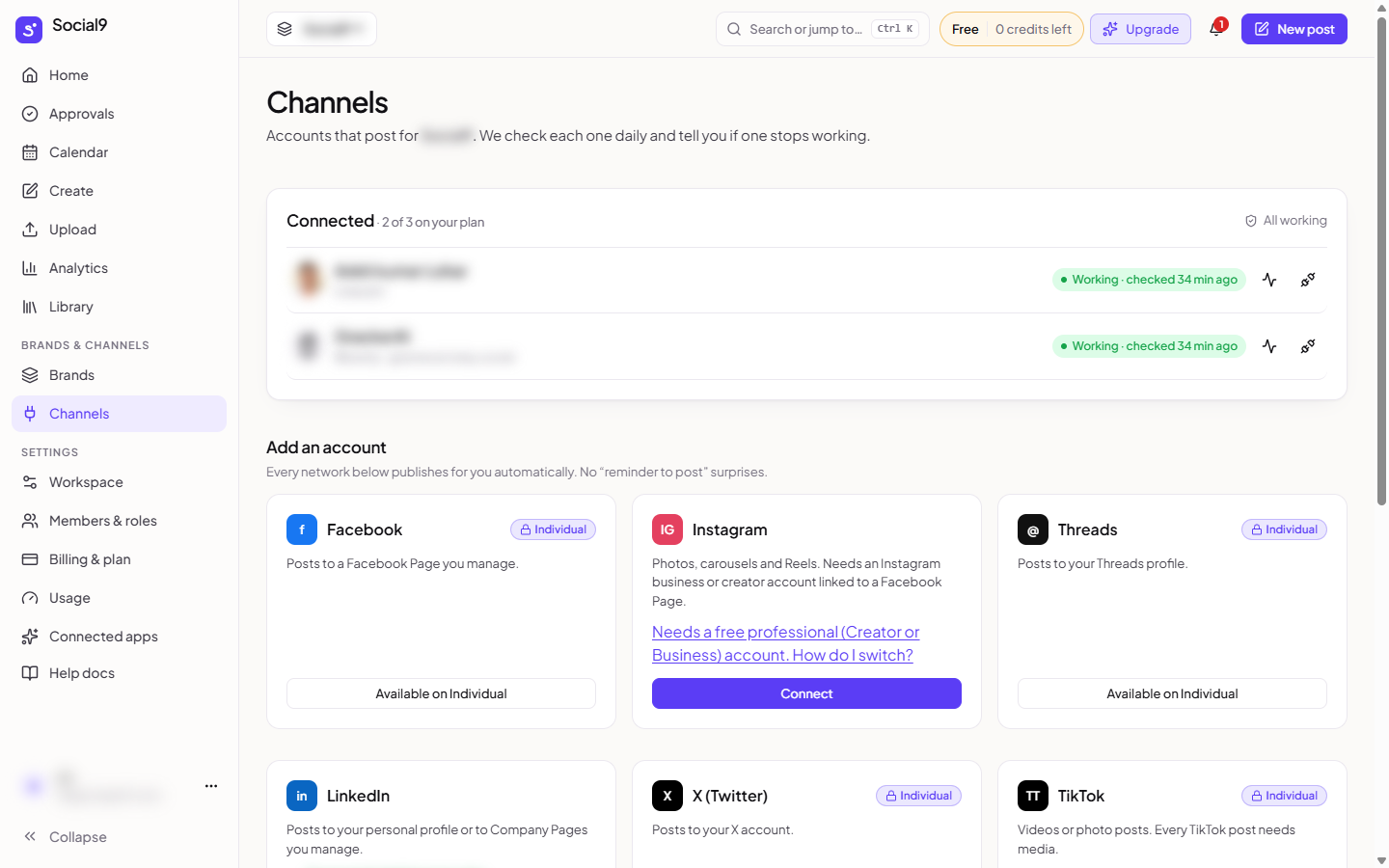
Social9 posts to LinkedIn, X, YouTube, Google Business Profile, Bluesky and Mastodon today. Facebook, Instagram, Threads, TikTok and Pinterest are coming soon: their tile under Connect Channel on the Channels page says Coming soon, and posts you plan for them are saved as drafts. Each network has its own limits. Social9 checks your post against them before it lets you schedule, so you find out now rather than when the post fails.
At a glance#
| Network | Text limit | Images | Videos | Needs media | How you connect | Plans |
|---|---|---|---|---|---|---|
| Facebook (coming soon) | 63,206 | Up to 10 | 1 | No | Sign in with Facebook | Individual and up |
| Instagram (coming soon) | 2,200 | Up to 10 | Up to 10 | Photo or video | Sign in with Facebook | All plans |
| Threads (coming soon) | 500 | Up to 20 | Up to 20 | No | Sign in with Threads | Individual and up |
| 3,000 | Up to 9 | 1 | No | Sign in with LinkedIn | All plans | |
| X | 280 | Up to 4 | 1 | No | Sign in with X | Individual and up |
| TikTok (coming soon) | 2,200 | Up to 35 | 1 | Photo or video | Sign in with TikTok | Individual and up |
| YouTube | 5,000 | None | 1 | Video | Sign in with Google | Individual and up |
| Pinterest (coming soon) | 500 | Up to 5 | 1 | Image or video | Sign in with Pinterest | Individual and up |
| Bluesky | 300 | Up to 4 | 1 | No | Handle and app password | All plans |
| Mastodon | 500 | Up to 4 | 1 | No | Your server, then sign in | All plans |
| Google Business Profile | 1,500 | Up to 10 | 1 | No | Sign in with Google | Individual and up |
Text limits are in characters. Networks that take both photos and videos only let you mix them in one post on Instagram, Threads and Google Business Profile (where the extra photos and the video go to your business photos).
Where to connect them#
Tools → Channels → Connect Channel. See Connect your accounts.
Long text#
If your text is longer than a network allows:
- Write a shorter version for that network. In Create, press Per network and write the shorter text on that network's tab.
- On X, Threads, Bluesky and Mastodon, turn on Post as a thread to split it into numbered posts.
Safety limits#
To keep your accounts in good standing, Social9 spaces out posts to the same account by at least a minute, and has a daily limit per account. A post that would go over waits and goes out later. It is not marked as failed.
Next steps#
Pick your network from the list on the left for its rules and options.