Comment-to-DM and auto-replies
Reply automatically when a comment contains a keyword, and send the person a private message on Instagram and Facebook.
On this page
An auto-reply rule answers comments that contain a keyword, such as "price" or "link", in public, by private message, or both.
Which plan: All plans.
Where to find it#
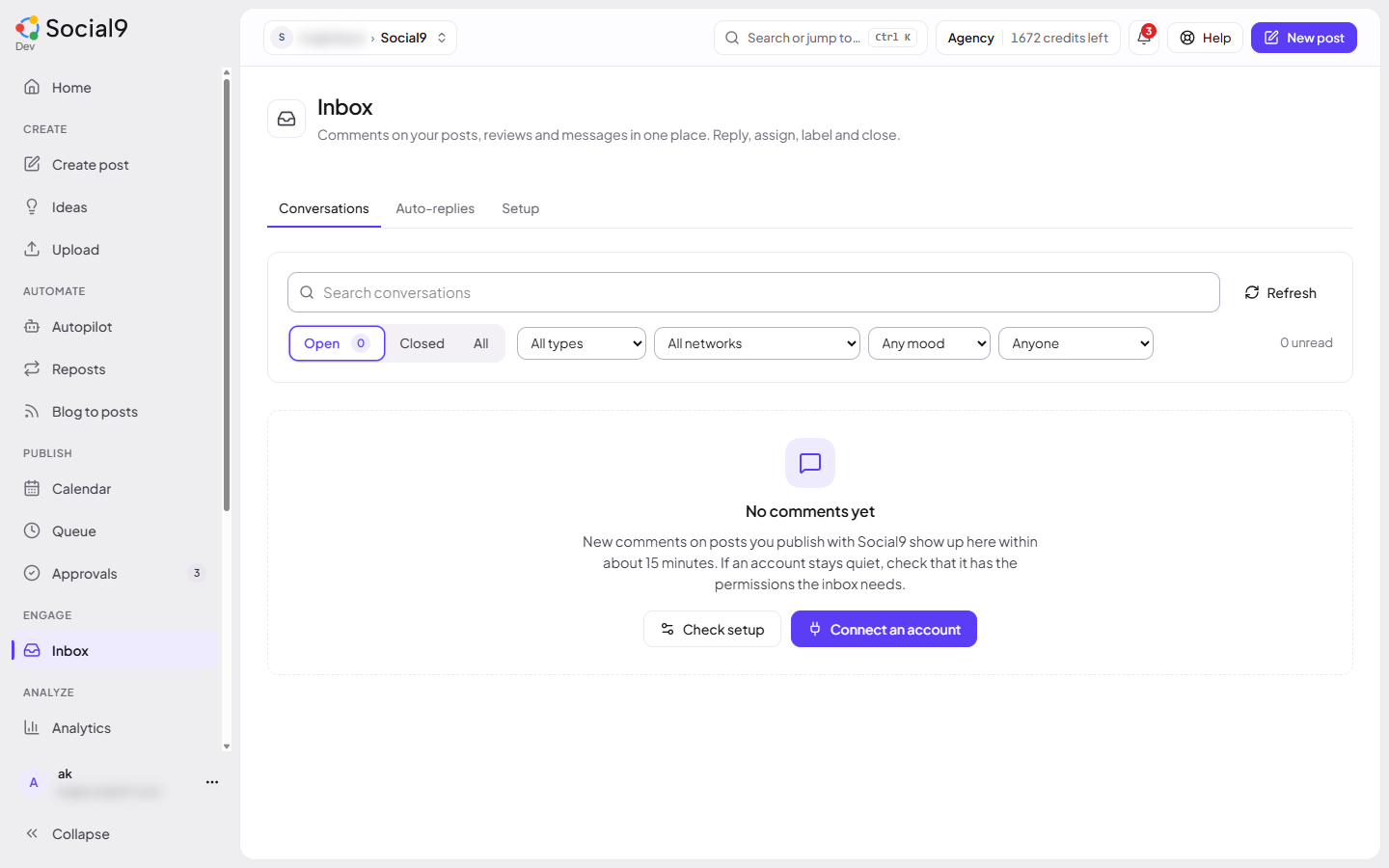
Dashboard → Inbox → Auto-replies. Rules belong to the brand picked at the top.
How to make a rule#
- Under New rule, give it a Name, for example "Price questions".
- Add Keywords (comma separated), for example
price, how much, cost. Choose Any keyword or All keywords. - Write the Public reply, the Private message (Facebook / Instagram), or both. Use
{name}for the person's first name. - Press Add rule.
The rule answers new comments from then on. It never answers old comments, and it answers each comment only once.
How to send a private reply yourself#
- Open the comment in Conversations.
- Write your message.
- Press Reply privately.
Good to know#
- Rules work on Facebook, Instagram, YouTube, LinkedIn Pages, Threads, Bluesky and Mastodon. They never post on X.
- Private messages work on Instagram and Facebook only, and only once Meta has approved messaging for Social9. Until then Setup shows Waiting for Meta approval and only the public reply is sent.
- The Facebook Page or Instagram business account must be connected with the right permissions. Reconnect it on Channels if Setup says one is missing.
- Instagram and Facebook allow one private reply per comment, within 7 days of the comment.
- Each rule shows how many times it was used. Turn a rule off with its switch. Deleting a rule keeps the replies it already sent.
- You need permission to edit the brand (Owner, Admin or Editor) to add or change rules.
- Keep replies helpful and varied. Networks can limit accounts that post the same reply many times.