UTM tags
Add tracking tags to the links in your posts automatically, so your website analytics show which network sent each visitor.
On this page
UTM tags let your website analytics, like Google Analytics, see which network sent each visitor, and Social9 can add them to your links for you.
Which plan: All plans.
Where to find it#
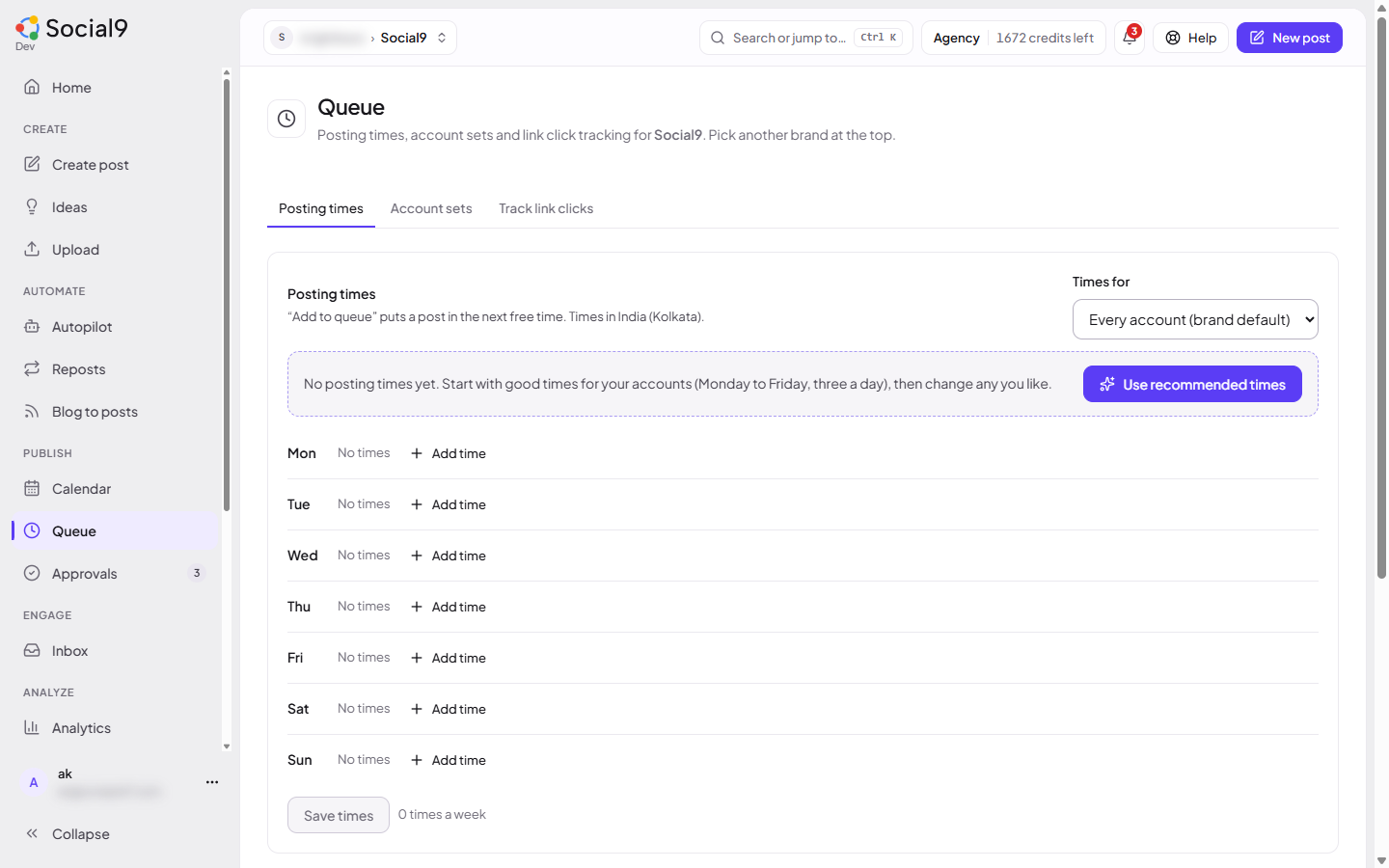
Dashboard → Publish → Queue → Track link clicks. The settings are for the brand picked in the switcher at the top.
A UTM tag is a small addition to a link, like ?utm_source=linkedin&utm_medium=social. You don't have to type it. Social9 adds it with the right network for each post.
How to turn it on#
- Open Dashboard → Queue → Track link clicks.
- Turn on Tag links automatically.
- Check the values (see below). The page shows an example link on LinkedIn, so you can see the result.
- Press Save tracking tags.
From then on, links in that brand's posts are tagged as each post goes out.
The values#
| Field | Default | Example result |
|---|---|---|
| Source | {network} | utm_source=linkedin |
| Medium | social | utm_medium=social |
| Campaign | empty | utm_campaign=spring-sale |
| Content (optional) | empty | left out when empty |
| Term (optional) | empty | left out when empty |
You can use {network} (facebook, linkedin, x…) and {brand} (your brand name in lower case with dashes) in any value. Empty values are left out.
How to tag only your own site#
By default every web link is tagged. To tag only links to your own site:
- Under Only these domains (optional), type your domains, for example
yourshop.com. - Press Save tracking tags.
Subdomains such as blog.yourshop.com are included.
Good to know#
- Tags are added when the post goes out. The text you see in Create is not changed.
- Every part of a thread is tagged too.
- Only web links (starting with
http://orhttps://) are tagged. - If a link already has a UTM value, for example one you copied from a newsletter, Social9 keeps it. Tick Replace UTM tags a link already has to overwrite it.
- Other parts of the link, like
?page=2or#reviews, are always kept. - Only people whose role can edit the brand can change these settings (Owner, Admin and Editor by default). Others can see them.