AI image captions
Let the AI look at a photo and write a caption in your brand voice, hashtags and alt text, from a connected AI app or the API.
On this page
The AI can look at a photo and write three things: a caption in your brand voice, a few hashtags, and alt text that describes the picture for people who use screen readers.
Which plan: Individual, Team, Agency and Enterprise (connecting AI apps is a paid-plan feature).
Where to find it#
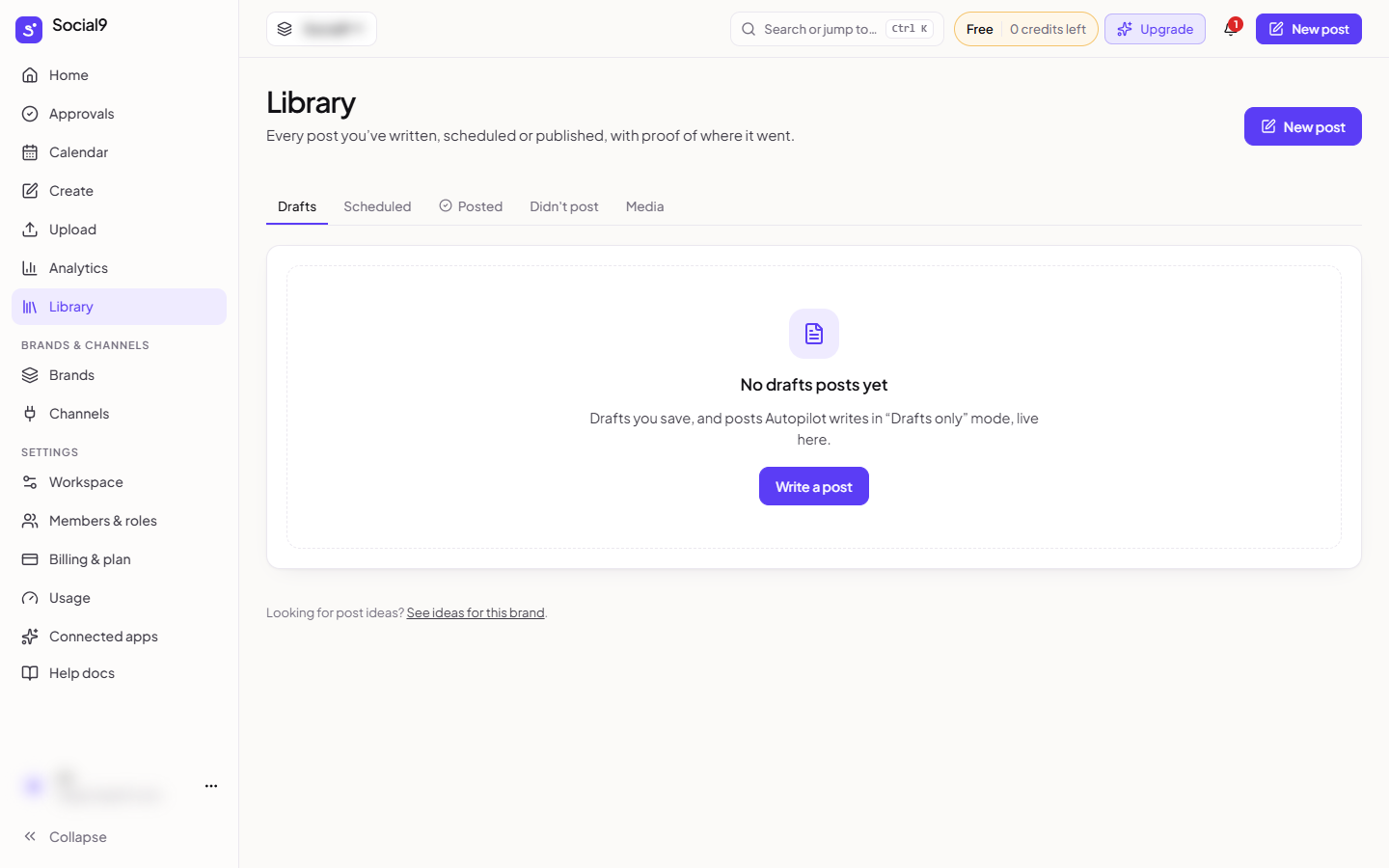
There is no button for it in the dashboard yet. You use it from a connected AI app (such as Claude or ChatGPT) or through the API. The photo must be at a public https link, for example one from your Library.
How to use it from an AI app#
- Connect your AI app to Social9. See Connect Claude or Connect ChatGPT.
- Give the app a public https link to the photo, and say which brand and network it's for.
- Ask it to write a caption, hashtags and alt text. The app uses the
describe_imagetool. - Read the result and change it before you post.
How it works#
- It describes only what it can see. It doesn't guess names, places, prices or dates.
- The caption fits the network you pick, and uses the brand's voice and language when you name a brand.
- The alt text is plain and literal, without hashtags.
For developers#
POST /api/v1/ai/describe-image with { "mediaUrl": "https://…", "network": "instagram", "brandId": "…" } returns { caption, hashtags, altText, creditsUsed }.
POST /api/v1/ai/analytics-summary with { "days": 30, "brandId": "…" } returns a plain-English summary of your last period compared with the one before. It also uses one post's worth of credits.
Good to know#
- Each photo uses the same credits as writing one post (4 credits). If the AI fails, nothing is charged.
- It works with photos only. For a video, use a still image from it.
- The link must be public and start with
https://. - You need permission to use AI for that brand (Owner, Admin or Editor).
- No network approval is needed: it only writes text, it doesn't post anything.