Best time to post
How Social9 picks good days and hours for each account from your own results, and what it shows before you have enough posts.
Best times are the days and hours when your posts on one account usually do best.
Which plan: All plans.
Where to find it#
Dashboard → Agency → Goals & best times, under Best time to post.
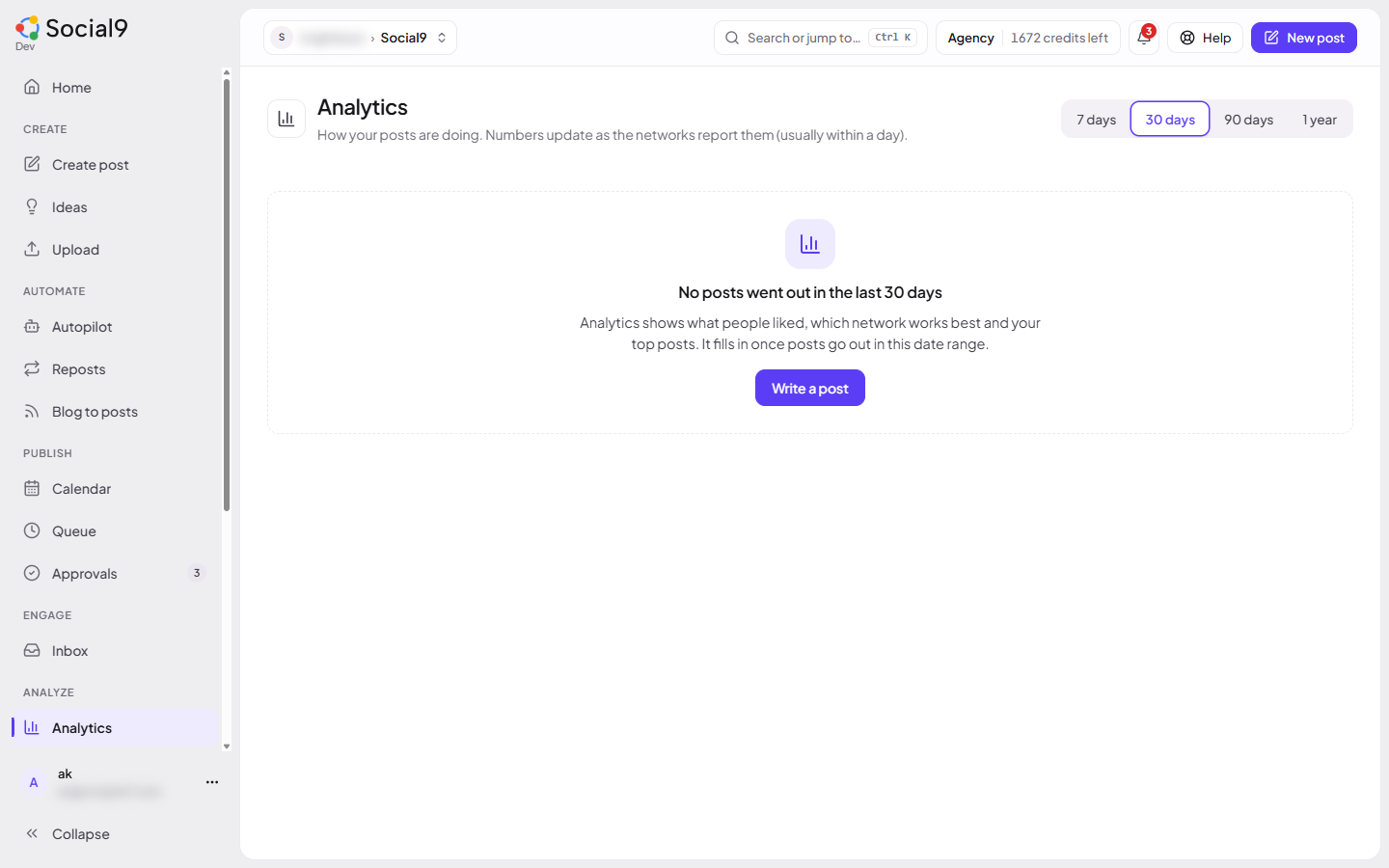
How to see an account's best times#
- Go to Agency → Goals & best times.
- Under Best time to post, pick an account from the list.
- Read the top slots. Each one shows how much better than average it did, e.g. +40%.
- Below the slots you see the next few dates and times that match them. In the composer, pressing one fills in the time for you.
How it works#
Social9 looks at your published posts on that account from the last year, and the stats the network sent back for them. It groups them by weekday and hour in your workspace timezone and compares each slot with the account's average.
- If most posts have impressions, it compares engagement rate (engagements per impression).
- If not, it compares engagements (likes, comments, shares and clicks).
Good to know#
- Until an account has 20 published posts with stats, Social9 shows typical good times for that network instead, and tells you how many posts you have so far.
- A slot needs at least 2 posts to count, and one lucky post can't push a slot to the top.
- Posts made in test mode never count.
- Only connected, active accounts are listed. With none, you'll see "Connect an account to see its best times."
- Connected AI apps can read the same suggestions with
best_times_get. See Tools reference.