Account sets
Save sets of accounts, like “All Meta” or “Client A”, and pick them in one click when you write a post.
On this page
An account set (formerly called a channel group) is a saved set of accounts you often post to together, so one click in Create picks all of them.
Which plan: All plans.
Where to find it#
Dashboard → Publish → Queue → Account sets, or in Create, in the Accounts section.
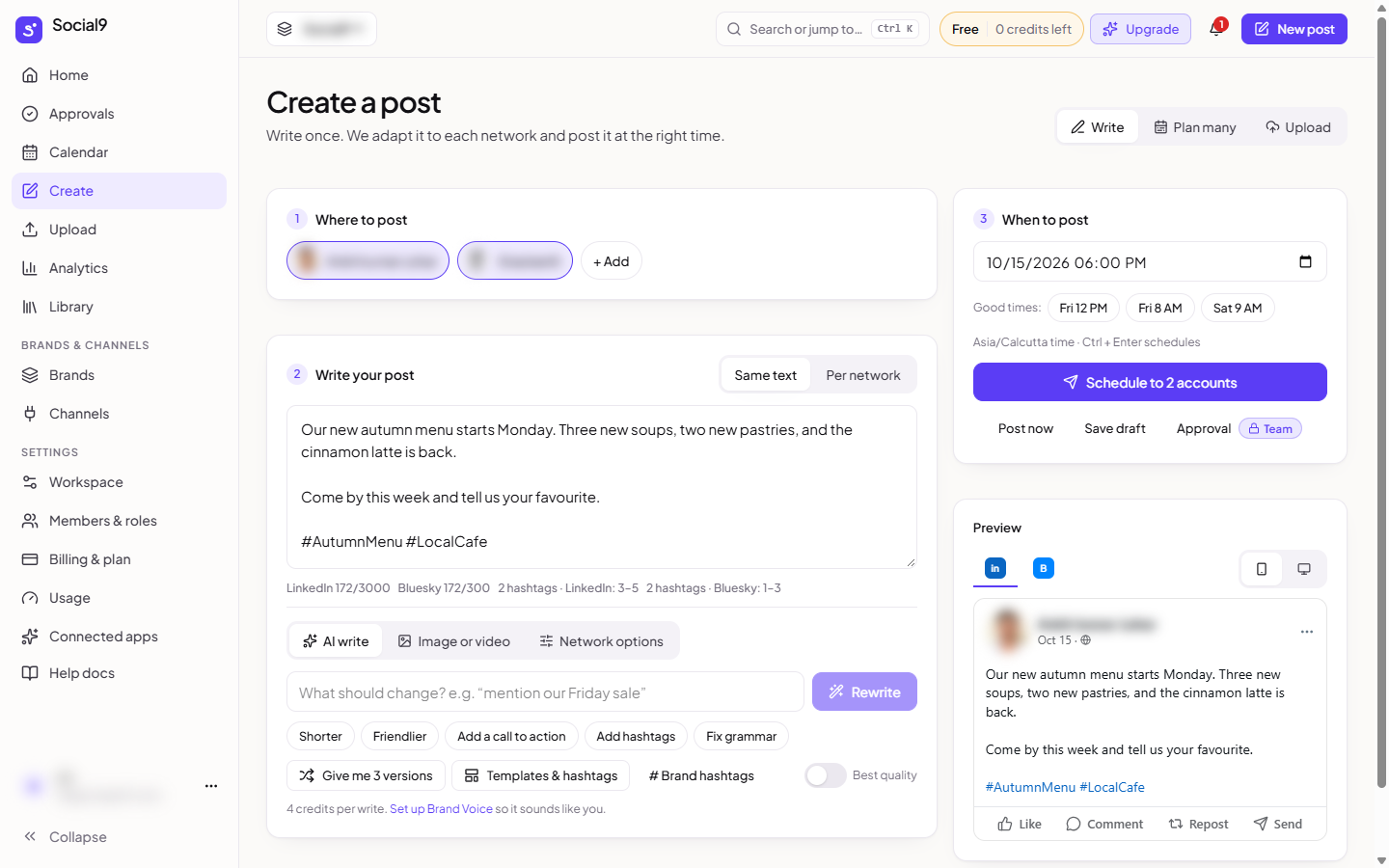
How to make a group from Create#
- Open Create.
- In Accounts, tick the accounts you want in the group.
- Press Save as group.
- Type a name, for example "All Meta", and press Save.
How to make a group from the Queue page#
- Open Dashboard → Publish → Queue → Account sets.
- Press New group.
- Type a Name and tick the accounts.
- Press Save group.
How to use a group#
- Open Create.
- In Accounts, press the group's name. Exactly those accounts are now ticked.
- Press another group to switch to its accounts.
How to edit or delete a group#
- Open Dashboard → Publish → Queue → Account sets.
- Press Edit to rename the group or change its accounts, then Save group.
- Or press the bin next to it to delete it. Deleting a group never disconnects an account.
Good to know#
- Each brand has its own groups.
- Up to 50 groups per brand, with up to 20 accounts in each.
- If you disconnect an account, it is left out of its groups. A group with no connected accounts left says No connected accounts left.
- Making, changing and deleting groups needs a role that can edit posts.
- Sets also work with repost collections, Blog to posts, and when an AI assistant adds posts to your queue.