Content Repurposing Tools: The Secret to Cross-Platform Social Media Success
The best content repurposing tools for social media by job: video clipping, text rewriting, visuals and scheduling, plus a workflow that avoids clone posts.
Autopilot & AI
Social media autopilot uses AI to plan, draft, schedule and publish posts. Learn how the loop works, platform AI rules, and where a human must stay in charge. Social9 TeamProduct, content and engineering team at Social9Published 11 min read
Social media autopilot is software that uses AI to plan, write, adapt, schedule and publish social posts for you, then learns from how those posts perform. You set the goals, voice and rules; the system does the repetitive work. The best setups are not fully hands-off: a human still approves what goes out, owns any claim that could create legal or reputational risk, and steps in when the news cycle or a conversation needs judgment.
This guide explains how the autopilot loop works, what AI does well and badly, the platform and FTC rules that apply to AI-assisted posting, and a practical checklist for setting approval levels. It is part of our Autopilot and AI hub.
Like an aircraft autopilot, it handles the routine stretch while people set the route and take over for anything unusual. There are three levels of social media automation, and it helps to know which one you are buying:
| Level | What it automates | Who writes the post |
|---|---|---|
| Scheduling | Publishing at a set time | You |
| AI-assisted | Drafting, captions, hashtags, plus scheduling | AI drafts, you edit every post |
| Autopilot | Planning, drafting, per-network adaptation, timing, publishing and reporting, on a recurring basis | AI drafts within your rules; you approve by exception or by policy |
A plain scheduler (see our complete guide to social media scheduling) saves you from logging in at 8:30 a.m. An autopilot also saves you from staring at a blank calendar.
The system turns your inputs into a content plan: themes per week, a mix of formats, and which networks get what. Inputs are usually a brief, a list of topics, product pages or blog URLs, and any fixed dates such as launches, holidays and events. Good planning respects your posting cadence per network instead of blasting everything everywhere. If you want to sketch a plan before automating it, the free social media content calendar generator gives you a starting grid.
The AI writes the first version of each post. Quality here depends almost entirely on context: your brand voice, examples of posts that worked, words you never use, and facts it is allowed to state. Social9's brand voice AI is built for this step. You share guidelines and sample content, and the drafts follow your tone, with guardrails for prohibited topics and required disclosures.
One idea becomes several native posts. A LinkedIn version gets a stronger opening line and more context, an X version gets shorter, an Instagram version becomes a caption for a carousel, and a Google Business Profile update stays local and practical. Adaptation also covers character limits, hashtag conventions, link handling and media formats.
Posts are placed into the calendar at times chosen from your audience data, or from sensible defaults when you are just starting. Our best times to post on social media guide covers how to read timing data without over-trusting it.
The system publishes at the scheduled time, so nobody has to be online. It is also where a missing approval or a stale post can go live, which is why approval rules (below) matter.
After posts go live, performance data feeds back into planning: which topics, formats and times worked, and which drafts you edited heavily. Social9's brand voice model learns from your edits and from content performance.
Social9's social media automation runs this loop as one workflow: AI generation from topics, URLs or campaign briefs, per-platform adaptation, AI-chosen posting times, evergreen recycling, trigger-based workflows such as posting when a new blog article goes live, and scheduled reports.
Being clear about this split is the whole game. Delegate the left column freely; build review steps around the right column.
| AI does well | AI does poorly |
|---|---|
| Producing many draft variations quickly | Knowing whether a fact, price or date is still true |
| Reformatting one idea for several networks | Judging tone around tragedies, news and sensitive topics |
| Staying inside length limits and formats | Knowing what your legal team will and will not approve |
| Repeating a consistent voice once trained | Originality: first-hand stories, opinions, real experience |
| Suggesting hashtags and posting times | Understanding a specific customer's situation in a reply |
| Summarizing a blog post or webinar into posts | Spotting that a "fun" post clashes with something that happened an hour ago |
| Recycling evergreen content with fresh wording | Knowing what is confidential, embargoed or not yet announced |
A good mental model: AI is an excellent junior writer with infinite energy and no memory of yesterday's news. It needs a brief, a style guide and an editor. For a deeper discussion of the balance, see AI vs human content on social.
These five areas are where fully automatic publishing causes real problems. Treat them as non-negotiable review points.
At minimum, a person should approve new campaigns, new formats and any post in the first few weeks of a new autopilot setup. Once the drafts reliably match your voice, you can move to approving by exception (spot checks plus anything flagged). Social9 supports approval workflows, so drafts can wait for sign-off instead of publishing automatically.
Prices, discounts, availability, performance claims ("cuts costs in half"), comparisons with competitors, health or financial outcomes, and anything with a number in it need a human to confirm they are true and approved. AI will confidently restate an old promotion or round a figure in a way your legal team never signed off.
Scheduled cheerfulness during a crisis is a classic automation mistake. Every setup needs a pause switch and a named person who uses it for breaking news in your industry or region, a public complaint gaining traction, or an internal incident. Review the queue before resuming, because last week's posts may now read very differently.
Drafting reply suggestions is fine. Sending automated replies to people is a different matter, both for customer experience and for platform rules (see the X section below). Keep a human on complaints, support questions, anything involving personal data, and any reply that commits the brand to an action.
Financial services, healthcare, pharma, legal, insurance, alcohol, gambling and political or social-issue content all have rules that go beyond platform policy. In these sectors, set every post to require approval from someone trained on your compliance requirements, and keep a record of who approved what.
Platform policies change often, so check the official pages linked here before you set rules for your team. As of October 2026, the main ones are:
Meta shows an "AI info" label on content it detects as AI-generated or that people disclose as AI-generated; it renamed the earlier "Made with AI" label in July 2024, according to Meta's post on its approach to labeling AI-generated content. The same page says content that was only edited with AI tools has the label moved into the post menu, while content detected as fully AI-generated keeps a visible label. Meta also said it requires people to use its disclosure tool when posting organic content with photorealistic video or realistic-sounding audio that was digitally created or altered, and may apply penalties if they do not.
What this means for autopilot: AI-written captions on real photos are not what these labels target. AI-generated realistic video or audio is, so route it through a person who applies the disclosure.
TikTok requires creators to label AI-generated or significantly edited content that shows realistic-looking scenes or people, using the AI-generated content setting before posting, as described in its help center article on AI-generated content and its Integrity and Authenticity guidelines. TikTok may also auto-label content it detects, including through Content Credentials metadata, and unlabeled realistic AI content can be removed, restricted or labeled by TikTok.
YouTube asks creators to disclose realistic content that was meaningfully altered or synthetically generated, using the "AI use" setting in YouTube Studio, per its altered or synthetic content help page. Disclosure is required for things like making a real person appear to say something they did not, altering footage of real events, or generating realistic scenes that never happened. It is not required for using AI to write a script, title or thumbnail, or for minor edits such as color correction. YouTube says creators who consistently fail to disclose may face content removal or suspension from the YouTube Partner Program.
X's automation rules allow automated posts, including posts built from sources such as RSS feeds, as long as you follow its other rules. Automated mentions and replies are much more restricted: the rules say sending automated replies to many users on an unsolicited basis is not permitted, that replying automatically based on keyword searches alone is not allowed, and that automated replies are allowed only when the recipient has clearly asked to be contacted, with an easy way to opt out. Duplicative or spammy posting can lead to suspension. For autopilot, this means scheduling your own posts is fine, and auto-replying to strangers is not.
| Platform | What triggers a disclosure or restriction | What to do in your autopilot setup |
|---|---|---|
| Facebook, Instagram, Threads | Photorealistic AI video or realistic AI audio | Human applies Meta's AI disclosure before publishing |
| TikTok | Realistic AI-generated or significantly AI-edited scenes or people | Turn on the AI-generated content label; human check |
| YouTube | Realistic altered or synthetic content | Set "AI use" to Yes in Studio |
| X | Automated replies or mentions without opt-in; duplicate or spammy posts | Schedule your own posts only; keep replies human |
If you market to US audiences, two FTC rules matter more once AI is producing content at volume.
Endorsements and disclosures. The FTC's Endorsement Guides FAQ says paid or otherwise connected endorsements need clear disclosure placed close to the endorsement, using plain language such as "#ad" or "Paid post by [brand]" at the start of a post rather than buried among hashtags. It also says platform disclosure tools do not automatically satisfy the requirement, and brands should train and monitor their endorsers. If your autopilot drafts posts for affiliates, ambassadors or partners, build the disclosure into the template and make it an approval check.
Fake reviews and testimonials. The FTC's final rule banning fake reviews and testimonials prohibits reviews that misrepresent who wrote them, explicitly including AI-generated fake reviews, and also covers buying fake social media indicators such as bot-generated followers or views. The FTC can seek civil penalties against knowing violators. The rule took effect on October 21, 2024, according to the FTC's Consumer Reviews and Testimonials Rule Q&A. In practice: never let an AI invent a customer quote, review or testimonial for a social post. Use only real, attributable, permissioned quotes.
Use this sequence when turning on autopilot for a brand or client.
Before the first post
Choose an approval level per content type
| Approval level | How it works | Use it for |
|---|---|---|
| Level 1: Approve every post | Nothing publishes without sign-off | New setups, regulated industries, launches, paid partnerships |
| Level 2: Approve the batch | A person reviews the week's queue in one sitting | Established voice, routine educational and evergreen content |
| Level 3: Approve by exception | Posts publish automatically; flagged posts wait | Recycled top performers, low-risk content after a track record |
| Never automate | Human writes and sends | Crisis responses, replies to complaints, legal statements |
Every week
Every quarter
If you plan to run many brands this way, our guide on bulk scheduling social media posts covers the batching side.
| Risk | What it looks like | Guardrail |
|---|---|---|
| Factual drift | An expired offer or wrong date gets reposted | Claims and numbers always require approval; expire evergreen posts with dated facts |
| Tone-deaf timing | Upbeat promo during a local tragedy | Pause switch with a named owner; weekly queue review |
| Voice drift | Posts slowly sound generic | Keep example posts current; review the most-edited drafts |
| Undisclosed AI media | Realistic AI video posted without a label | Human applies platform AI labels; checklist item |
| Undisclosed endorsements | Partner posts without "#ad" | Disclosure in templates; approval for all paid content |
| Spam signals | Same text across many accounts or networks | Per-network adaptation; no duplicate cross-posting; no auto-replies |
| Account access | Too many people with publishing rights | Role-based access; remove access when people leave |
| Fabricated proof | AI invents a stat, review or quote | Ban invented quotes and stats in the guardrails; verify every number |
No. A scheduler publishes posts you wrote at a time you choose. Autopilot adds AI planning, drafting, per-network adaptation, timing and performance feedback, so it produces the posts as well as publishing them.
Usually not for text. Meta, TikTok and YouTube labels target realistic AI-generated or altered images, video and audio; YouTube says an AI-written script or title needs no disclosure.
It can suggest replies, but you should keep a human sending them. X's automation rules restrict automated replies to people who have not asked to be contacted, and replies often involve customer issues that need judgment.
It depends on your approval level. Level 1 means reviewing every post; Level 3 means a weekly queue review plus spot checks. Most teams start at Level 1 and move content types down as the drafts prove reliable.
It can be, if every post requires approval from someone who knows your compliance rules and you keep a record of approvals. Use AI for drafting and formatting, and keep humans on claims and sign-off.
Start with adapting one approved idea into network-specific versions, and with scheduling. Then add AI drafting for evergreen and educational posts. Try the free LinkedIn post generator to see how AI drafting fits your voice before automating it.
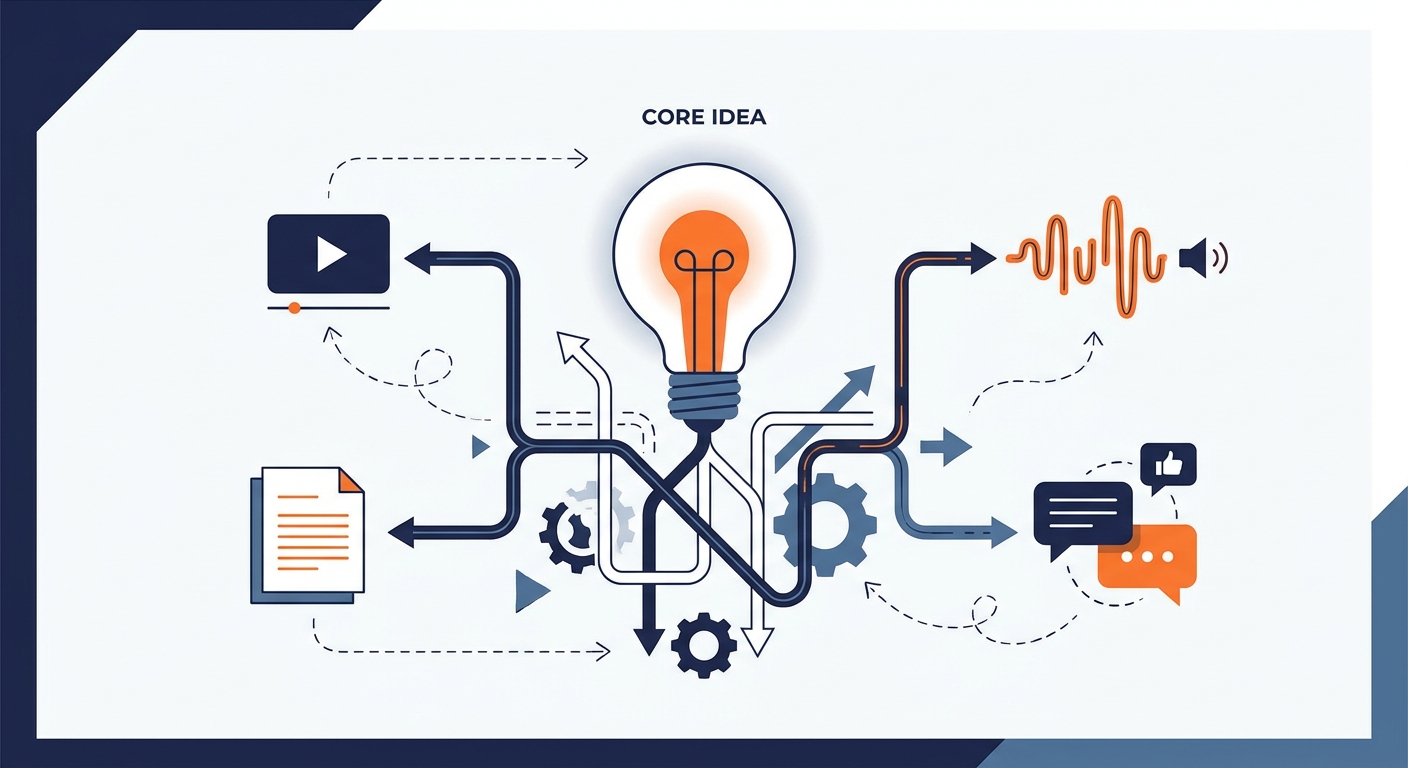
The best content repurposing tools for social media by job: video clipping, text rewriting, visuals and scheduling, plus a workflow that avoids clone posts.
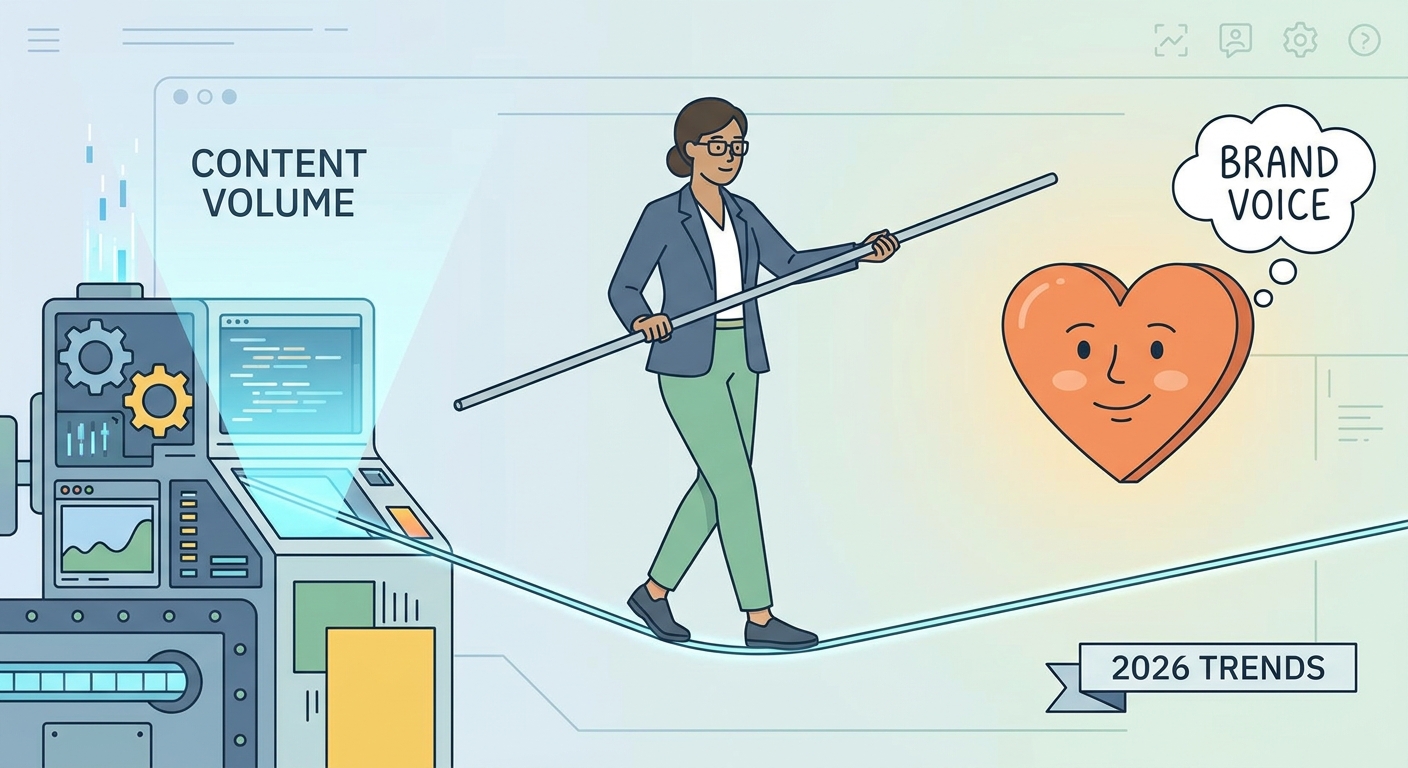
Automate social media posts without sounding robotic: audit what to automate, write a voice bible for AI, add human approval and keep a kill switch ready.

What AI agents do in social media marketing: planning, writing, scheduling and reporting, where they save time, and how to keep a human in the approval loop.
Social9 schedules your posts on 11 networks, and Autopilot can draft them in your brand voice for you to approve. Start on the free plan.