What is social media autopilot? How AI posting works (and where to keep a human)
Social media autopilot uses AI to plan, draft, schedule and publish posts. Learn how the loop works, platform AI rules, and where a human must stay in charge.
Autopilot & AI
Automate social media posts without sounding robotic: audit what to automate, write a voice bible for AI, add human approval and keep a kill switch ready. Social9 TeamProduct, content and engineering team at Social9Published Updated 6 min read
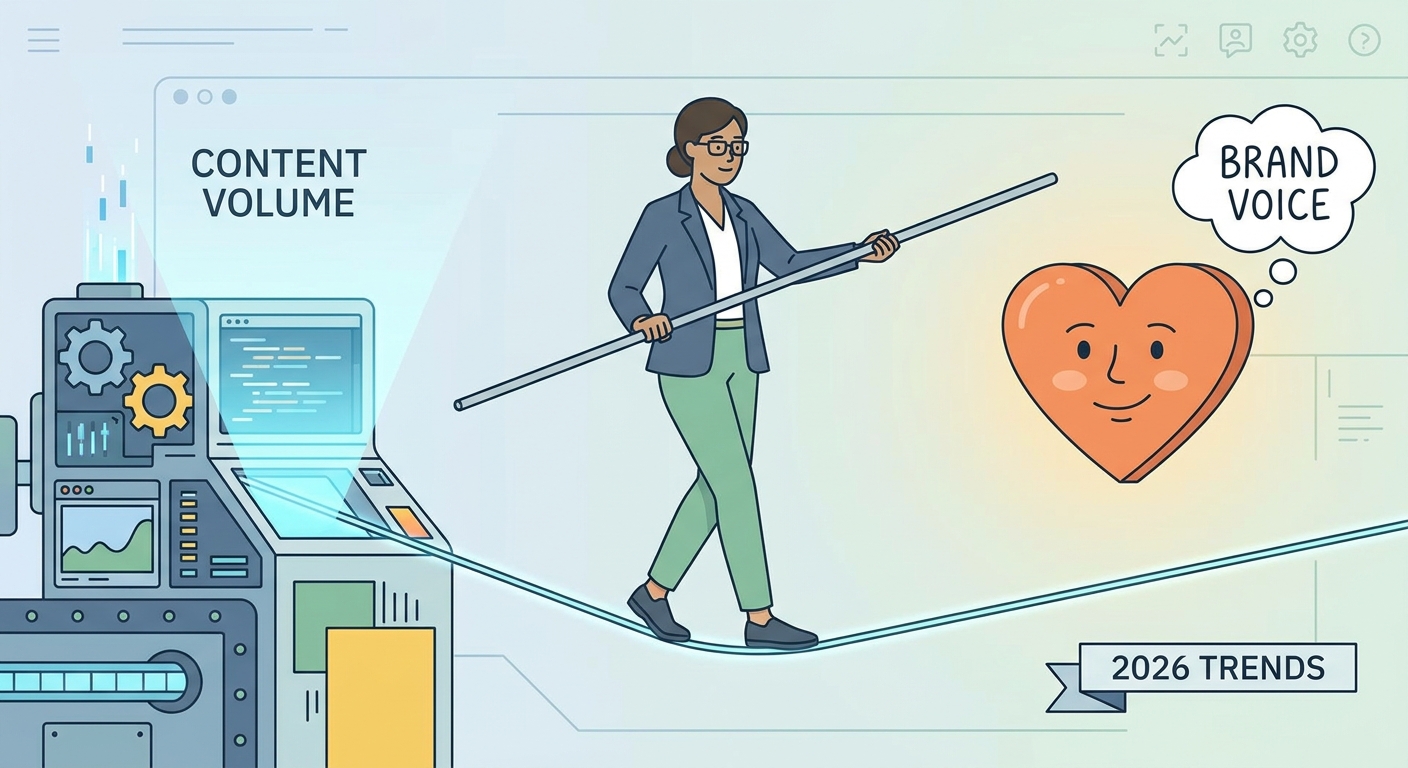
To automate social media posts without losing your brand voice, automate the routine work (drafting, formatting, scheduling and publishing) and keep humans in charge of voice, approval and every sensitive conversation. Write your voice down as concrete rules the AI must follow, review every draft before it goes live, and keep a way to pause the whole queue instantly.
Your audience expects you to be everywhere and to react quickly, but people are also good at spotting the hollow tone of machine-written posts. Ignore automation and you drown in volume; lean on it lazily and you alienate the people you want to reach. Automation isn't "set it and forget it." It's "set it and refine it": you automate to buy back the hours you need to be human where it counts.
Many teams get this backwards. They automate the high-stakes work, such as community replies, while grinding out repetitive updates by hand. Before you touch a scheduling tool, sort your social tasks by risk and repetition:
| High repetition | Low repetition | |
|---|---|---|
| Low risk | Automate fully. Evergreen tips, event reminders, product highlights, blog promotion | Template it. Seasonal posts, announcements built from a reusable structure |
| High risk | Human in the loop. Customer FAQ replies, recurring campaign posts that touch sensitive topics | Keep it manual. Crisis response, thought leadership, cultural commentary, upset customers |
For every item on your calendar, ask: does this post need a pulse? If it's an evergreen tip or a standard update, automate it. If it's a nuanced reply to a frustrated customer or a high-stakes opinion piece, keep your hands on the wheel. Automation is for distribution. Connection is for humans.
Check for both failure modes. Over-automating looks like robotic DMs and canned replies that drive people away. Under-automating looks like hours spent manually scheduling posts a tool could queue in seconds.
You can't automate a personality you haven't defined. If your voice is vague, AI defaults to the lowest common denominator: bland corporate speak.
If your brand walked into a room, who would it be? Maybe witty, authoritative and compassionate. Maybe minimalist, disruptive and data-driven. Write those three words down. Every post, including the ones AI drafts, has to answer to them. If your brand is "witty" and the AI hands you a press release, the system failed.
Words like "friendly" or "innovative" are too broad for an AI to turn into actual sentences. Your voice bible should define:
Turn it into a reusable system prompt, for example:
Use the same voice bible across every AI tool so the voice doesn't fork. Our guide to training AI on your brand voice walks through the full setup.
A useful rule of thumb: let automation handle most of the operation (research, first drafts, repurposing, formatting and scheduling) and keep the smaller, high-value share for people: creative direction, voice and the final approval.
graph LR
    A[AI: research and topic ideas] --> B[Human: creative direction]
    B --> C[AI: drafts per network]
    C --> D[Human: edit and approve]
    D --> E[Automated publishing]
    E --> F[Analytics loop]
    F -- What worked --> A
Watch for the robotic feedback loop: when AI output is fed back into AI as examples, nuance fades into buzzwords. Keep your voice examples human-written.
Writing one post at a time under deadline pressure is when your voice drifts. Batching 10 or 20 posts in one sitting lets you design a conversation rather than a string of posts: Tuesday's carousel leads into Wednesday's case study and Thursday's personal reflection. That thematic rhythm is what makes a brand feel like a person rather than a feed-filler.
Start from one strong, human-authored piece (a long-form article, a video, a thoughtful LinkedIn essay) and treat it as the source of truth. AI can then turn it into many network-specific variants. Make sure it re-frames the message for each audience instead of just summarizing it.
Don't dump Instagram captions onto LinkedIn. LinkedIn rewards structured professional insight; Instagram wants visual storytelling and brevity; TikTok needs a hook in the first seconds. Keep your core values fixed and let each network's format change. A message like "why transparency in AI matters" can be a visual carousel on Instagram and an insight-led post on LinkedIn. For more, see how to optimize AI-generated content for each platform.
Social platforms work like search engines now. Someone searching "best sustainable packaging" wants a post that answers the question, not a pile of hashtags. Make sure automated captions use the natural-language keywords your audience actually searches for.
Employee advocacy works better when you share the "bones" of a message and let people add their own perspective, rather than asking everyone to repost identical copy. A brand that sounds like a network of real people is harder to tune out.
There's a hard line at crisis, empathy and high-stakes dialogue. When a customer is angry or hurt, they want to be heard, not processed. An automated reply in the middle of a public backlash can do lasting damage.
Community management builds trust. If you automate DMs until they feel like a gatekeeper, you've built a wall between your brand and your community. Use AI for triage and simple FAQs at most; Hootsuite's guide to social media automation draws the same line.
Moving at the speed of culture is valuable and risky. Prepare in advance:
Likes alone won't tell you whether automation is working. Ask whether your automated posts start real conversations in the comments and send people to your site, newsletter or other owned channels. Use your analytics to compare voice choices, for example polished posts against more personal, imperfect ones, and keep doing what your audience actually responds to.
Before any automated post goes into the queue, check:
If it fails, it stays in drafts.
Social9 was built around this approach. You set up a brand profile and voice with blocked words, and the AI Autopilot plans and writes posts in that voice. Choose Drafts only, Approve first or Full Autopilot depending on how much review you want, set quiet hours, and use Pause to stop the queue instantly when you need to. Teammates and clients can approve posts on the Team plan and up. Learn more about social media automation with Social9, or compare tools in our roundup of the best AI social media post generators.
Want your AI assistant to write in your brand voice from inside Claude or ChatGPT? See how Social9 connects to AI assistants with guardrails built in.
Never automate crisis response, sensitive community conversations, high-stakes cultural commentary or personal DMs. These are the moments where trust is won or lost, and they need human empathy and context.
Check each post against your three personality words. If you can't see those traits in the copy, or it reads like a template with the same length, emoji pattern and upbeat tone as every other post, it is too generic.
Only for initial triage or simple FAQ-style answers. Complex, emotional or high-stakes comments need a person to make sure the reply is accurate and empathetic.
Keep your core values and vocabulary fixed, and let a per-network voice profile adjust format and tone: structured insight on LinkedIn, visual storytelling on Instagram, hook-first scripts on TikTok.
Yes. Authenticity comes from your intent and the value you provide. If automation frees time to show up more consistently and reply more personally, it supports authenticity rather than replacing it.
Social media autopilot uses AI to plan, draft, schedule and publish posts. Learn how the loop works, platform AI rules, and where a human must stay in charge.
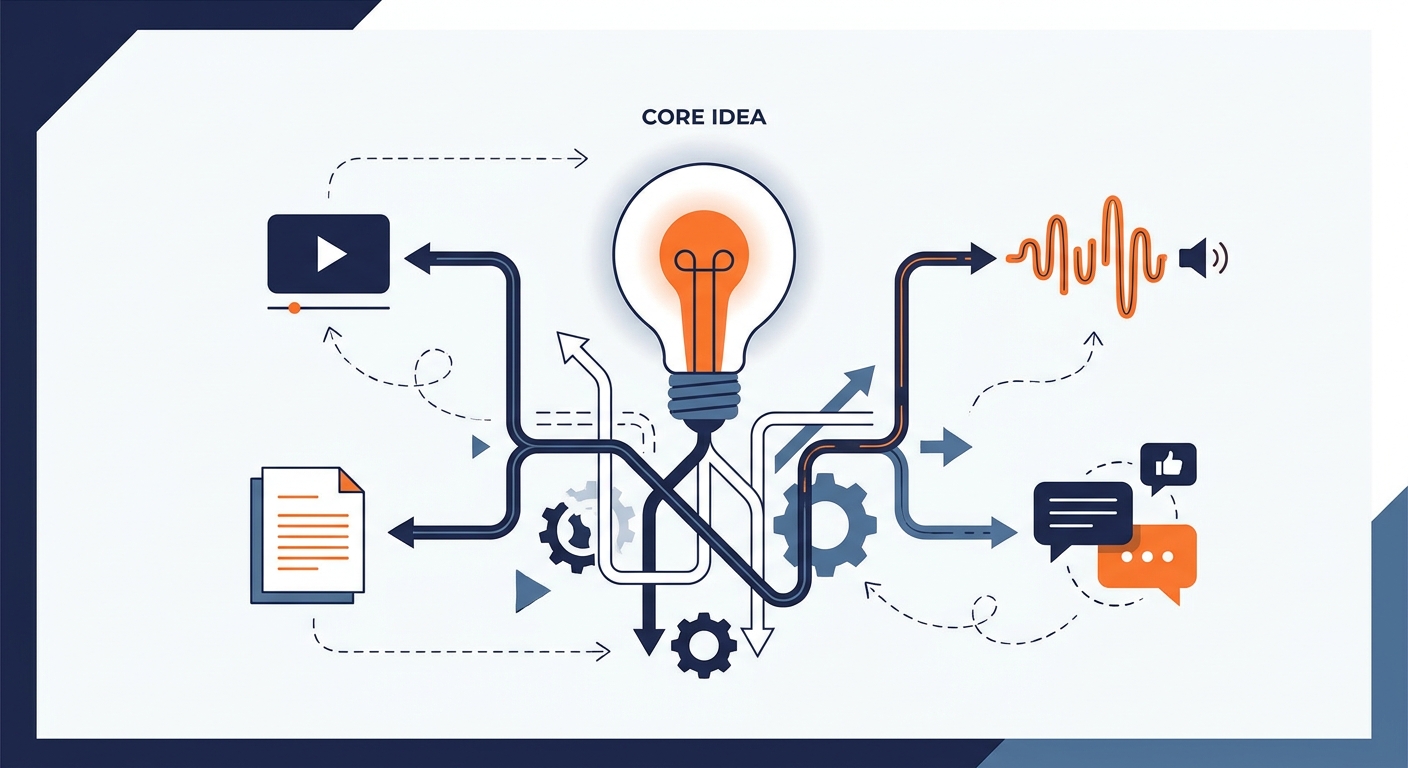
The best content repurposing tools for social media by job: video clipping, text rewriting, visuals and scheduling, plus a workflow that avoids clone posts.
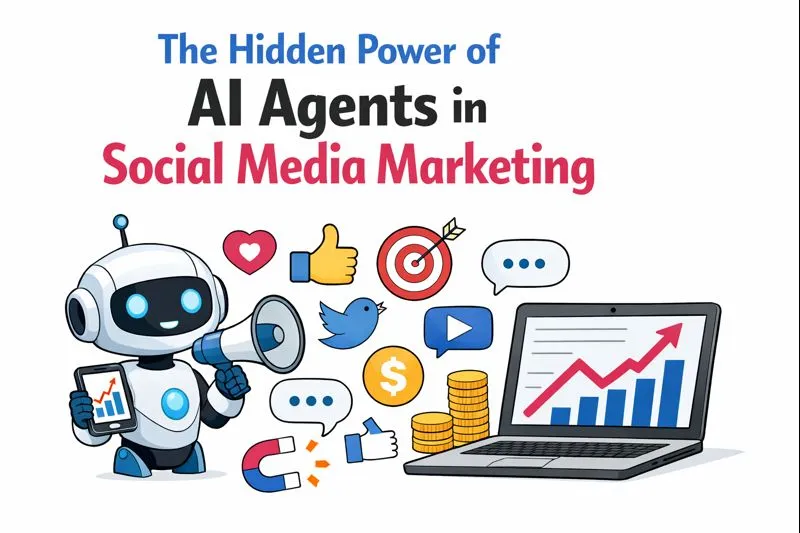
What AI agents do in social media marketing: planning, writing, scheduling and reporting, where they save time, and how to keep a human in the approval loop.
Social9 schedules your posts on 11 networks, and Autopilot can draft them in your brand voice for you to approve. Start on the free plan.