Social media scheduling: the complete 2026 guide
How social media scheduling works in 2026: native schedulers vs tools, API limits, a six-step workflow, queues, time zones, approvals and a checklist.
Scheduling
Stop manual posting. Compare the top social media marketing platforms of 2026 to find the AI-powered tools that scale your business and drive real revenue. Alex ChenAI Content StrategistPublished Updated 7 min read
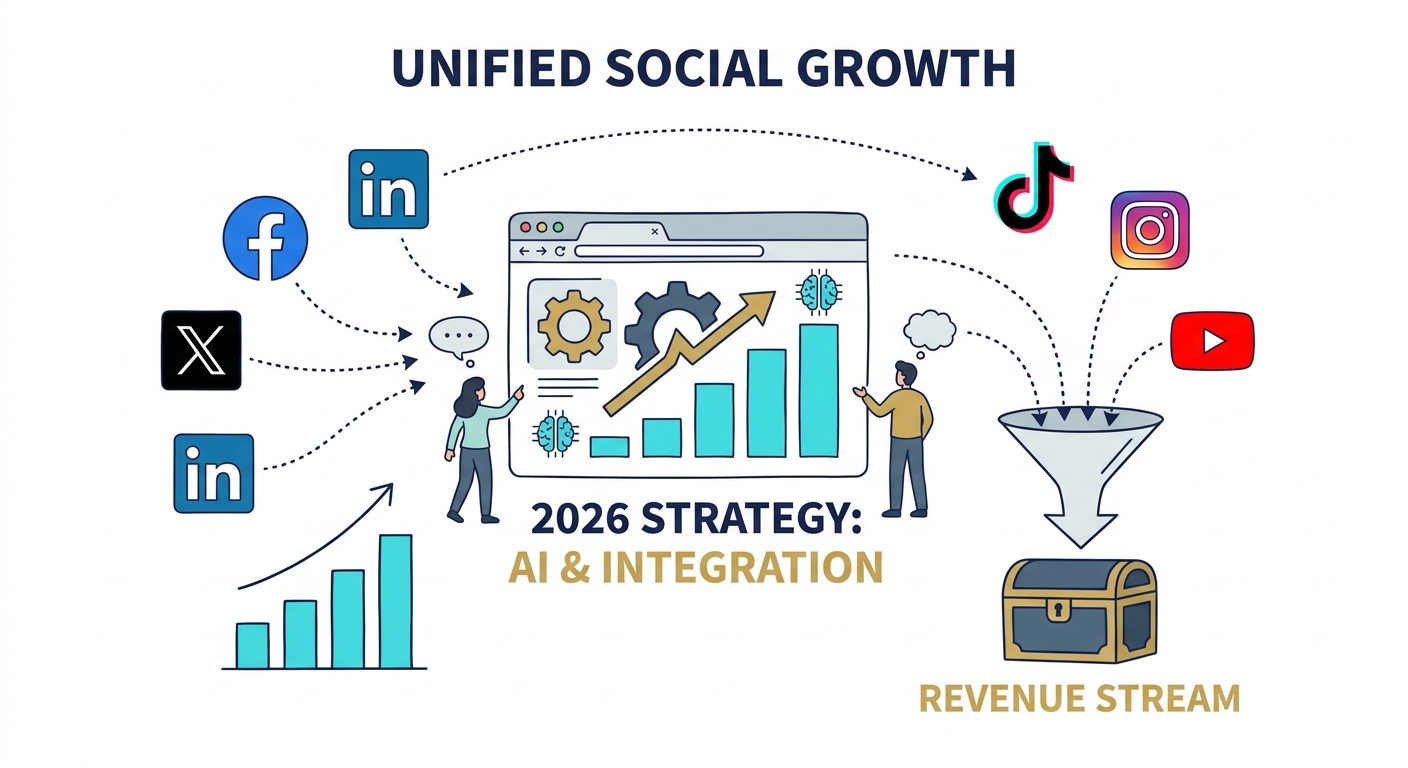
Choosing a social media management platform in 2026 isn't about collecting the most buttons or features. It’s about finding an engine that turns your business goals into actual, bankable revenue.
If you’re still manually logging into native apps to post, you aren’t just burning daylight—you’re falling behind. In an era where AI-driven insights and unified customer experiences are the baseline for survival, manual posting is a liability. This guide is your audit. We’re going to figure out your maturity level and pick a platform that scales with you, rather than one that acts like a digital anchor.
The shift from "content volume" to "content impact" is the defining story of 2026. We’ve moved past the "spray and pray" era where brands flooded feeds with generic updates. Today’s algorithms punish that noise. We are living in the reality of "Chaos Culture," where audiences crave raw, human-centric, and highly contextual content.
If your current workflow is a patchwork of spreadsheets, Google Drive folders, and five open browser tabs, you’re suffering from the chaos without seeing any of the benefits.
Manual posting fragments your brand voice. It leaves you blind to the big picture. To pivot from a manual operator to an AI-enabled manager, you need to centralize your intelligence. Let’s strip away the marketing fluff and look at the cold, hard requirements for your business stage. Is your current stack a growth catalyst, or is it just a bottleneck?
The barrier to entry has collapsed. Features once reserved for Fortune 500 companies are now standard for lean startups. According to the latest Hootsuite social media trends 2026, the defining characteristic of high-performing brands this year is the integration of AI-native workflows that go way beyond simple caption generation.
A platform isn't "must-have" unless it delivers these three pillars:
Don't buy a Ferrari if you only need a bicycle. Choosing an enterprise-grade suite when you’re a solo creator leads to subscription fatigue and feature paralysis. Conversely, trying to manage a scaling team on a free, entry-level tool will lead to missed approvals and brand inconsistency.
graph TD
    A[Start: What is your business stage?] --> B{Team Size?}
    B -->|Solopreneur| C[Creator Focus]
    B -->|Small Team| D[SMB Focus]
    B -->|Large Org/Agency| E[Enterprise Focus]

    C --> C1[Must-have: Mobile-first editing & AI Voice]
    D --> D1[Must-have: Unified Inbox & Approval Workflows]
    E --> E1[Must-have: White-label Reporting & Advanced Roles]

    style C fill:#f9f,stroke:#333,stroke-width:2px
    style D fill:#ccf,stroke:#333,stroke-width:2px
    style E fill:#ff9,stroke:#333,stroke-width:2px
| Platform Category | Best For | Key AI Strength | Reporting Depth | Complexity |
|---|---|---|---|---|
| Creator-First | Solopreneurs | Voice Mimicry | Basic | Low |
| SMB Suite | Small Teams | Workflow Automation | Intermediate | Medium |
| Agency/Enterprise | Large Orgs | Predictive Modeling | Advanced/White-Label | High |
The eternal debate: do you buy the "all-in-one" platform that does everything at a "B+" level, or do you build a "best-of-breed" stack that does specific tasks at an "A+" level?
If you’re a smaller operation, simplicity is your greatest asset. An all-in-one platform reduces the cognitive load of managing five different subscriptions. However, as you scale, you might find that an all-in-one tool’s social listening capabilities are weaker than a dedicated tool like Brandwatch or a specialized AI-trend analyzer.
My advice? Start with an all-in-one suite. If you find yourself consistently frustrated by a specific feature—like the reporting module or the scheduling interface—that is the moment you slice that piece off and replace it with a specialized tool. Just remember: every new tool adds an integration "tax." Before you add a new piece to your stack, make sure it plays nicely with your core platform via API.
Future-proofing isn't about buying the most expensive tool. It’s about interoperability. Platforms come and go, but your data is your most valuable asset. Always choose a platform that allows for easy data exports and offers robust API documentation. If your tool locks you into a "walled garden" where your analytics or content history cannot be pulled out, you are at risk.
Also, avoid the "hidden costs" of free tools. A free tier might save you $50 a month, but the time you spend manually resizing images, hunting for missing notifications, or copy-pasting reports is a massive tax on your productivity. Data from Sprout Social’s marketing statistics 2026 highlights that companies who invest in integrated management platforms see a significantly higher ROI on their time. They spend less time managing the "plumbing" of social media and more time on high-level strategy.
Before you pull out your credit card, run a 30-day audit. You need to know exactly where your current process is bleeding time.
graph LR
    A[Start Audit] --> B[Map Current Channels]
    B --> C[Analyze Post Volume]
    C --> D[Identify Team Bottlenecks]
    D --> E[Define Reporting Needs]
    E --> F{Gap Analysis}
    F --> G[Select Tool Category]

    style A fill:#dfd,stroke:#333
    style G fill:#fdd,stroke:#333,stroke-width:2px
Start by mapping your channels. Are you posting to five platforms but only getting traffic from two? Cut the dead weight. Next, analyze your volume. If you’re posting twice a week, a high-end enterprise suite is overkill. Identify your team bottlenecks—is it the approval process? Is it the reporting? Once you have these data points, the choice of platform becomes obvious.
The gap between "social media" and "social commerce" is effectively gone. According to Salesforce’s guide on growing small businesses socially, customers now expect to buy products without ever leaving their social feed. If your platform doesn't support native e-commerce integration—meaning it doesn't sync your inventory or allow for direct checkout—you’re adding friction to the most critical part of your business: the sale.
Prioritize tools that treat your social feed as a storefront, not just a billboard. When a customer can click a post and land on a checkout page within the app, your conversion rates will climb, and your data attribution becomes infinitely cleaner.
If you’re posting once or twice a week, you can manage manually. However, as soon as you’re juggling more than two channels or trying to post daily, the time you spend manually scheduling and tracking engagement is worth more than the cost of a basic subscription. Paid platforms offer the consistency that algorithms reward.
Start with an all-in-one platform to keep your workflow simple. Only branch out into specialized tools (like dedicated listening or advanced design software) when you hit a specific functional wall that your main platform cannot overcome.
AI will not replace your social media manager; it will replace the social media manager who refuses to use AI. The role is shifting from "manual content creator" to "AI-enabled strategist and editor." Your human touch is needed to guide the AI, verify the brand voice, and handle high-level community strategy.
You must use UTM parameters on every single link you post. Your social media platform should then be integrated with your analytics suite (like GA4 or a custom CRM dashboard) to track those clicks from the moment they hit your site to the moment they convert into a sale.
How social media scheduling works in 2026: native schedulers vs tools, API limits, a six-step workflow, queues, time zones, approvals and a checklist.

Build a 30-day social media content calendar step by step: pick content pillars, set posting frequency, batch, approve and schedule. Free template included.
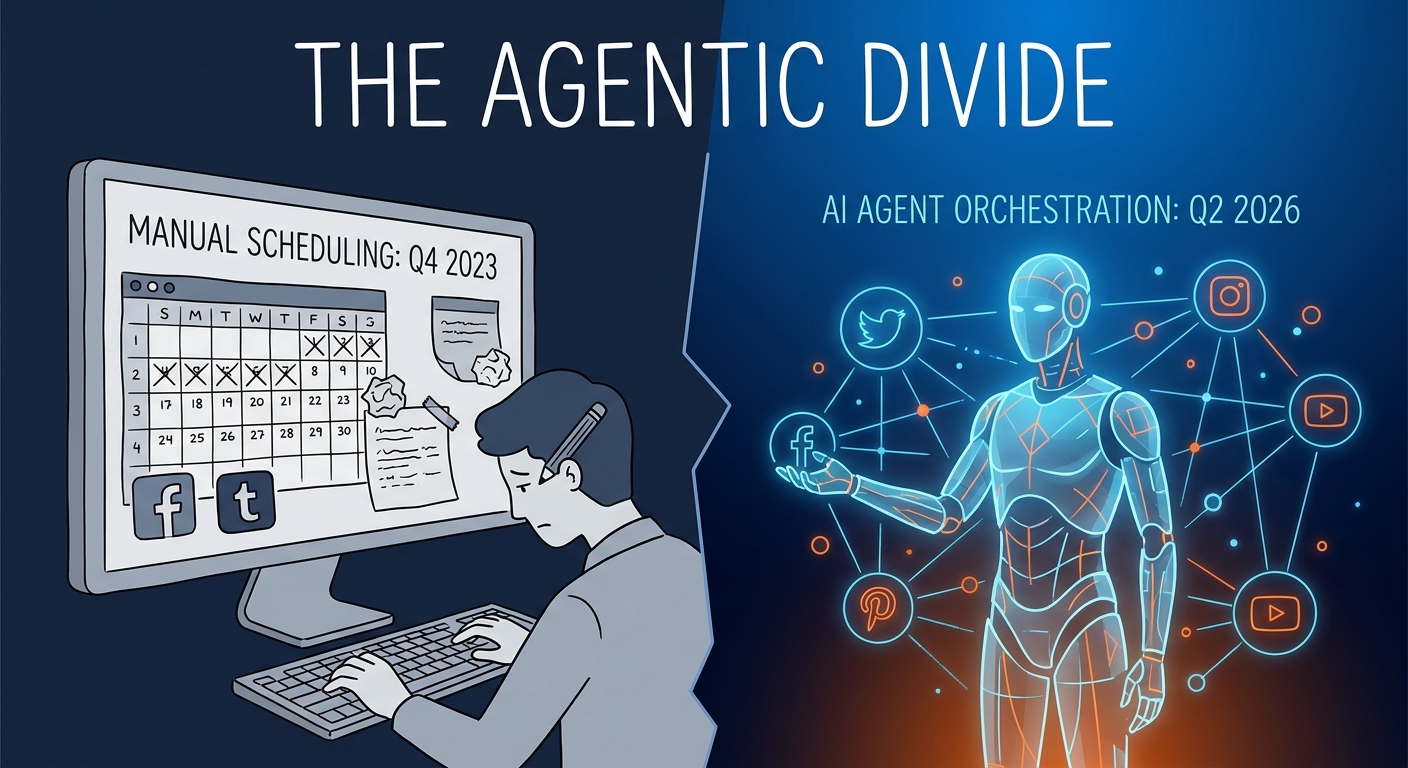
We compared 10 social media schedulers on price, pricing model, free plans, networks, AI writing and approvals. Prices checked October 2026 on vendor sites.
Social9 schedules your posts on 11 networks, and Autopilot can draft them in your brand voice for you to approve. Start on the free plan.
We use strictly necessary cookies to run this site. With your permission, we also use analytics cookies to understand how the site is used. We never use advertising cookies. See our Cookie Policy.