What is social media autopilot? How AI posting works (and where to keep a human)
Social media autopilot uses AI to plan, draft, schedule and publish posts. Learn how the loop works, platform AI rules, and where a human must stay in charge.
Autopilot & AI
Stop manual drafting. Discover 5 free AI social media post generators to automate your content workflow, save time, and scale your brand presence in 2026. Emily RodriguezContent Marketing SpecialistPublished 7 min read
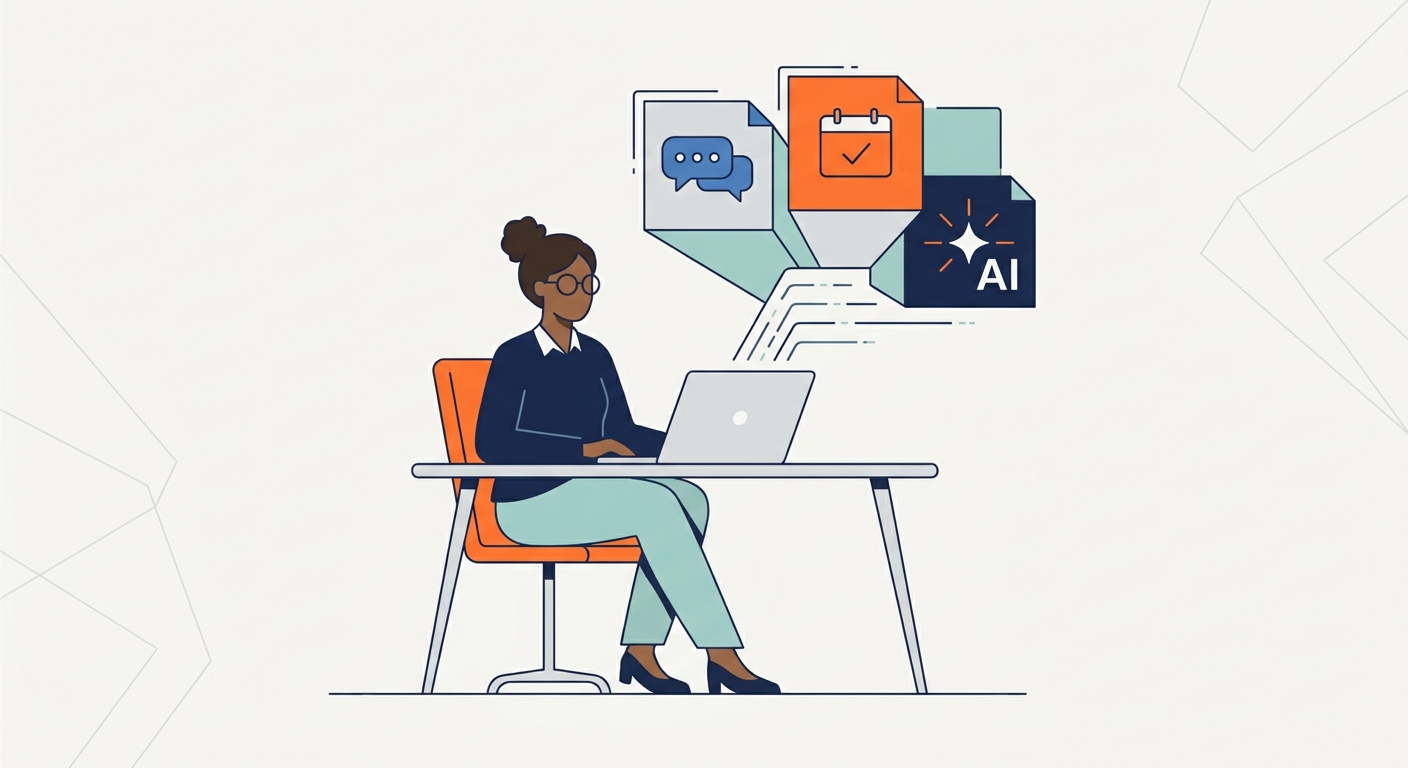
If you’re still manually drafting every caption, hunting for stock photos, and burning hours jumping between tabs to schedule your posts, you’re leaving money and sanity on the table. A recent study by Salesforce confirms that generative AI tools now save the average marketer five hours every single week. That’s half a workday reclaimed for high-level strategy, actually talking to your community, or—heaven forbid—stepping away from the screen entirely.
The shift is real. We’ve moved past the phase where AI was just a parlor trick for generating bad puns. It’s now a core part of your professional infrastructure. We aren't talking about chatbots that hallucinate; we’re talking about robust, integrated systems that handle the heavy lifting of content production so you can focus on the creative direction.
Remember when AI was just a novelty for churning out robotic, soulless copy? Those days are dead. In 2026, we’ve entered the era of Workflow AI. It’s the transition from "Generative AI" (the shiny, new toy) to "Workflow AI" (the actual utility).
The modern marketer doesn't need a tool that just spits out a generic caption. You need a partner that understands your brand voice, syncs with your calendar, and learns from what’s actually working. The goal here isn't to replace your creative spark; it’s to automate the friction that kills your momentum. When you move from manual drafting to strategic oversight, you stop being a cog in a content factory and start being a media director. By leveraging best practices in social media workflow, you can maintain a consistent cadence that actually rewards your audience instead of just cluttering their feed.
Not all "free" tools are actually useful. Most are just lead-gen traps designed to lock you out after three days. When I put this list together, I cut through the marketing fluff to find software that respects your time. I looked for three things:
If you want to see how these tools fit into a broader marketing engine, take a look at our definitive guide to social media strategy. Effective AI usage isn't about letting the robot drive; it’s about building a system that you control.
SocialBee is the gold standard for anyone managing multiple profiles who is tired of the "log in, log out" dance. It acts like a central nervous system for your content.
If your brand lives or dies by its aesthetic, Canva’s Magic Studio is non-negotiable. It has moved far beyond simple drag-and-drop design.
Most AI tools guess what people want to see. AdCreative.ai uses actual performance data to predict what will convert.
For thought leaders and B2B professionals, the "LinkedIn Voice" is notoriously hard to nail. This tool is built specifically to handle long-form professional discourse.
Video is king, but producing it is a logistical nightmare. Repurpose.io is the ultimate tool for turning one long-form effort into a week’s worth of content.
To save real time, you must stop treating these tools as isolated apps. You need a system. Your goal is to build an assembly line where AI does the heavy lifting and you provide the creative oversight.
graph LR
    A[Ideation: AI] --> B[Drafting: AI]
    B --> C[Visual Creation: AI]
    C --> D[Scheduling: Manager]
    D --> E[Analytics: AI]
    E -->|Feedback Loop| A
By connecting these phases, you move from "chasing trends" to "executing a strategy." When the Analytics AI feeds back into your Ideation stage, you’re no longer guessing what works; you’re iterating on success. Refer to our guide on how to build a content calendar to see how to map this workflow to your weekly schedule.
The "AI-sounding" problem is almost always a "lazy-prompting" problem. If you ask an AI to "write a post about coffee," you will get a generic, soulless paragraph. If you tell the AI, "Write a 150-word LinkedIn post about the frustration of a cold cup of coffee, using a witty, self-deprecating tone, and mentioning my brand's commitment to insulated travel mugs," you get something you can actually use.
The Human-in-the-Loop Technique:
Before you hit "Schedule," run your content through this humanization filter:
No. AI acts as a high-speed assistant. It handles the drafting, formatting, and data crunching, but it cannot replace the human ability to read the room, handle crisis communication, or build genuine community relationships.
Focus on prompt engineering. The more specific your constraints—like asking for a "witty, informal tone" or providing a personal anecdote—the more the AI will move away from generic, sterile language.
They vary. Always read the privacy policy. As a rule of thumb, never input sensitive financial data, proprietary strategies, or private client information into any public-facing AI tool.
Yes, by allowing you to test more variations of content. When you can generate five different hooks for one post in minutes, you can A/B test your messaging more effectively than if you were writing them all by hand.
"Free-Forever" tools offer a core set of features that you can use indefinitely without paying, usually with some limitations on volume. "Free-Trial" tools are essentially paid software that gives you a limited window to test their full capabilities before forcing a subscription.
Social media autopilot uses AI to plan, draft, schedule and publish posts. Learn how the loop works, platform AI rules, and where a human must stay in charge.
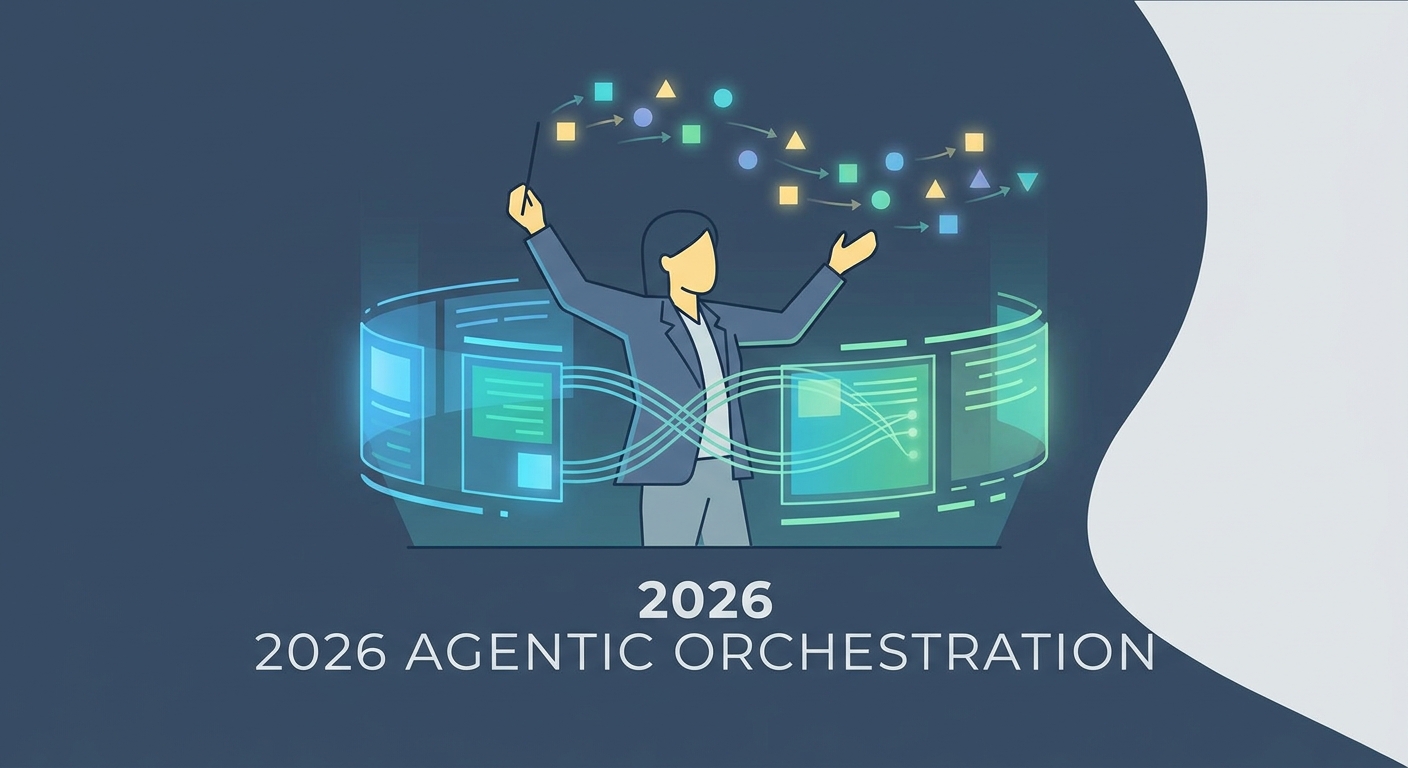
Stop using AI as a typewriter. Learn to build agentic workflows that scale high-authority content and beat synthetic mediocrity in 2026.
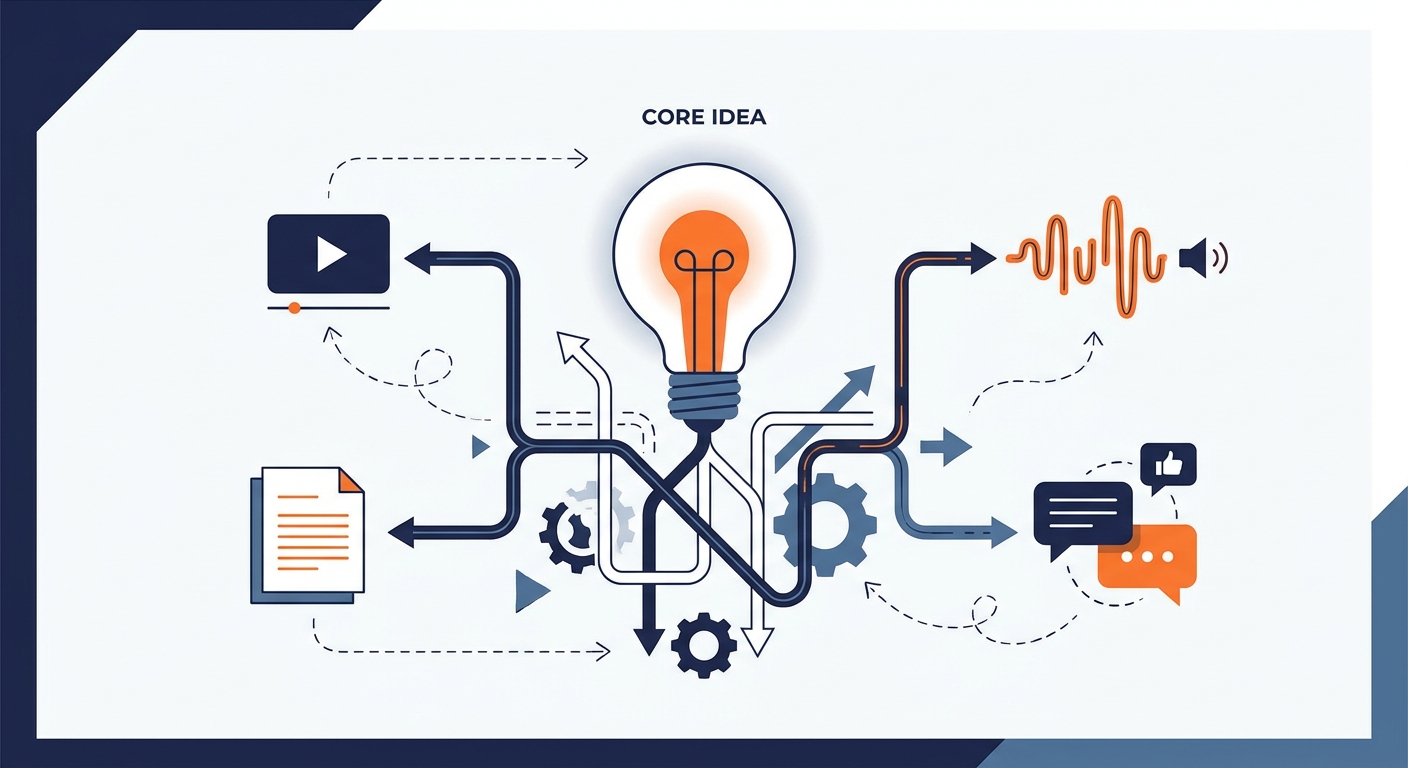
Stop cloning content. Learn how to use content repurposing tools to scale your social media strategy with high-velocity, platform-native assets that drive engagement.
Social9 schedules your posts on 11 networks, and Autopilot can draft them in your brand voice for you to approve. Start on the free plan.
We use strictly necessary cookies to run this site. With your permission, we also use analytics cookies to understand how the site is used. We never use advertising cookies. See our Cookie Policy.