What is social media autopilot? How AI posting works (and where to keep a human)
Social media autopilot uses AI to plan, draft, schedule and publish posts. Learn how the loop works, platform AI rules, and where a human must stay in charge.
Autopilot & AI
How to use an AI Instagram content generator to lift engagement: what to automate, prompts for saves and DMs, keyword captions and a weekly workflow. Social9 TeamProduct, content and engineering team at Social9Published Updated 9 min read

An AI Instagram content generator boosts engagement when you use it for the slow, repeatable work: researching topics, drafting captions and carousel scripts, adding search keywords and scheduling. You keep the parts that earn saves, shares and DMs, which are your point of view, your stories and your replies. Use it as a drafting partner with a clear brief and a human edit, not as an autopublisher for generic posts.
This guide explains what to hand to AI and what to keep, how to brief a generator so it sounds like you, and the prompts and weekly routine a social media manager can use straight away.
Instagram doesn't rank posts on likes alone. Adam Mosseri, head of Instagram, has said many times that the system looks at how long people watch, whether they like, comment, save or share, and how often they send a post to a friend. Sends and saves carry a lot of weight because they show the post was useful or worth passing on.
That changes what "engagement" should mean for your content plan:
A generator that only spits out "engaging captions" won't move these numbers. You have to tell it which of these outcomes each post is for.
A workable split is to let AI do most of the preparation and none of the judgment. Here is how that breaks down in practice:
| Task | Hand to AI | Keep human |
|---|---|---|
| Topic research and idea lists | Yes | Pick which ideas fit your goals |
| First-draft captions and carousel copy | Yes | Edit for voice, facts and opinion |
| Hook variations for Reels | Yes, ask for 5 to 10 | Choose and test |
| Keywords and alt text | Yes | Check they're accurate |
| Hashtag shortlists | Yes | Keep 3 to 5 relevant ones |
| Personal stories, opinions, hot takes | No | Always |
| Replies to comments and DMs | Suggestions at most | Always |
| Scheduling and cross-posting | Yes | Approve the queue |
The rule of thumb: if a follower would feel misled discovering a machine wrote it, write it yourself. Replies, apologies, personal anecdotes and anything about a sensitive topic fall into that group.
Most AI-generated feeds feel random because the brief was random. Before generating anything, write down three to five content pillars, the recurring themes your account is known for. A bakery might use "behind the counter", "seasonal bakes", "baking tips" and "regulars and community".
Then use AI to sharpen them. Export your last quarter of posts from Instagram's insights (or copy the top performers into a doc) and ask:
"Here are my 20 best-performing posts from the last 90 days with their saves, shares and comments. Group them into recurring themes. Which themes drove the most saves and shares? What topics related to these themes haven't I covered yet?"
Run the same exercise on two or three competitor accounts, using posts you can see publicly. You're looking for gaps: questions your audience asks that nobody in your niche answers well.
If you need a structure for turning pillars into a weekly rhythm, the 30-day social media content calendar template maps pillars to days and formats.
The biggest complaint about AI captions is that they sound the same as everyone else's. Fix that with input, not more prompting.
Our guide to brand voice guidelines for social media has a template you can fill in, and Social9's brand voice AI stores this profile so every draft starts from it.
People search Instagram for topics like "easy sourdough recipe" or "small apartment storage ideas", and Instagram matches posts to those searches using captions, on-screen text, alt text and audio. A caption full of vague hype won't show up. One with the words people actually type will.
Ask for keywords on purpose:
"Write an Instagram caption for a carousel on 5 storage ideas for small apartments. Use the phrase 'small apartment storage' naturally in the first line, mention 'renters' once, keep it under 120 words, and end with a prompt to save the post."
Then check the output:
Tag every post in your plan with one goal (save, share, comment or DM) and prompt for it. These prompts are a starting point. Replace the brackets and paste your voice profile above them.
Always ask for two or three versions so you can mix the best hook with the best body.
AI draft:
"Unlock the secrets of perfect sourdough! 🍞 Our expert tips will elevate your baking game. Save this post!"
Edited version:
"Your sourdough is flat because the starter isn't ready, not because of your oven. Here's the float test we use every morning at 5am before the first bake 👇 Save it for your next loaf."
The edit adds a specific problem, a real detail from the business and a reason to save. That's the 20% of the work that makes the other 80% worth doing.
Reels drive much of Instagram's reach to non-followers, and the script matters more than the caption. Ask your generator for:
Social9's free Instagram Reel script generator and Instagram caption generator are quick ways to try this before building it into your workflow.
Generic best-time charts are averages across millions of accounts. Your audience may behave differently. Check when your followers are online in Instagram's insights, then test two or three time slots over a few weeks and compare reach and engagement for similar posts. Our guide on the best time to post on Instagram explains how to run that test.
Once you know your windows, batch-schedule the week so you aren't publishing by hand. Leave the hour after each post free to reply to comments. Early replies keep the conversation going, and you can't automate them well.
AI gets better when the brief does. Once a week, spend 20 minutes on this loop:
After a month you'll have a brief that reflects what your audience actually rewards, not what a generic tool assumes.
If you want this workflow in one place, Social9 Autopilot plans a week or a month of posts from your pillars, writes them in your saved brand voice and adapts them for Instagram and your other networks. You choose how much control to keep: Drafts only, Approve first or Full Autopilot. Most teams start with Approve first, so nothing goes live until someone has edited and approved it.
Not by itself. Instagram ranks posts on how people respond, such as watch time, saves, shares and comments, rather than on who typed the caption. Reach suffers when AI output is generic or repetitive and people scroll past it. Edit drafts to add your perspective, and follow Meta's labelling rules for realistic AI-generated images or video.
Give the generator a written voice profile with three tone adjectives, preferred words, banned phrases and five examples of your best posts. Treat every output as a draft. Add your own stories, opinions and details before publishing, and save each correction you make to the profile so later drafts need fewer edits.
For scripting, any capable AI writer can draft hooks, three-beat scripts and on-screen text if you brief it well. For editing, Instagram's Edits app and in-app editor handle captions, audio and cuts natively. Pick tools based on where you lose the most time, whether that's ideas, scripts, editing or scheduling, rather than looking for one tool that does everything.
No. AI speeds up research, drafting, resizing and scheduling, but it can't judge brand risk, read the mood of a community, handle a complaint with care or decide when to drop a planned post because of real-world events. The most effective setup has a manager directing AI and approving its output, which frees their time for strategy and community work.
Social media autopilot uses AI to plan, draft, schedule and publish posts. Learn how the loop works, platform AI rules, and where a human must stay in charge.

Five free AI social media post generators with real free plans, what each is best for, their limits, and a simple workflow to turn drafts into posts.
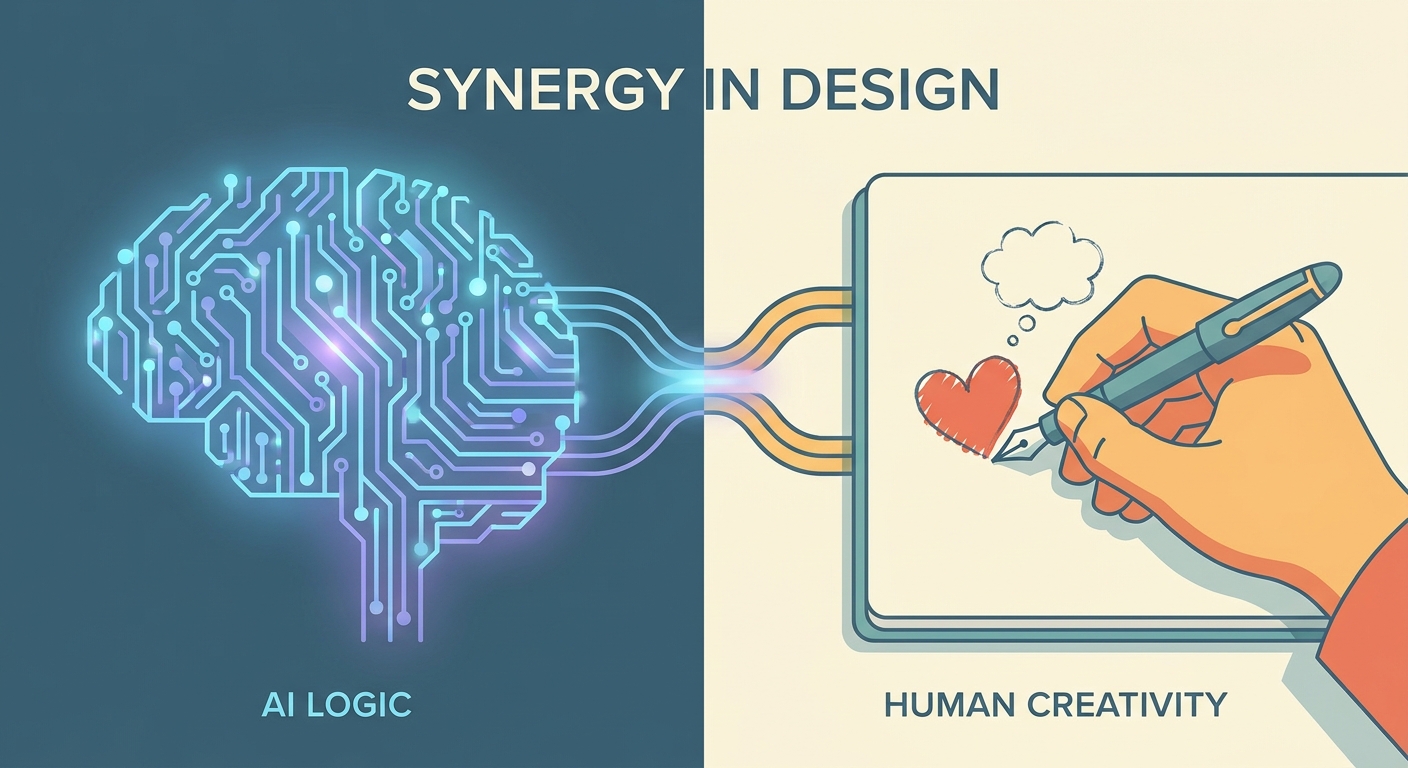
How to balance AI and human content on social media: what to automate, what must stay human, an 80/20 workflow, brand voice guardrails and review steps.
Social9 schedules your posts on 11 networks, and Autopilot can draft them in your brand voice for you to approve. Start on the free plan.