What is social media autopilot? How AI posting works (and where to keep a human)
Social media autopilot uses AI to plan, draft, schedule and publish posts. Learn how the loop works, platform AI rules, and where a human must stay in charge.
Autopilot & AI
Stop manual content switching. Discover the 10 best AI social media post generators of 2026 to automate your marketing workflow and scale your content output. Nikita ShekhawatSocial Media Growth ExpertPublished 7 min read
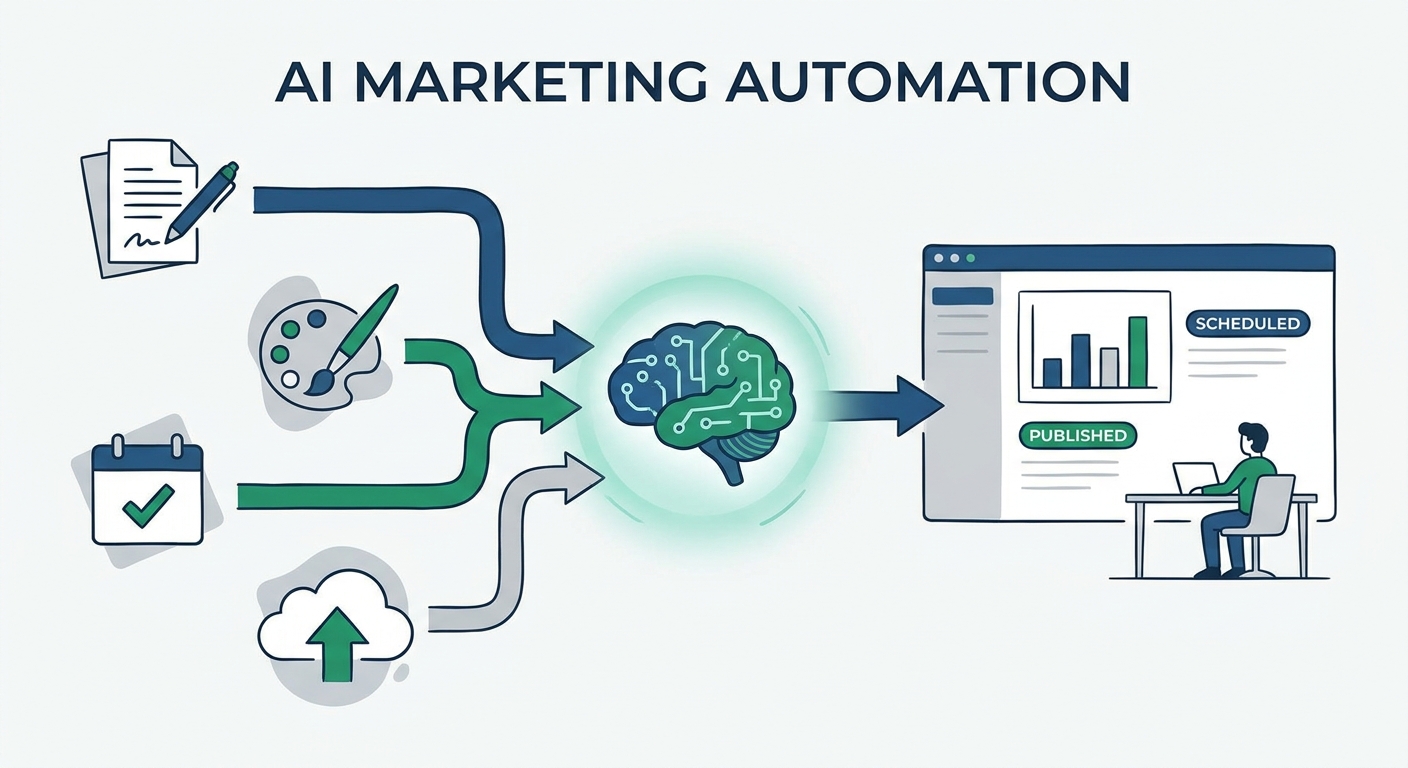
If you’re still bouncing between ChatGPT for drafts, Canva for visuals, Notion for your calendar, and a scheduler just to hit "publish," you’re bleeding time. It’s 2026. The real bottleneck isn't your creative spark; it’s the administrative friction of moving assets between apps that don't talk to each other.
The smartest marketing teams have moved toward "Workflow Consolidation." They’re using integrated AI engines that handle the heavy lifting from the first spark of an idea to the final automated post. This isn't about typing a prompt and praying for the best. It’s about building a pipeline that keeps your brand voice sharp while scaling your output. According to the State of Content Marketing 2026, brands that actually integrate these automated workflows see a 40% boost in lead velocity compared to those stuck in the manual, fragmented grind.
To fix the "4-App Problem," you need to stop looking at features and start looking at how a tool handles the full lifecycle. An elite tool in 2026 needs to nail three things:
When you master this, you stop being a "content creator" and start being an "editor-in-chief." For a look at how this fits into a bigger strategy, check out our Content Marketing Workflow Guide to see how we build these systems for maximum impact.
"Repurpose-First" is the only way to scale without burning out. Don't stare at a blank screen every morning. Start with one high-value asset—a blog, a video, a podcast—and let the AI do the heavy lifting of breaking it down into platform-specific content.
graph LR
    A[Input: Blog/Video] --> B(AI Processing: Repurposing Engine)
    B --> C{Platform Optimization}
    C --> D[LinkedIn: Professional]
    C --> E[TikTok: Short-form Video]
    C --> F[X: Thread/Summary]
    D --> G[Automated Scheduling]
    E --> G
    F --> G
By using this workflow, you aren't just spamming the internet. You’re ensuring every post is tailored to how people actually behave on each platform, which is vital given the latest Social Media Engagement Benchmarks 2026.
This is the gold standard for teams tired of tab-switching. It packs a writing engine, a calendar, and direct API connections into one interface.
Visuals are your only chance to stop the scroll. This tool uses Flux AI Image Generation Overview to make sure your graphics actually look like something a professional designer made, not a cheap stock photo.
Managing ten clients with five different writers is a nightmare. This tool makes it easy with granular permissions and centralized brand voice libraries.
This is the "IFTTT of social media" for the tech-savvy crowd. You can set up triggers—like a new row in a database—that fire off a full content pipeline automatically.
If you’re a video creator, this is your new best friend. It takes your long-form videos, slices them into viral clips, and adds captions automatically.
Some tools try to do everything; this one does LinkedIn and TikTok perfectly. It understands the difference between a "LinkedIn Bro" and a "TikTok Creator" better than anyone else.
Speed doesn't have to be expensive. This tool gives you the essentials—AI drafting and basic scheduling—at a price that doesn't hurt.
This tool closes the loop. It looks at what actually worked last week and feeds that data back into the generation engine to iterate for next week.
Tired of AI sounding like a robot? This tool uses "brand voice injection" to mimic your actual writing style.
Built for big orgs that need to keep a hundred people on brand without breaking legal compliance.
The secret to avoiding the "AI smell" is simple: stop being generic. If you ask an AI to "write a post about marketing," you will get soul-crushing drivel. Treat the AI like a junior copywriter. Give it a brief. Tell it who you are. Before you start, make sure you have your Brand Voice Guidelines uploaded and ready.
graph TD
    subgraph "Comparison of Prompting Strategies"
    A1[Generic AI Prompt] --> B1(Robotic Output)
    B1 --> C1{Engagement}
    C1 --> D1[Low: 1-2%]

    A2[Context-Aware AI Prompt] --> B2(Brand-Aligned Content)
    B2 --> C2{Engagement}
    C2 --> D2[High: 5-8%]
    end

    style D1 fill:#f9f9f9,stroke:#333
    style D2 fill:#d4edda,stroke:#28a745
By adding context—your past wins, industry jargon, and your specific take on the news—you turn the AI from a generator into a high-leverage assistant.
Despite the hype, the "pixel-perfect" gap is real. AI is great at synthesis, but it’s still learning the nuances of culture and timing. If you’re launching a brand-defining campaign, keep a human in the loop. AI can draft and schedule, but it can’t navigate the shifting cultural zeitgeist like a human strategist. Don't "set it and forget it." Use AI for the heavy lifting, but keep your hands on the steering wheel to ensure you stay authentic.
Audit your workflow today. Where are you wasting the most time? If it’s design, grab a visual-first tool. If it’s writing, find a tool that nails your voice. The winners this year will be the ones who prioritize integration over feature bloat. Start small, keep the human in the loop, and let the automation do the rest.
No. An AI tool replaces the manual labor of a social media manager, not the strategy. It acts as a force multiplier, allowing one person to do the work of three, but it can't replace creative intuition or cultural awareness.
The solution is "Brand Voice Injection." Don't just prompt the AI; give it a style guide, examples of your best-performing posts, and a list of words or phrases to avoid. The more context you provide, the less "robotic" the output becomes.
Yes, but the best ones use platform-specific models. You shouldn't use the same content for LinkedIn and TikTok. Look for tools that offer native templates or "platform modes" that adjust the tone, structure, and formatting automatically.
Both. Many tools now offer tiered plans that scale from solo creator features to enterprise-grade collaboration tools, including team permissions, approval workflows, and centralized asset libraries.
An "AI Generator" is a static tool that creates content when you tell it to. An "AI Agent" is proactive; it can be triggered by external events—like a new blog post going live—and automatically generate, format, and schedule a series of social posts without you having to touch the dashboard.
Social media autopilot uses AI to plan, draft, schedule and publish posts. Learn how the loop works, platform AI rules, and where a human must stay in charge.
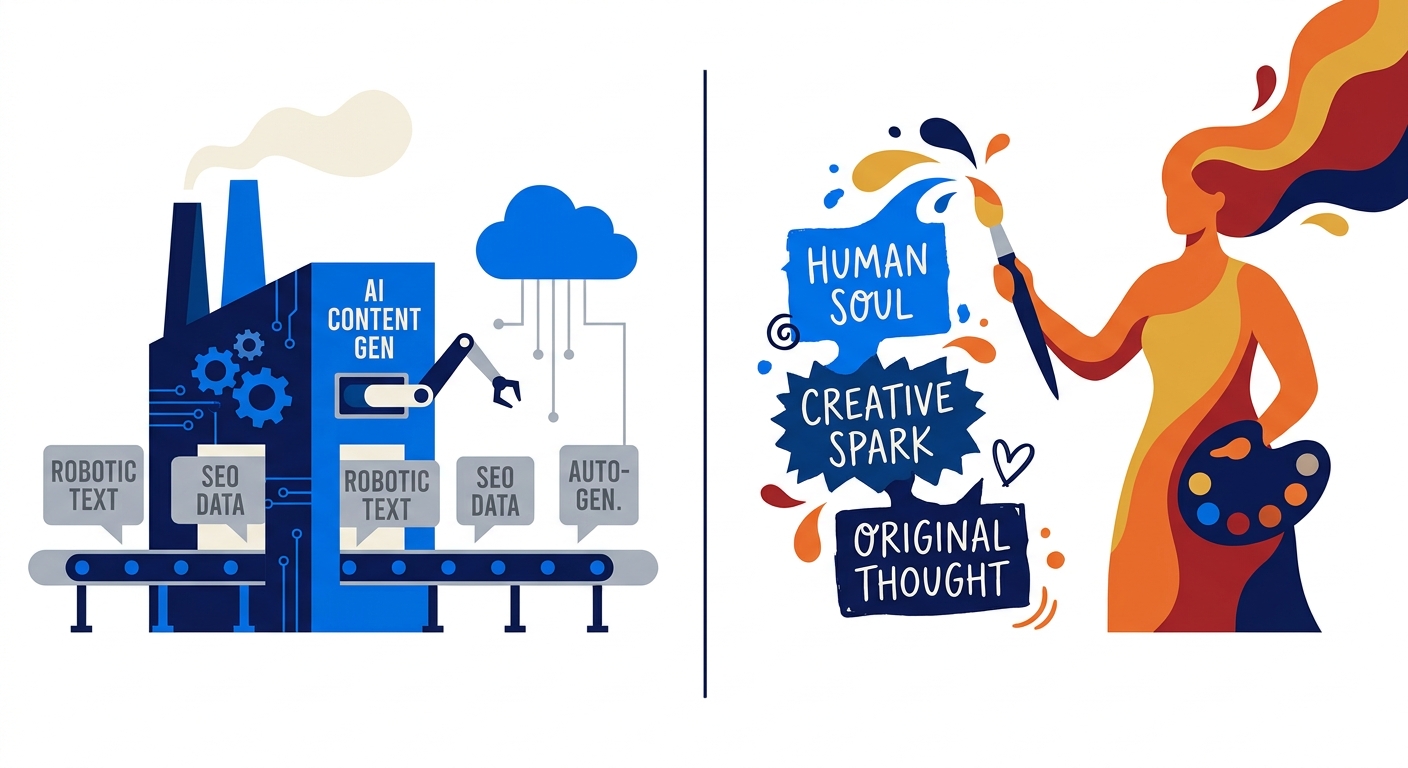
Stop posting AI-slop. Learn how to build a Zero-Touch content pipeline that automates social media strategy using your own proprietary data and insights.
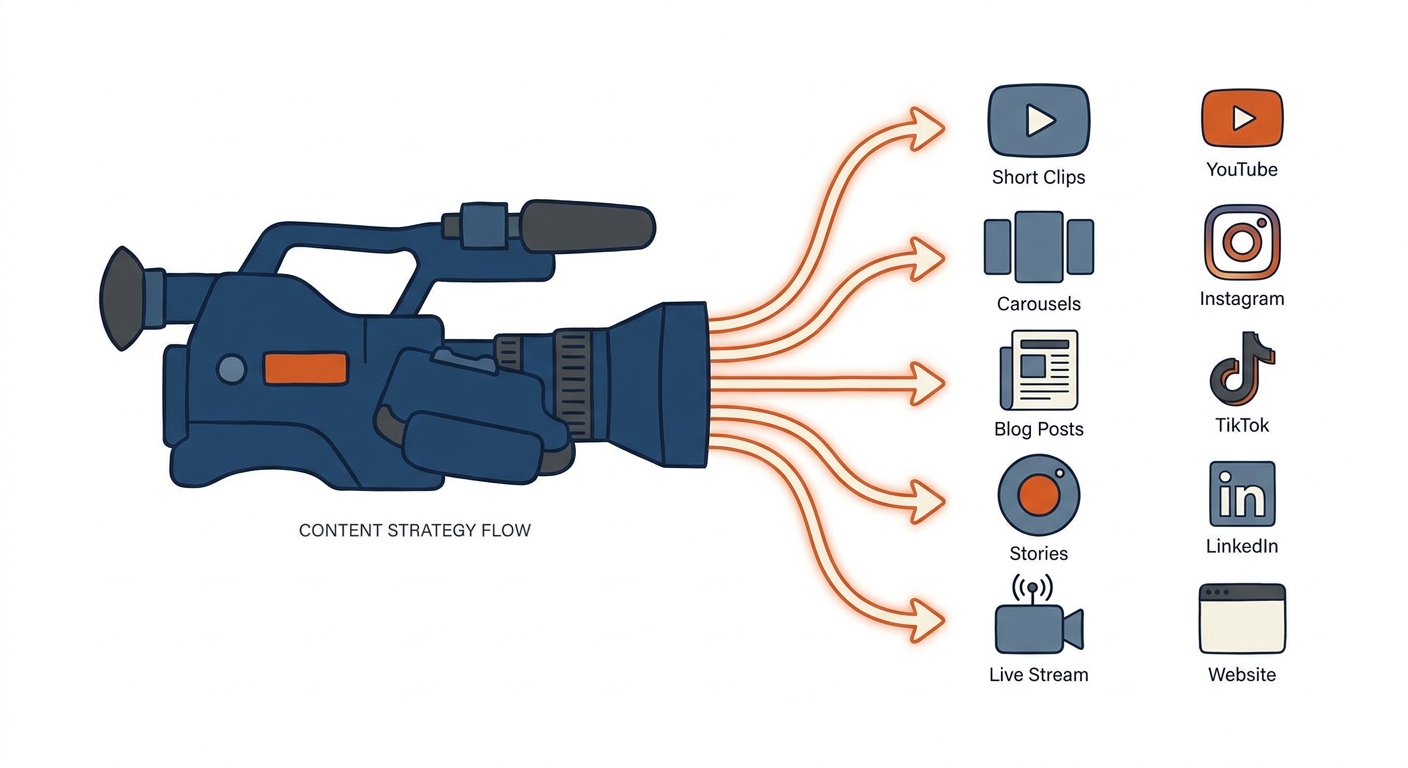
Stop manual editing. Learn how to use AI-driven content repurposing tools to transform one long-form video into a month of high-intent social media posts.
Social9 schedules your posts on 11 networks, and Autopilot can draft them in your brand voice for you to approve. Start on the free plan.
We use strictly necessary cookies to run this site. With your permission, we also use analytics cookies to understand how the site is used. We never use advertising cookies. See our Cookie Policy.