Social media scheduling: the complete 2026 guide
How social media scheduling works in 2026: native schedulers vs tools, API limits, a six-step workflow, queues, time zones, approvals and a checklist.
Scheduling
Stop manual posting. Learn how to bulk schedule social media posts using batching sprints and automation tools to reclaim 10 hours of your week. Nikita ShekhawatSocial Media Growth ExpertPublished 5 min read
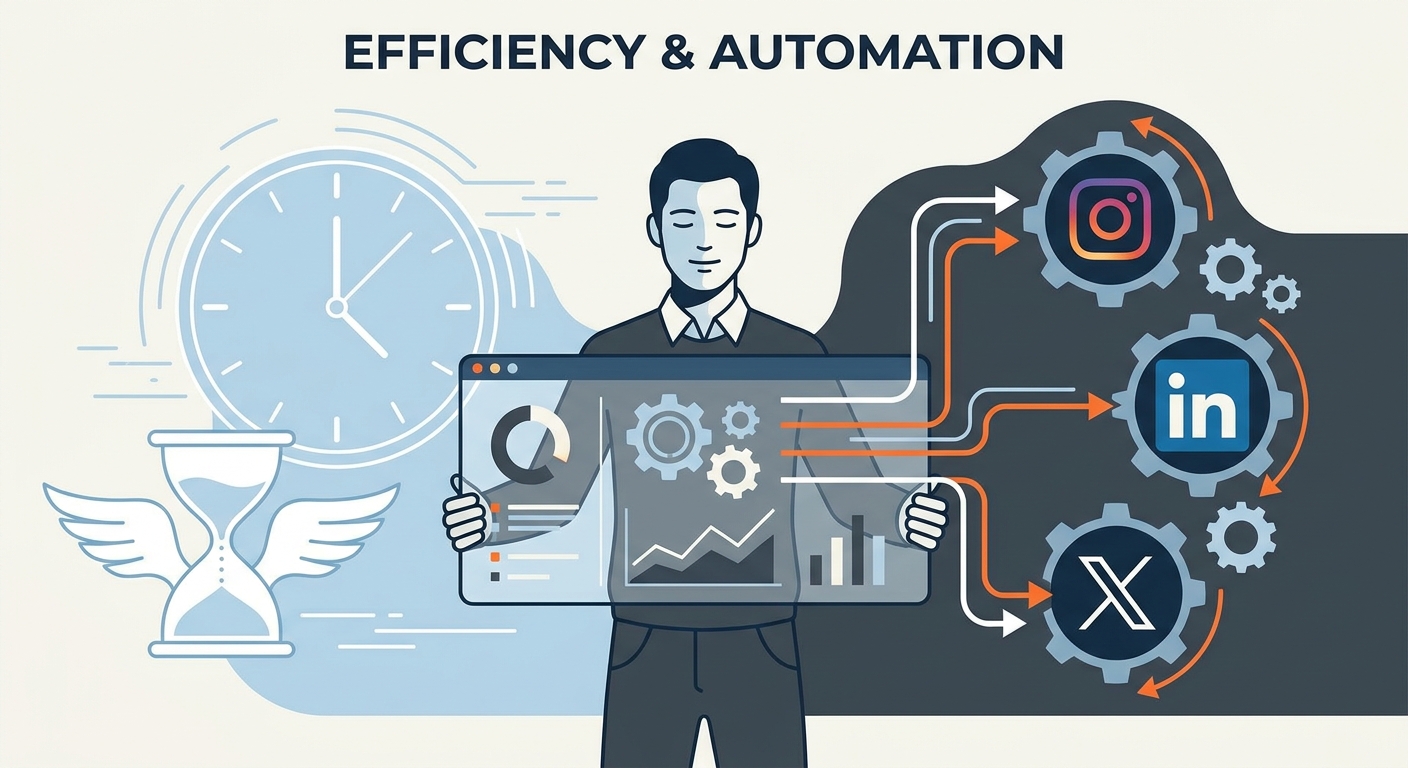
If you’re still waking up every morning to manually post content to Instagram, LinkedIn, and X, you’re bleeding time. It’s a death sentence for your creative focus.
Manual publishing is a massive drain on your operational efficiency. It’s the "death by a thousand cuts"—constantly switching contexts, hunting for files, and logging in and out of apps. By moving to a bulk scheduling workflow, you reclaim roughly 10 hours a week. This isn't just about convenience. It’s about shifting from fragmented, manual labor to a model of autonomous orchestration. Your strategy runs on autopilot, giving you the breathing room to focus on high-level community management and actual growth.
To fix your workflow, you need to be honest about where your time actually goes. Most creators and managers drastically underestimate the "Time Leak" hidden in their daily routine. When you post manually, you aren't just hitting a button. You’re finding the asset in a cluttered folder, resizing it, logging in, navigating the UI, and—the biggest trap of all—getting sucked into the notification feed.
According to recent social media marketing automation statistics, teams that switch to automated workflows report a 40% reduction in administrative overhead. If you spend 2 hours a day "just posting," you’re losing 10 hours a week. Here is how that time vanishes:
xychart-beta
    title "Weekly Time Allocation (Hours)"
    x-axis ["Manual Workflow", "Batch Sprint Workflow"]
    y-axis "Hours Spent" 0 --> 12
    bar [10, 2]
By eliminating these micro-tasks through a refined social media workflow automation strategy, you stop being a digital janitor and start being a publisher.
The secret to efficiency isn't working faster; it’s working in deep, uninterrupted blocks. We call this the "Batching Sprint." Instead of fighting the algorithm daily, you commit to one session—usually 3 to 4 hours—where you knock out an entire month of content.
Psychological research, such as why batching improves creative output, confirms that deep work is only possible when you protect your time from the constant friction of task-switching. To prepare your ecosystem:
The ultimate weapon for any serious social media manager is the CSV bulk upload. Think of it as your "Master Sheet." Instead of manually typing into a scheduler’s UI, you build a spreadsheet that maps your captions, image URLs, and posting times into a clean, structured format.
graph LR
    A[Asset Collection] --> B[CSV Mapping]
    B --> C[Scheduler Upload]
    C --> D[Auto-Queue]
    style A fill:#f9f,stroke:#333,stroke-width:2px
    style D fill:#bbf,stroke:#333,stroke-width:2px
Master this, and you can upload 50+ posts in under sixty seconds. The process is dead simple:
This method transforms social media workflow automation from a buzzword into a repeatable, scalable engine.
Scaling output doesn't mean watering down your brand voice. The best teams use AI not to write their identity, but to optimize the performance of the work they’ve already created. Use sentiment analysis to check if your captions sound too "salesy" or to tweak the tone for different platforms.
If you’re working with a team, the "Approval Workflow" is non-negotiable. It lets team members contribute to the schedule while keeping you in control as the final gatekeeper. According to the 2026 Social Media Trends Report, the most successful brands balance high-frequency, automated publishing with a rigorous review process. Don't lose your soul in the automation.
Not all tools are created equal. Pick one that fits your actual operational needs, not just the one with the flashiest marketing:
Before you pay for a subscription, ensure your chosen social media management tools 2026 support CSV imports and offer a rock-solid calendar interface. As you build a social media calendar, remember: the tool is only as good as the strategy behind it.
The biggest myth in social media is that automation kills authenticity. The truth? It creates the space for it. Use the "80/20 Rule" to keep your feed feeling human:
When you spend less time hitting "Publish," you have more time to build actual relationships. That is the real ROI of social media workflow automation.
No. Algorithms care about engagement, relevance, and value. Whether a post is published manually or via a tool, the algorithm treats it the same. High-quality content performs well regardless of the delivery method.
Use a tool with a flexible "drag-and-drop" calendar. If a major news event occurs, you should be able to pause your queue or move posts around with a simple click, ensuring your content remains relevant without disrupting your entire schedule.
Differentiate between "broadcast" content (which should be automated) and "community" content (which should be human). Automation handles the heavy lifting of distribution; your team handles the warmth of the conversation.
Absolutely. If your time is worth more than the cost of a subscription, the ROI is immediate. The mental tax of manual context switching on three platforms is a hidden cost that far outweighs the price of a professional scheduling tool.
How social media scheduling works in 2026: native schedulers vs tools, API limits, a six-step workflow, queues, time zones, approvals and a checklist.
Build a 30-day social media content calendar step by step: pick content pillars, set posting frequency, batch, approve and schedule. Free template included.
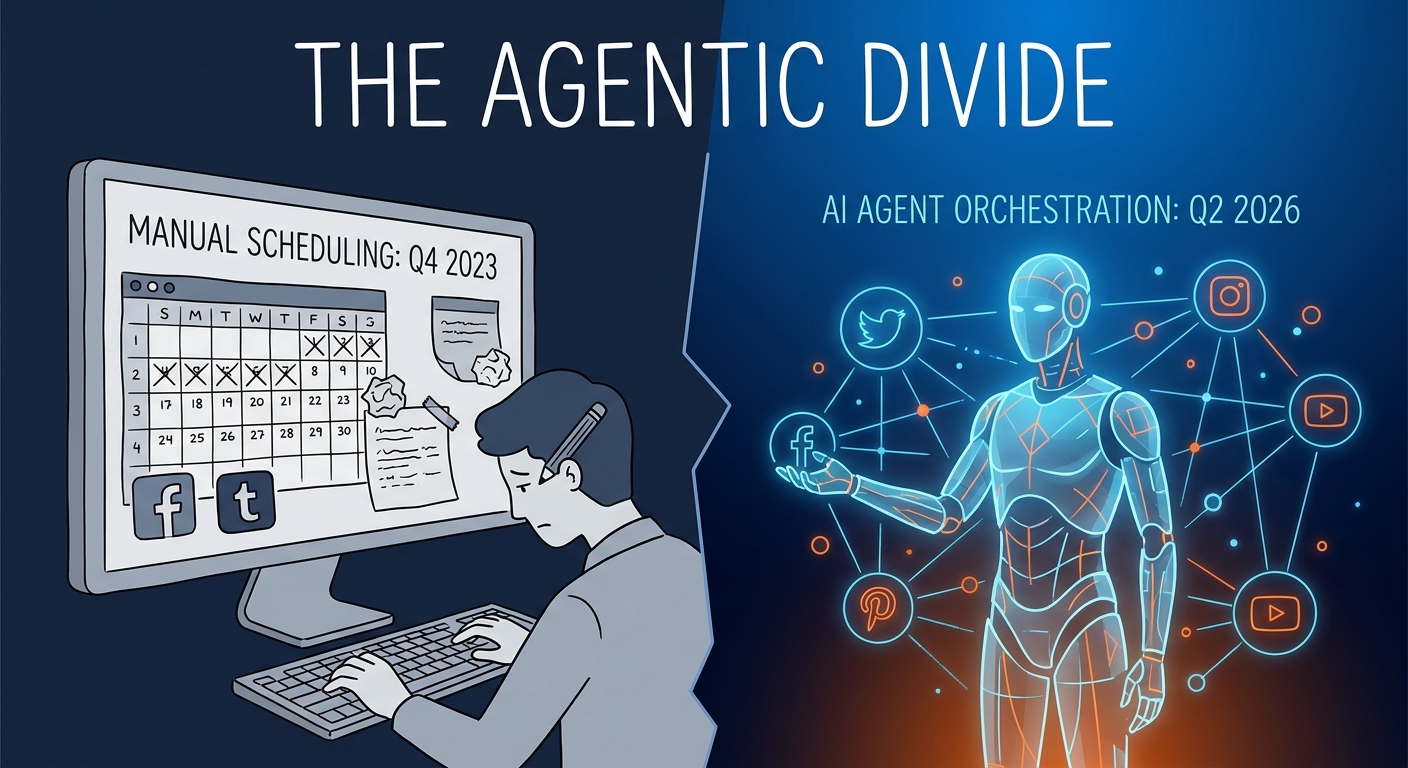
We compared 10 social media schedulers on price, pricing model, free plans, networks, AI writing and approvals. Prices checked October 2026 on vendor sites.
Social9 schedules your posts on 11 networks, and Autopilot can draft them in your brand voice for you to approve. Start on the free plan.
We use strictly necessary cookies to run this site. With your permission, we also use analytics cookies to understand how the site is used. We never use advertising cookies. See our Cookie Policy.