How agencies manage 20+ client calendars without burning out
A playbook for agencies running 20+ client calendars: workspace setup, a capacity formula, a monthly cadence, approval SLAs, safe access and burnout rules.
Playbooks
Stop the chaos. Discover how to build a high-output, AI-human hybrid social media workflow that converts and scales in 2026. Read the handbook. Jessica ThompsonBrand Strategy & Community ExpertPublished 6 min read
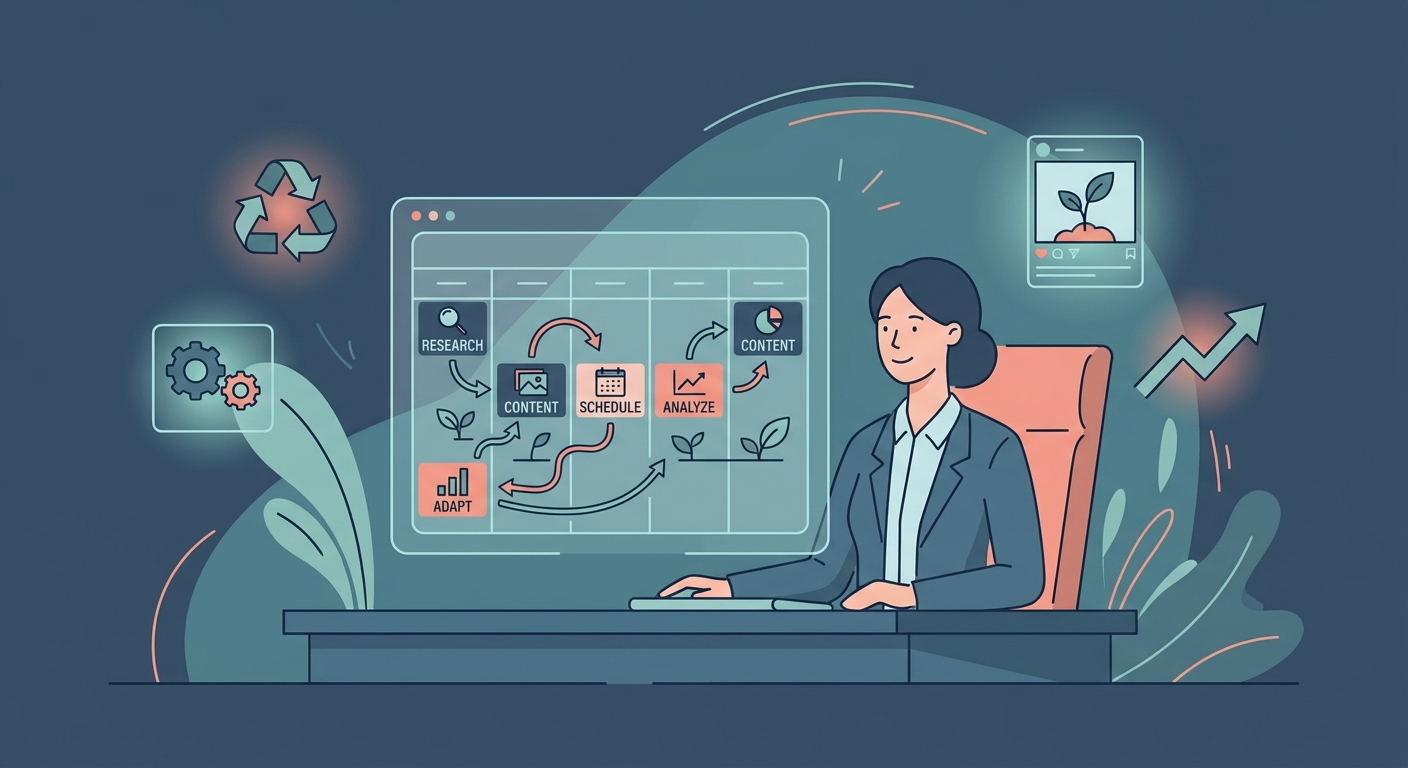
It’s 2026. If your social media strategy still feels like a frantic, last-minute scramble to post something before the clock runs out, you aren’t doing marketing—you’re doing damage control.
Social media has finally grown up. It’s no longer just a side project or a digital megaphone; it is the primary sales infrastructure of the modern enterprise. The teams winning right now aren't the ones posting five times a day just to feed the machine. They’re the ones who have killed "chaos culture." They treat every post like a deliberate asset, not a throwaway thought.
If your team is still relying on ad-hoc brainstorming sessions and platform-native scheduling tools without a centralized process, you aren't just losing efficiency. You’re losing your voice. This handbook is your roadmap to move from a broken, reactive posting system to a high-output, sustainable engine that values human intuition over algorithmic noise.
The old-school, linear content pipeline is dead. You can’t just push content out into the void and hope for the best. A sustainable 2026 workflow functions as a circular ecosystem. Your audience's response to yesterday’s post dictates the strategy for tomorrow’s creative sprint. By closing the loop, you stop guessing what works and start optimizing for what actually converts.
graph TD
    A[Analyze] --> B[Plan]
    B --> C[Create]
    C --> D[Approve]
    D --> E[Schedule]
    E --> F[Engage]
    F --> A
In this model, the Analyze phase is your bedrock. Do not move to Plan without auditing the previous cycle’s performance data. Create is where the raw material is forged, and Approve is the gatekeeper that keeps your brand from going off the rails. Once content hits Schedule and moves into Engage, the community feedback loop begins. That feedback feeds right back into Analyze. This isn't just a process; it’s a living system that kills off wasted effort.
The "AI-Human Hybrid" model isn't a suggestion anymore; it’s the bare minimum for teams that want to scale without sounding like a soulless automaton. The fatal mistake? Letting AI write the final draft.
Think of AI as your structural architect, not your lead copywriter. As noted in our How to Use AI for Marketing guide, AI is incredible at ideation, outlining, and formatting. But it knows nothing about your customers’ pain points or your brand’s specific brand of humor.
To avoid the "generic output" trap, mandate a "Human Tone Review" phase. If AI writes the draft, a human editor must rewrite at least 30% of it. Add a personal anecdote. Use the industry slang your customers actually use. According to the Hootsuite 2026 Social Trends Report, audiences are getting hyper-sensitive to "AI-slop"—that hollow, overly-polished content that feels like it was written by a committee of robots. Train your internal models on your best-performing, human-written work, and use that as the foundation.
Cross-posting is the quickest way to tell an algorithm your content isn't worth showing to anyone. A LinkedIn user is there for professional insight; a TikTok user is there for raw, kinetic storytelling.
graph LR
    Core[Core Topic/Idea] --> LI[LinkedIn: Long-form Thought Leadership]
    Core --> TT[TikTok: 30s Educational Video]
    Core --> X[X: Thread/Opinionated Take]
Use the "Content Transformation" matrix. Start with one core idea—a new product feature or a bold industry take—and map it across channels. Never copy-paste. Translate. A 1,000-word LinkedIn post becomes a 5-part X thread and a 45-second, unscripted "talking head" video for TikTok. This isn't just filling space; it's providing value in the native language of that platform.
Context-switching is the silent killer of creative output. If you’re jumping from answering emails to a Slack crisis to writing an Instagram caption, you’re burning through your cognitive bandwidth. Research shows that "Deep Work" sessions for creation can boost output by 40–60%.
Divide your calendar into two distinct modes: Creation Blocks and Reactive Blocks. During Creation Blocks, mute the notifications. This is when your team handles the heavy lifting—scripting, filming, and designing for the week ahead. Reactive Blocks are for the messy, human work: replying to comments, monitoring DMs, and community building. For deeper insights on how to optimize these rhythms, refer to Sprout Social's Guide to Workflow Optimization. By separating the "maker" mindset from the "manager" mindset, you save your team’s sanity.
Bottlenecks happen when accountability is diffused. If "everyone" needs to approve a post, no one is actually responsible for it. Establish a "48-Hour Rule." All stakeholders have a two-day window to provide feedback. If they miss that window, the content gets scheduled by default.
You need one "Gatekeeper"—the project lead who has the final say. If they’re waiting on executive sign-off, move that sign-off to a weekly "batch" review rather than post-by-post. For teams struggling with this, the Metricool Social Media Workflow Template is a great framework to map out roles so approvals stop being a daily friction point.
A sustainable workflow has to account for the unexpected. When a PR crisis hits, your scheduled content might suddenly look tone-deaf or insensitive. You need a "Kill Switch" protocol. This is a simple, one-page document that defines exactly who has the authority to pause all social accounts and how to talk to the team about the pivot.
Your crisis management plan should be tightly integrated with your Content Marketing Strategy Framework. If you pause social, you also need to pause your automated email flows and ad campaigns. A crisis is not the time to be hunting for login credentials.
Focus on using AI for structure and ideation, but mandate a "Brand Tone Review" phase where a human editor refines the copy to match specific brand guidelines. AI should be the drafter, not the final voice.
The biggest mistake is a lack of clear ownership. When multiple people feel responsible for a task, no one takes true accountability, which leads to slow approvals and inconsistent brand messaging.
You should audit your workflow every 90 days. Social algorithms and platform features change rapidly; your process should be flexible enough to accommodate these shifts without breaking your core strategy.
Set a fixed, non-negotiable approval window (e.g., 48 hours). If no feedback is received within that window, the content is either auto-approved or pushed to the next cycle to prevent the schedule from backing up.
No. While your planning and analysis phases should be standardized, your creation and scheduling phases must adapt to the unique format and community expectations of each specific channel.
A playbook for agencies running 20+ client calendars: workspace setup, a capacity formula, a monthly cadence, approval SLAs, safe access and burnout rules.
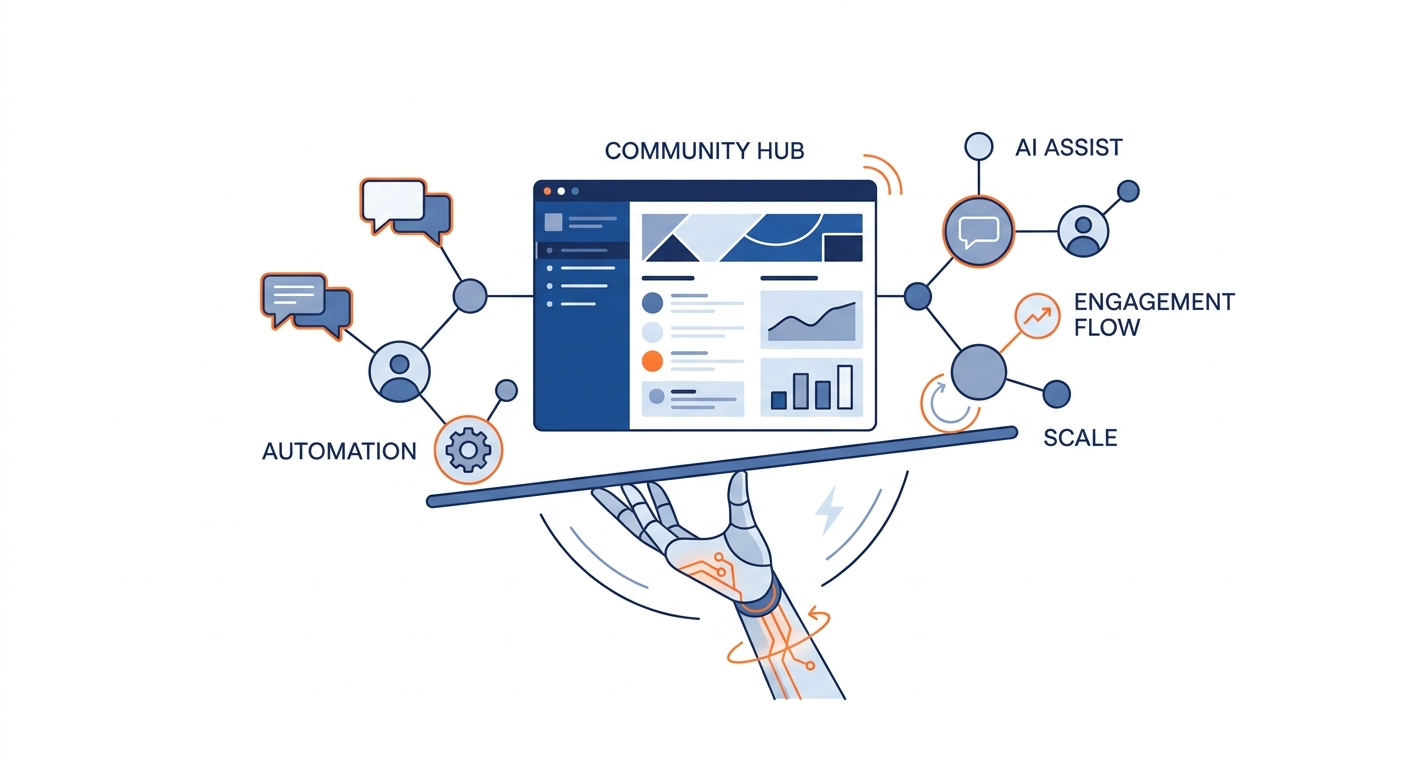
Learn how to scale social media workflows using AI-integrated strategies. Maintain authentic community engagement while boosting output by 300% in 2026.
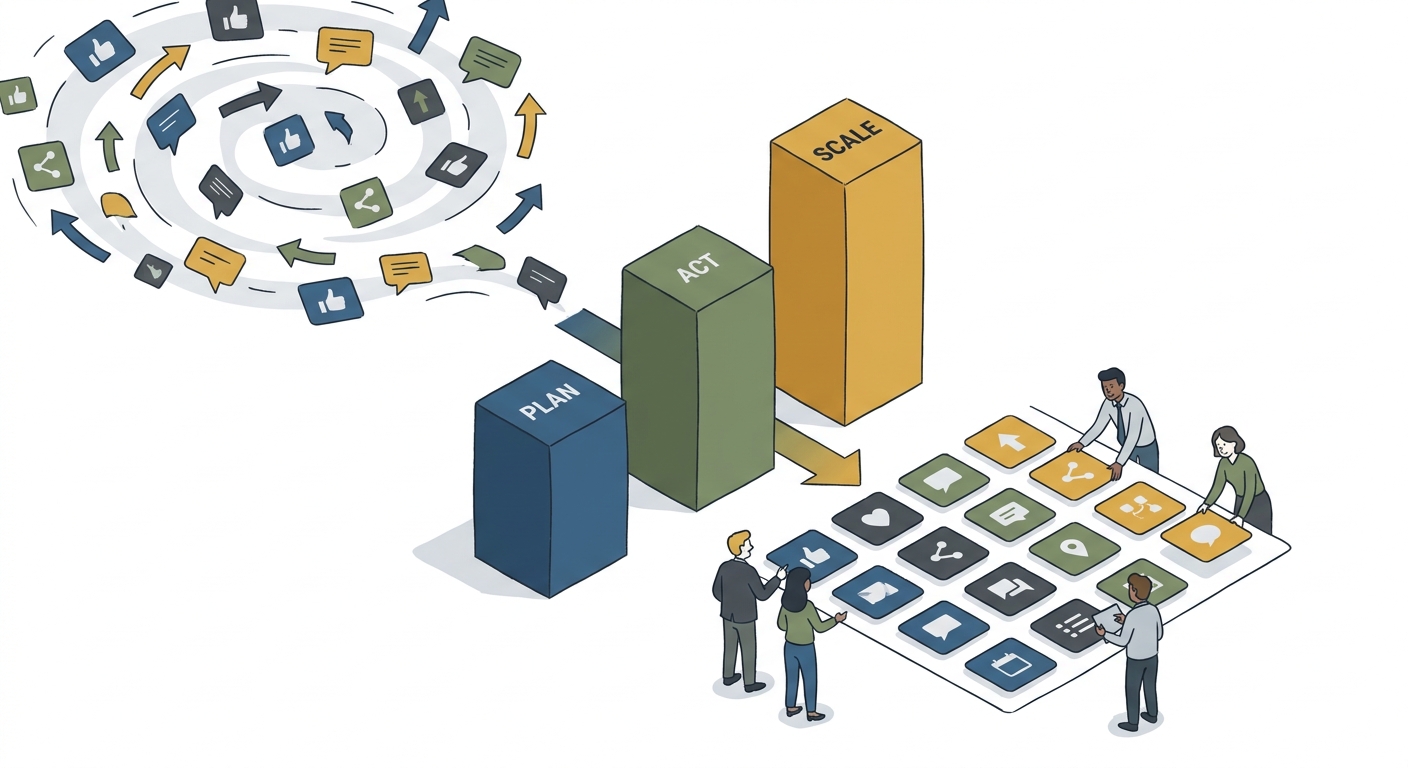
Stop the content chaos. Learn how to build a scalable social media content pillar framework to define your brand authority and streamline your team's workflow.
Social9 schedules your posts on 11 networks, and Autopilot can draft them in your brand voice for you to approve. Start on the free plan.
We use strictly necessary cookies to run this site. With your permission, we also use analytics cookies to understand how the site is used. We never use advertising cookies. See our Cookie Policy.