Social media scheduling: the complete 2026 guide
How social media scheduling works in 2026: native schedulers vs tools, API limits, a six-step workflow, queues, time zones, approvals and a checklist.
Scheduling
Stop manual planning. Learn how to architect an AI-driven Instagram content calendar to save 15 hours a week while boosting your brand engagement. David KimAI EngineerPublished 6 min read

Building an Instagram content calendar in 2026 isn't about staring at a blank spreadsheet for hours. It’s about building a machine. You’re architecting a system that turns your brand’s intent into relentless, high-performing output.
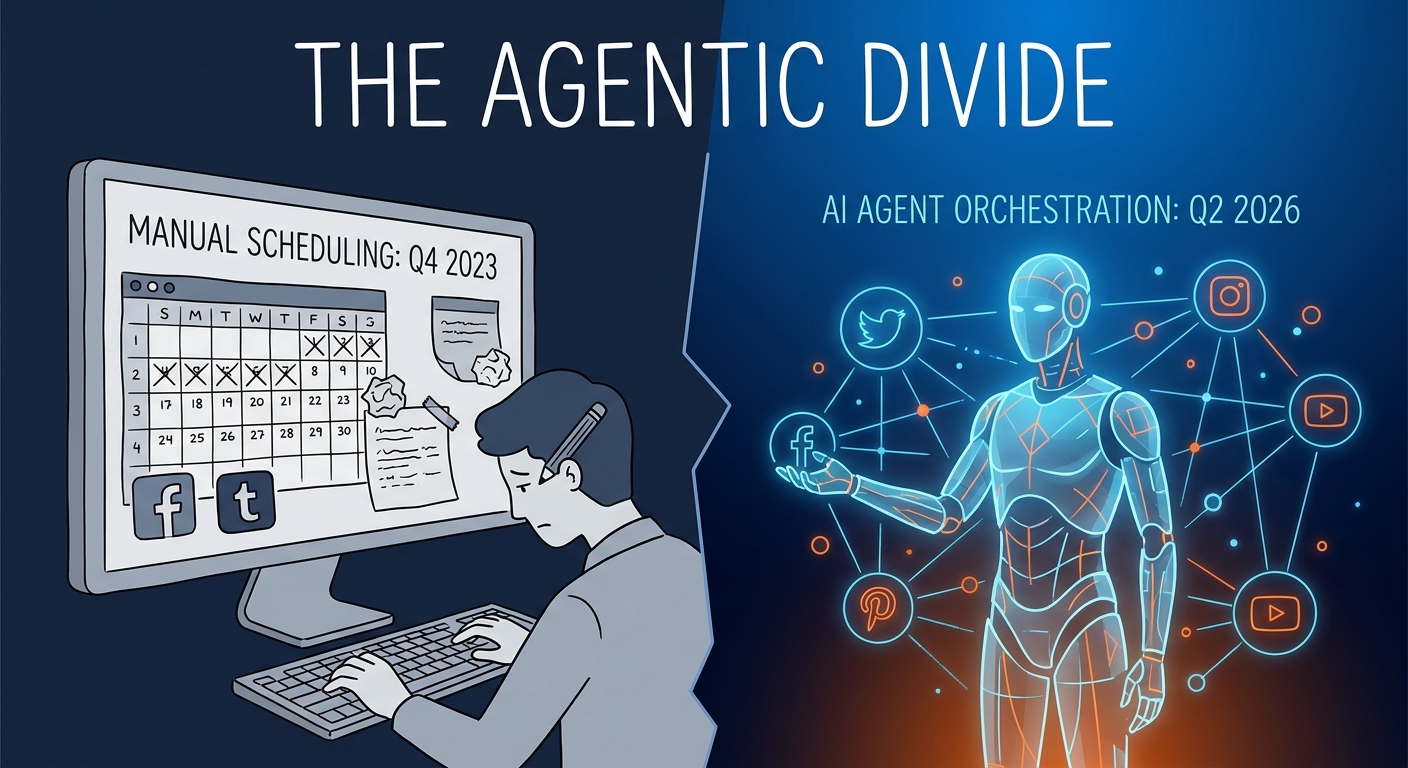
If you’re still manually drafting captions, guessing which trends might land, or scrambling to post five minutes before a deadline, you’re stuck in the past. By leveraging agentic AI—autonomous workflows that handle the heavy lifting of ideation, asset generation, and scheduling—you can slash your planning time by 15 hours a week. More importantly, you’ll actually increase the quality of what you put out. This isn't just about speed. It’s about moving from a reactive "what should I post today?" mindset to a proactive, data-backed operation.
For those looking to master the fundamentals before layering in these automated systems, our Ultimate Guide to Social Media Strategy provides the necessary bedrock for any high-growth account.
The old way of working—brainstorming, writing, designing, and scheduling in disconnected silos—is a recipe for burnout and a fractured brand identity. A modern, AI-driven workflow allows you to stop chasing every fleeting trend. Instead, your content pillars dictate your output.
By adopting the 70/20/10 Rule 2.0, you can use AI to automate the 70% of your content that is evergreen or educational. This frees up your mental bandwidth to focus on the 30% that requires genuine human empathy and high-production storytelling. For those looking to understand how platform-native tools are evolving to support this shift, Meta AI for Content Planning offers a glimpse into how the giants are integrating these capabilities directly into the social ecosystem.
The most common failure point for creators using AI is generic, "soulless" output. AI is only as good as the context you feed it. Before you let an agent generate a single post, you must build a "Brand Voice Bible."
This document should contain your stylistic preferences, the jargon you hate, your audience’s specific pain points, and your unique take on industry trends. If you haven't yet codified these elements, How to Define Your Brand Voice is your mandatory first step.
Without this, AI will default to the "middle of the road"—that bland, robotic prose that Instagram users scroll past without a second thought. Your brand pillars act as the guardrails for your AI agents. They ensure that even when the machine is doing the heavy lifting, the final result sounds distinctly like you.
To build a true "Marketing Operating System," you must move beyond standalone tools. You need an architecture where AI stops being a chatbox and starts being a collaborator. This workflow relies on a "Human-in-the-Loop" model: the AI handles the data processing, the draft creation, and the visual layout, but a human lead provides the final strategic check.
graph TD
    A[Input: Brand Voice/Data] --> B[AI Ideation Agent]
    B --> C[Visual/Caption Generation Agent]
    C --> D{Human Review/Refinement}
    D -- Approved --> E[Automated Scheduling/Repurposing]
    D -- Needs Changes --> B
This ensures that your calendar isn't just a list of posts, but a coherent roadmap of your brand’s message.
Stop asking your AI, "Give me 10 post ideas." That’s a waste of a powerful engine. Instead, treat your AI like a creative director. Use prompt engineering to demand "Instagram-native" formats. Ask the AI to draft a 30-second Reel storyboard that includes a "hook" in the first three seconds, a value-add body, and a clear, low-friction call to action.
When you prompt for carousels, ask for a slide-by-slide structure that maximizes "saveability"—a key metric for the Instagram algorithm. For deeper insights into managing these complex creative workflows, StoryChief Content Marketing Guides provide excellent frameworks for organizing your content calendar across multiple channels.
Visual consistency is the difference between a professional brand and a hobbyist. AI video storyboarding tools now allow you to upload a script and receive a visual frame-by-frame guide, ensuring that your aesthetic—your brand colors, fonts, and lighting style—remains uniform across your feed.
Don't just rely on AI to generate images; use it to maintain your visual brand identity by training models on your existing high-performing posts. For those looking for a practical, template-based approach to organizing these assets, the Stackby Instagram Guide is an essential resource for keeping your visual library and calendar in perfect sync.
Your content calendar should be a living, breathing entity. The most advanced systems use a feedback loop: performance data from the previous month is fed back into the AI to optimize the next. If your "educational carousels" are outperforming your "behind-the-scenes Reels," your AI agent should automatically adjust the weighting of your next month’s calendar to favor that format.
graph LR
    A[Post Performance Data] --> B[AI Analytics Agent]
    B --> C[Content Optimization]
    C --> D[New Calendar Iteration]
    D --> A
This cycle of continuous improvement is what separates top-tier creators from those who hit a plateau. By turning a high-performing Reel into a series of static carousels through automated repurposing, you maximize the lifespan of every single piece of content you produce.
In 2026, the best tool stack is one that talks to itself. You want tools that offer robust API integration, real-time data ingestion, and platform-native scheduling.
Choose your stack based on your volume requirements, but prioritize systems that centralize your "source of truth."
The biggest pitfall is surrendering your humanity. AI-generated calendars can easily become "AI-sounding"—full of buzzwords and hollow, corporate-speak. Always edit for rhythm and punch.
Furthermore, never let AI handle community engagement. DMs and comments are where your brand is built; they require the nuance, humor, and empathy that only a human can provide. Use AI to prepare your calendar, but never let it be the voice of your brand in the comments section.
Train your AI on a "Brand Voice Bible" that includes at least 10 examples of your best-performing, human-written captions. Use custom instructions to forbid specific "AI-isms" like excessive listicles or overly formal transitions.
Treat the AI as a junior copywriter or designer. The AI produces the "first draft," and the human lead acts as the "Editor-in-Chief," polishing the content to ensure it aligns with the current brand sentiment and audience temperature.
AI is now fully capable of handling Reels. From generating shot lists and visual storyboards to suggesting trending audio and editing pacing, AI can handle 80% of the pre-production work for video content.
You should conduct a weekly performance review. Feed your top three and bottom three posts of the week into your AI agent to adjust the content mix for the following week. This keeps your strategy agile and responsive to shifting audience interests.
How social media scheduling works in 2026: native schedulers vs tools, API limits, a six-step workflow, queues, time zones, approvals and a checklist.

Build a 30-day social media content calendar step by step: pick content pillars, set posting frequency, batch, approve and schedule. Free template included.
We compared 10 social media schedulers on price, pricing model, free plans, networks, AI writing and approvals. Prices checked October 2026 on vendor sites.
Social9 schedules your posts on 11 networks, and Autopilot can draft them in your brand voice for you to approve. Start on the free plan.
We use strictly necessary cookies to run this site. With your permission, we also use analytics cookies to understand how the site is used. We never use advertising cookies. See our Cookie Policy.