Social media scheduling: the complete 2026 guide
How social media scheduling works in 2026: native tools vs schedulers, API limits, a seven-step workflow, what to automate, queues, time zones and approvals.
Scheduling
The 8 best social media management tools for creators and marketers, split into scheduling platforms and creation add-ons, with a guide to choosing yours. Social9 TeamProduct, content and engineering team at Social9Published Updated 6 min read

The best social media management tools for content creators and marketers are Hootsuite, Buffer, Sprout Social and Later for scheduling and managing accounts, plus Canva, LogicBalls, Snapcorn and Kveeky for creating the graphics, copy and voiceovers you publish. Most people need one management platform and one or two creation tools, not all eight.
This guide splits the tools into those two groups, explains what each does best, and ends with a practical way to choose your stack.
Management and scheduling platforms
Content creation tools
| Tool | Type | Best for | Free option | Key strength |
|---|---|---|---|---|
| Hootsuite | Management platform | Teams, agencies | Free trial | Listening, integrations |
| Buffer | Management platform | Solo creators, small teams | Free plan | Ease of use |
| Sprout Social | Management platform | Reporting-heavy teams | Free trial | Analytics, inbox |
| Later | Management platform | Instagram, TikTok, Pinterest | Free trial | Visual planner |
| Canva | Creation tool | Graphics, carousels | Free plan | Templates, resizing |
| LogicBalls | Creation tool | Social copy | Free plan | Clarifying questions before writing |
| Snapcorn | Creation tool | AI images | Free credits | Image generation and editing |
| Kveeky | Creation tool | Voiceover | Check site | Voices, languages, cloning |
Plans and prices change often. Use the vendor pricing pages linked in each section to check current costs for your number of accounts and users.
Before comparing tools, decide what you actually need. A social media manager would check these first:
Best for: teams and agencies that want scheduling, engagement, listening and reporting in one platform.
Hootsuite is one of the most established all-in-one platforms. It covers scheduling, a shared inbox, brand monitoring and reporting across the major networks, and its OwlyWriter AI helps draft captions and post variations inside the composer.
Strengths
Watch-outs
Pricing: paid plans with a free trial. See Hootsuite pricing.
Best for: solo creators and small teams who want clean, simple scheduling.
Buffer is the tool many people start with. It is fast to learn, schedules across the major networks, and includes an AI assistant for captions and repurposing. A link-in-bio page builder and basic analytics are included.
Strengths
Watch-outs
Pricing: free plan plus paid per-channel plans. See Buffer pricing.
Best for: teams that need detailed reporting and a strong shared inbox.
Sprout Social is the choice when analytics matter most. Custom report builders, competitor benchmarking, audience data and CRM integrations make it easier to show social ROI to stakeholders. Its Smart Inbox brings messages from every network into one workflow.
Strengths
Watch-outs
Pricing: paid per-seat plans with a free trial. See Sprout Social pricing.
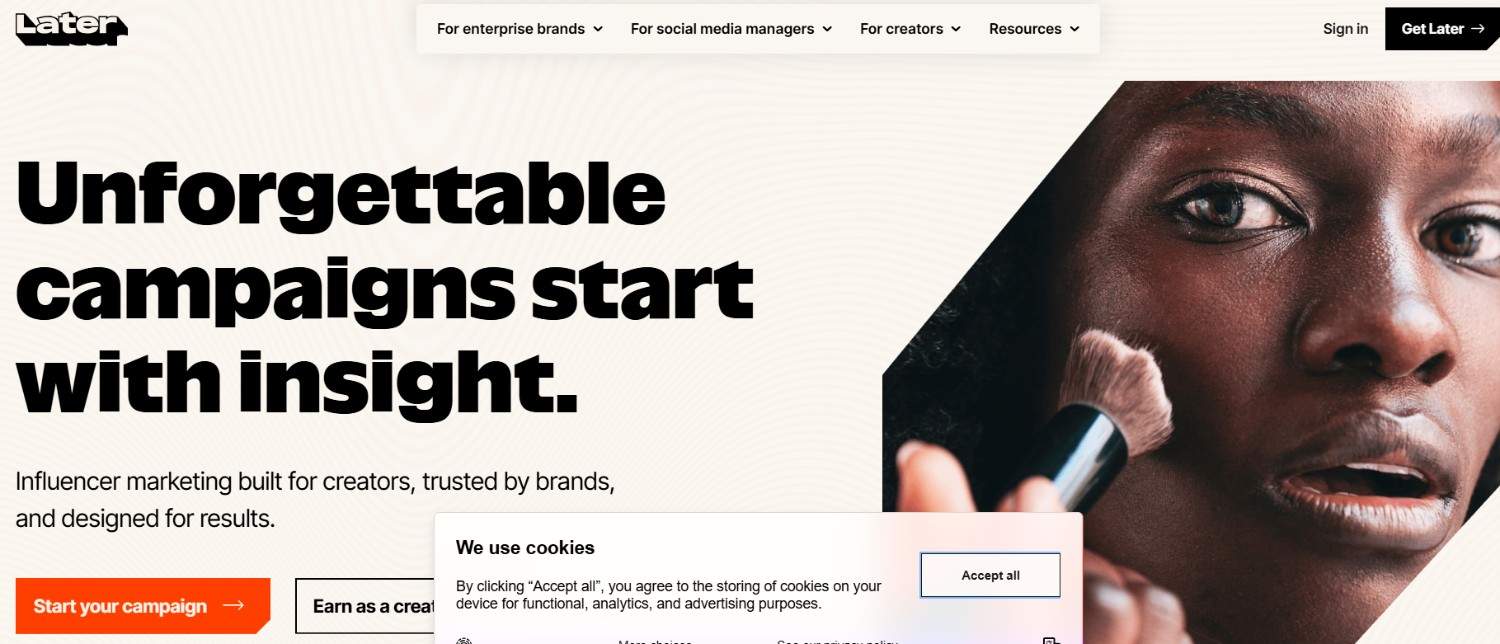
Best for: Instagram, TikTok and Pinterest-first brands.
Later was built around Instagram and it shows. The visual planner lets you drag posts into place and preview your grid before anything goes live. It also supports TikTok, Pinterest, Facebook, LinkedIn and others, plus a link-in-bio tool.
Strengths
Watch-outs
Pricing: paid plans with a free trial. See Later pricing.
For a deeper head-to-head on these four, read our Hootsuite vs Buffer vs Sprout Social vs Later comparison.
Management platforms publish and measure. These tools make the content you publish.
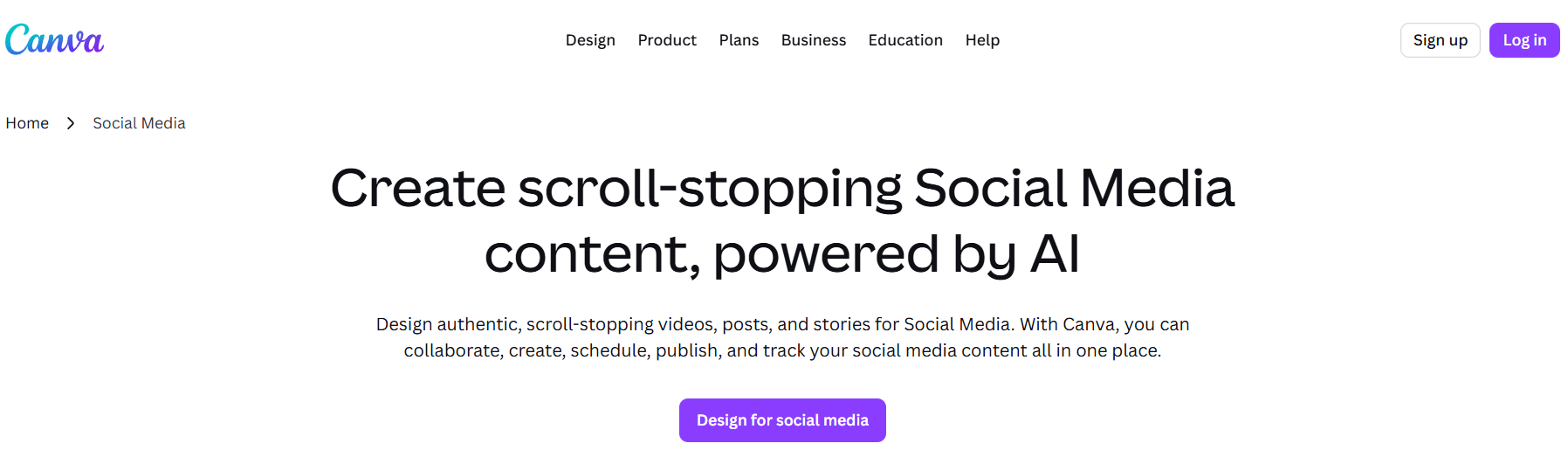
Best for: graphics, carousels, stories and short video edits.
Canva's templates cover nearly every social format. Its AI features generate images, help write copy and resize a design for different networks, and a brand kit keeps fonts and colors consistent.
Strengths: huge template library, easy resizing, brand kit.
Watch-outs: it is a design tool first; premium templates and some AI features need a paid plan. See Canva pricing.
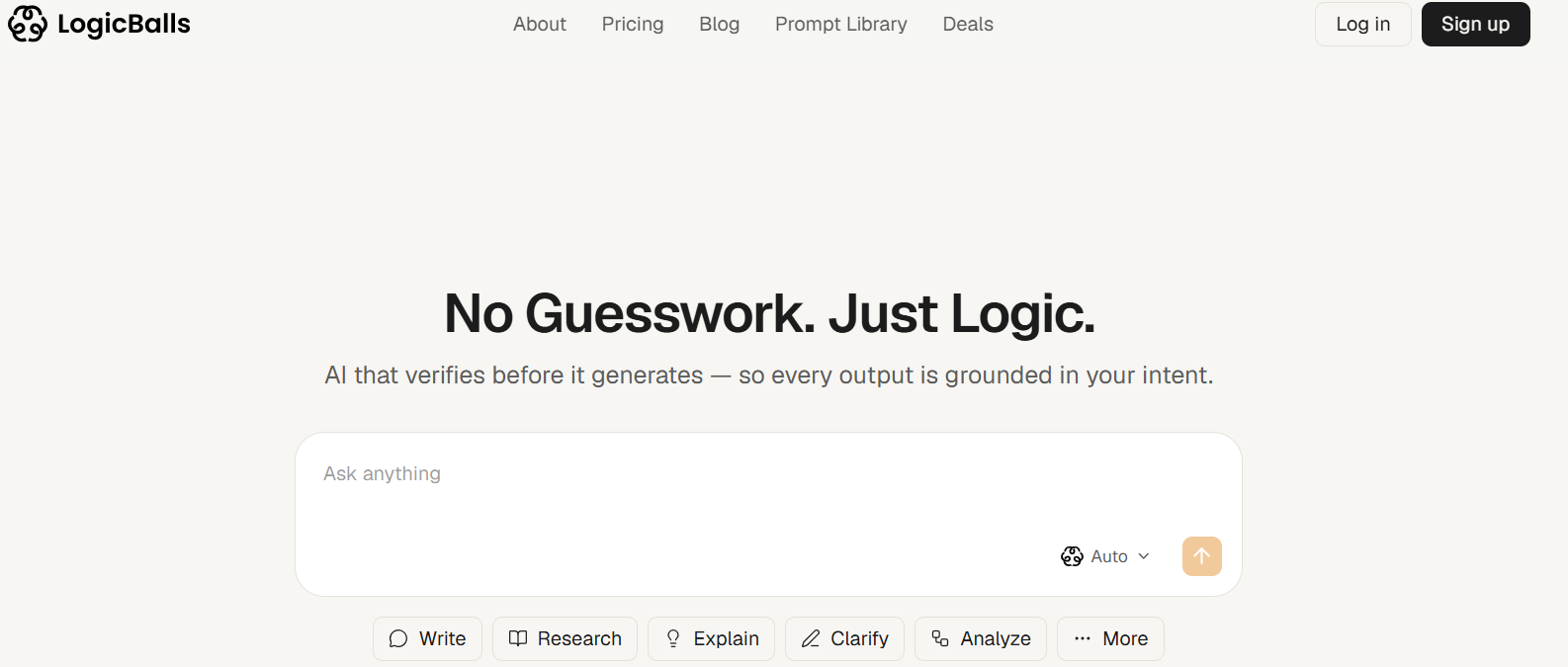
Best for: generating social copy that stays on brief.
LogicBalls is a library of AI writing tools, including social media copywriting tools for LinkedIn, Instagram, X, Facebook and TikTok. Its main difference is that it asks clarifying questions before it writes, so the output is grounded in your audience, goal and tone rather than guesses.
Strengths: many specialized tools, clarifying questions reduce generic output, free plan.
Watch-outs: content creation only; you still need a scheduler to publish.
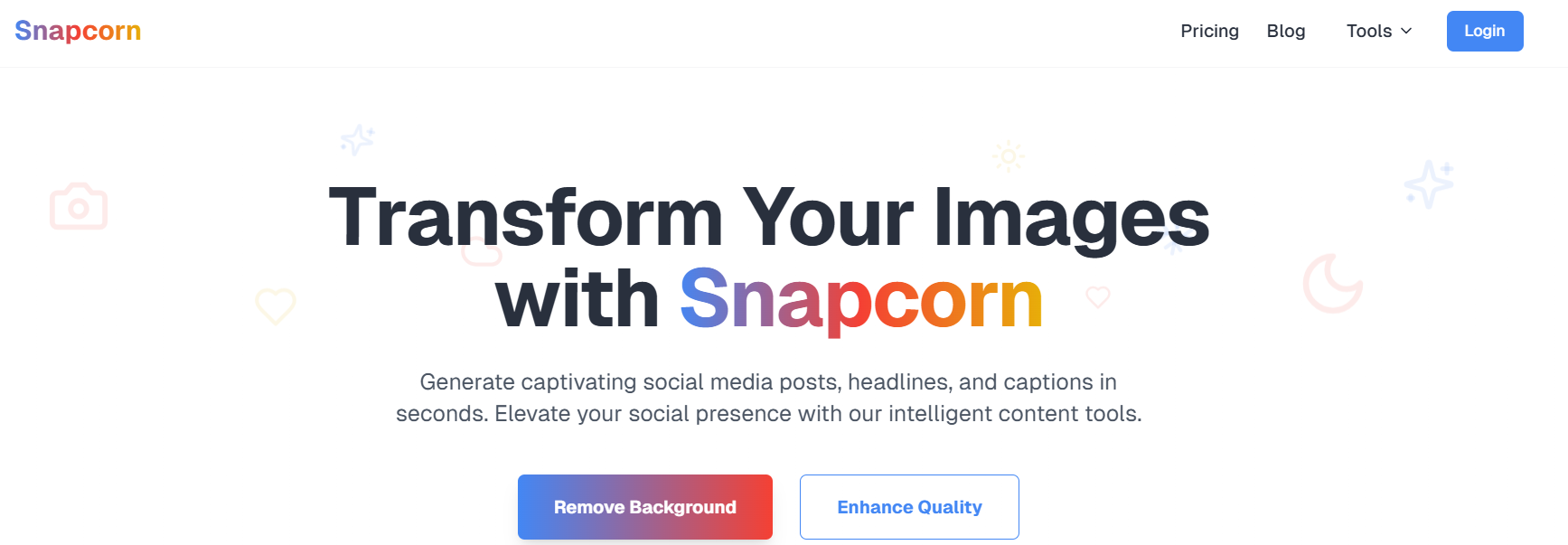
Best for: original images and quick edits for social posts.
Generic stock photos are easy to spot. Snapcorn lets you generate images from text prompts, remove backgrounds for product shots, upscale low-resolution images and restore or colorize old photos.
Strengths: several image tools in one place, fast background removal, no design skills needed.
Watch-outs: high-volume teams can use free credits quickly.
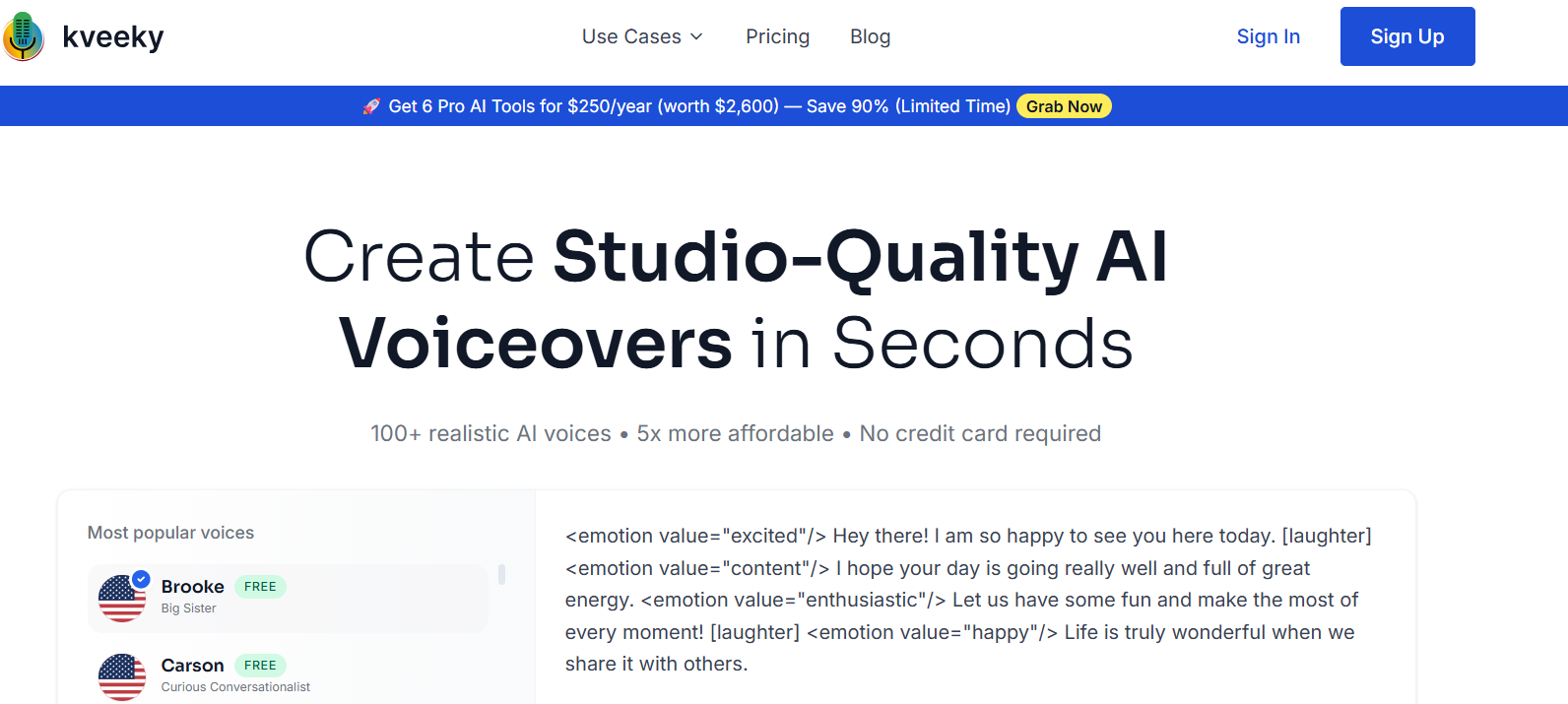
Best for: narration for Reels, TikTok, Shorts and LinkedIn video.
Kveeky turns scripts into AI voiceovers with a large library of voices and accents. Voice localization helps multilingual campaigns, and voice cloning lets a brand keep a consistent sound across videos. Only clone voices you have permission to use.
Strengths: wide voice choice, localization, cloning for brand consistency.
Watch-outs: some features, like localization, sit on higher plans. Our guide to AI voiceover tools for social media covers the full workflow.
If you post on several networks and would rather have AI plan and draft the posts too, it is worth testing an AI-first scheduler alongside these. Social9, for example, drafts a week of posts in your brand voice, waits for your approval and publishes on 11 networks, with a free plan for three accounts. Compare plans on the pricing page.
| Team | Management platform | Creation tools |
|---|---|---|
| Solo creator | Buffer or Later | Canva |
| Small business | Buffer or an AI-first scheduler | Canva, LogicBalls |
| In-house marketing team | Hootsuite or Sprout Social | Canva, Snapcorn |
| Agency | Hootsuite, Sprout Social or an agency-tier scheduler | Canva, LogicBalls, Kveeky |
| Video-first brand | Later or Hootsuite | Canva, Kveeky |
Choose one management platform that covers your networks, team and reporting needs, then add creation tools only where you have a real gap. Buffer and Later suit solo creators and visual brands, Hootsuite suits teams that want everything in one place, and Sprout Social suits teams that live in reports. Canva, LogicBalls, Snapcorn and Kveeky fill the design, copy, image and voice gaps around them.
Buffer is a common starting point because it is simple and has a free plan for a few channels. If you want AI to draft posts as well as schedule them, an AI-first scheduler with a free plan is worth testing. Start with a free tier, connect two or three accounts, and upgrade only when you hit a real limit.
Sprout Social is widely regarded as the strongest for reporting, with custom reports, competitor benchmarking and CRM integrations. Hootsuite is close behind and adds broad social listening. Both are priced for teams, so solo creators usually get enough from the built-in analytics in lighter tools.
Usually, yes. Management platforms are built to publish, engage and report. Most include some AI writing help, but design, image generation and voiceover are better handled by dedicated tools such as Canva, Snapcorn or Kveeky. Pick creation tools that export cleanly into your scheduler so you avoid manual re-uploads.
Prices range from free plans for a few accounts to several hundred dollars a month per user for enterprise platforms. Pricing changes often and is usually tiered by accounts, users and features, so check each vendor's current pricing page and compare the total cost for your real number of accounts and teammates.
How social media scheduling works in 2026: native tools vs schedulers, API limits, a seven-step workflow, what to automate, queues, time zones and approvals.
We compared 10 social media schedulers on price, pricing model, free plans, networks, AI writing and approvals. Prices checked October 2026 on vendor sites.

Build a 30-day social media content calendar step by step: pick content pillars, set posting frequency, batch, approve and schedule. Free template included.
Social9 schedules your posts on 11 networks, and Autopilot can draft them in your brand voice for you to approve. Start on the free plan.