Social media image and video sizes for every network (2026)
Official image and video specs for Facebook, Instagram, Threads, LinkedIn, X, TikTok, YouTube, Pinterest, Google Business Profile, Bluesky and Mastodon.
Networks
If you’ve asked this before…
“How can we grow our LinkedIn Profile?”
… You’re certainly not alone. There are some LinkedIn Profile Hacks That Will Make You Lo David KimAI EngineerPublished 7 min read
If you’ve asked this before…
“How can we grow our LinkedIn Profile?”
… You’re certainly not alone. There are some LinkedIn Profile Hacks That Will Make You Look Like an Expert.
LinkedIn seems to be the favorite breeding place for HR managers, recruiters, and new businesses. Around, 94% of recruiters choose LinkedIn to reach out to their candidates.
This focus on recruiters is important, but LinkedIn has also always influenced marketing, selling, and advertising professionals due to its vast network. Some statistics:
Thus, creating a likable LinkedIn profile should be a priority for every professional. But wait, things can get messy when you don’t have your do’s and don’t’s list to profile yourself at best through LinkedIn.
Fear thee not, because we can use some tips and tricks to optimize your LinkedIn profile and can bring you out in a crowd of more than 706 million users. So, welcoming you to view some handy tips and tricks to optimize your LinkedIn profile.
Staying visible in LinkedIn search can just be a game of few words for you and it’s all a matter of Keyword optimization. Identify your keywords which can help you get more attention. Your LinkedIn profile has lots of space to merge your relevant keywords. You can include them at:
Some examples:
“Operations Associate” can become “Operations Associates at Thermo-Printing Division” to highlight a specific department or industry focus.
Or
**“**Senior Consultant” can become “Senior Consultant, IT Project Management” to clearly state your specialization.
Above examples are not only keyword rich but also provide a clearer explanation of the job. So adding keywords to these six sections can really be a good deal in attracting more visits.
First impression is the last impression and if you do not seem to hold the right cards, you are out of the game. In LinkedIn optimization, make sure your headlines are attractive enough for your readers. But, don’t overdo it. Your headline needs to be a reflection of your professional LinkedIn profile. In fact, your headlines will prepare the way for other content like summary and other important details. You can optimize your headlines with these two best known ways:
Multiple Titles: You can include multiple titles (keywords) that people most likely to search for related to what you do in your headline.
Descriptive: A descriptive headline displays what you do with the keywords filtered in.
LinkedIn profiles that have a picture are 11 times more likely to be viewed. So, increase your chances of getting more visibility through your LinkedIn profile picture and make it strictly professional.
LinkedIn Profile Picture Don’ts:
Give away all your updated information in your professional LinkedIn profile. You should always include your updated Phone number, Email address, Twitter Handle, current Company Website and every relevant information. Adding more information will increase your chances to connect with recruiters.
Tip:- Turn off your activity broadcast while updating your LinkedIn profile or your wall will get flooded with updated notices. Moreover, you will overcrowd feeds of your connections.
Currently, LinkedIn has a 2000 character limit for the summary section (Having the highest count compared to all other sections) so always try to flood it with the maximum use of keywords in it. Make sure that you carry on your legacy of writing an awesome profile summary after making it large at your headline. Here, you will showcase your career highlights, experience, thought leadership, and recognitions. You can settle for either of narration types- first person or third person.
LinkedIn through its summary section also gives an opportunity to include links to the work that you have done so far. Marketers and Bloggers here can add their piece of writing or presentations to showcase their achievements and rewards.
Optimizing your LinkedIn profile URL can provide it a friendlier edge when compared to your old complicated URL. It makes you more visible in Google and thus, people can easily find you. Here is an example about how your profile should look like.
Would you like to do it as well? Follow these simple steps:
Increase in your connections can increase your chances to be visible on LinkedIn. Hence, search for your desired connections using name, skills, or company. Advanced searches may include location, school, past organization, and job title.
Reminder: Add only relevant people to your connections.
Joining groups can increase your connections. Moreover, it is one of the best ways to advertise your expertise. There are groups for a particular topic, job title-oriented groups, or groups run by a big brand. So, join your desired groups and step up your personal branding.
Beware: don’t sell products. Sell your knowledge instead.
Now, it is time to give a nice proofread to your profile. Well, you don’t need your profile to be occupied with typos or grammatical errors. Set an eagle eye on the profile and treat it like your job resume. Read it loudly (don’t be too loud) and see if you understand it well. However, you can also preview your profile’s public view. To see how does it look like to your connections, go to
Profile > Edit Profile > View Profile As (at the top section) > Click on arrow “This is what your profile looks like to” > Select view from drop down. Now, you know that how does your profile looks like to your connections.
Visual media can get your profile to be listed in the best LinkedIn profiles. Load your LinkedIn profile with relevant presentations, videos, photos, and documents. You can add these to your "Featured" section or within your experience descriptions. For example, if you've worked on a project, you can upload a PDF report or a short video showcasing the results.
If you are a blogger or a marketer, this is your game. Your connections are informed about your posts on LinkedIn. Even, new users can find you through your posts. Hence, know your audience and show your expertise through your awesome content.
Give time to your relationships to grow with your connections. Do not go for a pitch as soon as you connect with an individual. Always follow the golden rule: Like, Share, and Comment on their posts. Interact with your connections. LinkedIn also provides options to raise a toast for your connections on their new job or work anniversary. Like and message them personally.
Tips:- send a personalized note to your potential connections while sending email requests.
Now, as you know and understand everything about owning a killer LinkedIn profile, it is time to perform your experiments with your expertise. Please do share if something interesting comes your way.
Photo by Greg Bulla on Unsplash
Official image and video specs for Facebook, Instagram, Threads, LinkedIn, X, TikTok, YouTube, Pinterest, Google Business Profile, Bluesky and Mastodon.
So, you're wondering, "How can we grow our LinkedIn Profile?" You're definitely not alone. There are some LinkedIn Profile Hacks and Tips That Will Make You Loo
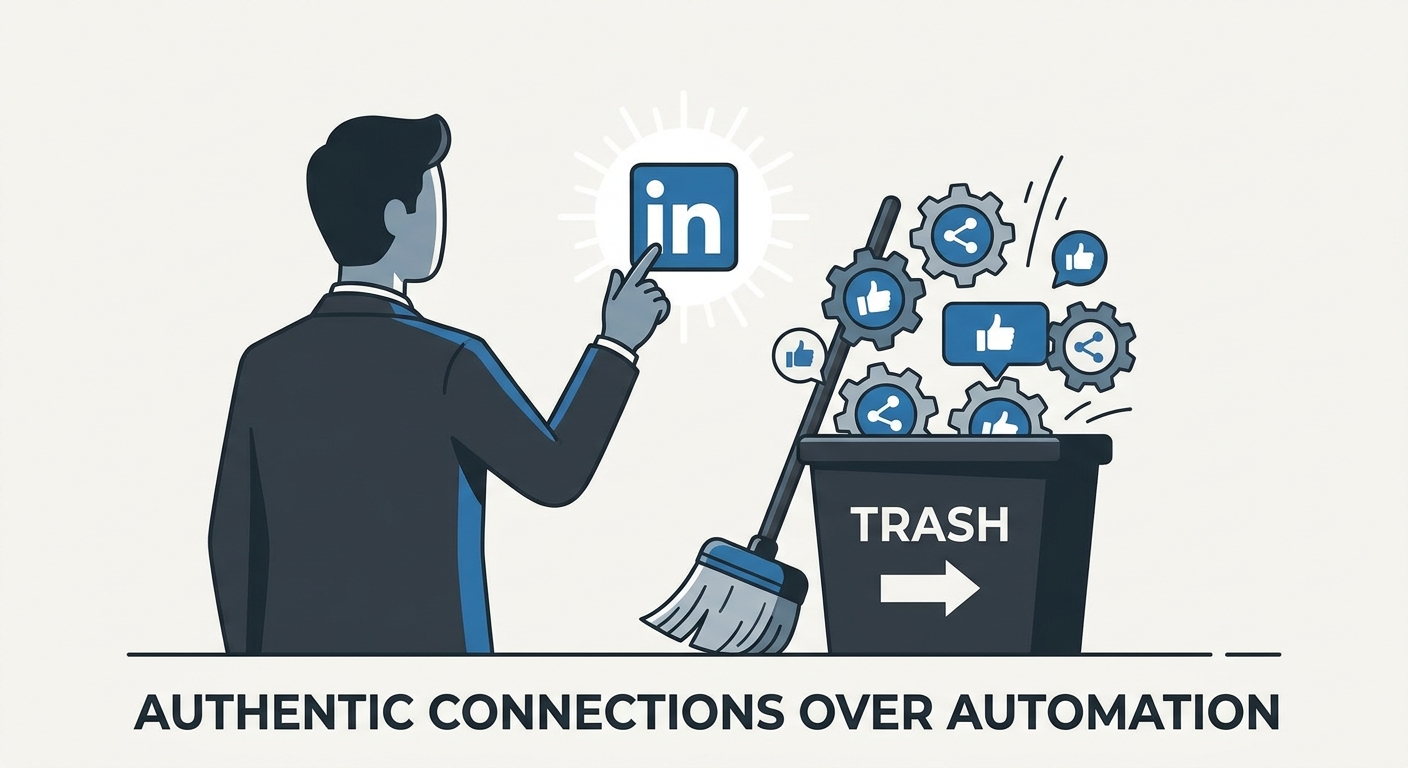
Stop spamming and start connecting. Learn how to use LinkedIn automation tools to amplify your personal brand without losing your authentic voice in 2026.
Social9 schedules your posts on 11 networks, and Autopilot can draft them in your brand voice for you to approve. Start on the free plan.
We use strictly necessary cookies to run this site. With your permission, we also use analytics cookies to understand how the site is used. We never use advertising cookies. See our Cookie Policy.