What is social media autopilot? How AI posting works (and where to keep a human)
Social media autopilot uses AI to plan, draft, schedule and publish posts. Learn how the loop works, platform AI rules, and where a human must stay in charge.
Autopilot & AI
The best AI meme generators for image and video memes, plus a workflow, prompts, satire tips and labeling rules for making brand memes that land. Social9 TeamProduct, content and engineering team at Social9Published Updated 8 min read

The best AI meme generators for social media are Imgflip's AI meme tool and Canva for fast template memes, Adobe Express and Picsart for on-brand image memes, and Kapwing, CapCut and Viggle for video memes. Image models such as Midjourney or ChatGPT's image generation are useful when you need an original base image rather than a classic template. The tool matters less than the workflow: a specific, context-rich concept from a human, fast AI production, and a human edit before anything goes live.
This guide compares the tools, then covers the workflow, prompts, satire and the rules that keep brand memes from turning into "corporate cringe".
A good meme tool does more than put white Impact text on a stock photo. Judge each option on:
| Tool | Best for | Formats | Notes |
|---|---|---|---|
| Imgflip | Classic template memes, fast | Image, GIF | Huge template library, simple top/bottom text, an AI meme feature that writes captions for templates. Free with ads; paid tier removes ads. |
| Canva | Teams already designing in Canva | Image, short video | Drag-and-drop meme templates plus Canva's fonts, graphics and AI image tools. Free plan; Pro unlocks premium assets. |
| Adobe Express | Polished, on-brand memes | Image, short video | Curated templates, brand colors and logos, web and mobile apps. Free plan; premium unlocks more assets. |
| Picsart | Making memes on your phone | Image, video | Mobile-first editor with AI editing and generation tools. Freemium. |
| Kapwing | Text overlays on video and GIFs | Image, GIF, video | Strong caption and overlay controls, team collaboration. Free tier exports carry limits; paid plans remove them. |
| CapCut | Finishing video memes | Video | Text timing, trending audio, captions and pacing. The usual last step before posting short video. |
| Viggle | Animated character memes | Video | Maps a still character onto motion from a reference clip, a popular source of character-dance and reaction memes. |
| Midjourney or ChatGPT image generation | Original base images | Image | Use when no existing template fits and you need a bespoke visual to caption. |
If your meme is a known format (Drake, Distracted Boyfriend, "this could have been an email"), a template tool is fastest. Imgflip is the no-frills option with the biggest library. Canva and Adobe Express are better when the meme needs to match your brand kit or when designers on the team already live in those apps.
Most memes are consumed on phones, and many are now short videos. Picsart suits creators who make everything on mobile. Kapwing gives fine control over text overlays on GIFs and clips. CapCut is where you sync text to the beat and add trending audio, the timing details AI still gets wrong.
Generative tools create the raw asset instead of filling a template. A common "stacked" workflow is to create a base character or scene with an image model, animate it in Viggle, then finish text, audio and pacing in CapCut or Kapwing. Treat these as rendering engines for an idea you have already storyboarded, not as joke writers.
Integrating AI does not mean pressing "generate" and hoping. It means a short, repeatable pipeline that balances the speed of internet trends with the stability of your brand voice:
Speed matters, but "fast" should mean minutes per meme because the process is set up, not because you skipped the review.
Generating 50 memes and hoping one sticks is how brands end up posting low-effort "AI slop". A better pattern is to develop a handful of strong concepts, test them, and then use AI to make variations of the elements that performed. Use AI to iterate, not to dictate.
The difference between a hit and a "why did they post that?" moment is usually the prompt. "Make a funny meme about meetings" gives you a cliché. Add constraints:
Create a satirical take on the "this meeting could have been an email" trope, focused on remote-work screen fatigue, in a dry, cynical tone for tech-savvy Gen Z professionals. Give me five caption options for the Distracted Boyfriend template.
What to include in every meme prompt:
Save your best instructions as a reusable "brand style prompt": voice, visual style and banned topics that you paste in with every request. This keeps outputs tethered to your identity. For more on that, see our guide to training AI on your brand voice.
AI does not "get" a joke; it recognizes the structure of jokes (setup, subversion, payoff) from patterns in its training data. That makes it a good rapid-prototyping partner and an unreliable final judge. Watch for:
Keep a human in the loop as editor-in-chief: the AI drafts, a person decides what is actually funny and safe.
Memes sit in a gray area, and brands carry more risk than individuals:
This is not legal advice. If memes are a core part of your marketing, ask counsel to review your approach.
Memes work best as one ingredient in a mix, not the whole menu. Plan a regular slot for timely humor alongside educational and product posts, and keep a small library of brand-approved formats you can reuse when a trend fits.
If you schedule with Social9, you can generate images with its built-in AI image tool, draft captions in your brand voice, and queue memes alongside the rest of your posts across Instagram, TikTok, X, Threads and other networks. For a wider look at visual AI, read our guide to generative AI for social media visuals, and for the ethics in more depth see ethical considerations in AI meme creation.
Imgflip is the simplest free option for template memes, with an AI feature that suggests captions. Canva and Adobe Express both have free plans with meme templates if you want more design control. Free tiers usually add watermarks, ads or export limits.
They can, because virality depends on relevance, timing and emotional payoff, not on how the pixels were made. What fails is low-effort, generic output. A specific human idea, finished with AI and edited by a person, performs like any other good meme.
It depends on the platform and how realistic the content is. TikTok requires labels on realistic AI-generated scenes or people, and other platforms have similar policies for photorealistic media. Obvious cartoons or classic template memes with AI-written captions are less likely to need a label, but check each platform's current rules.
Write a brand style prompt (voice, tone, visual style, banned topics) and use it for every request, start from your own images or approved templates, and have a human approve every meme before it is published.
A generator creates assets or caption ideas from a prompt. An editor such as CapCut or Kapwing is where you lay out text, timing and audio. Most good workflows use both: AI for the raw material, an editor and a human for the finish.
Social media autopilot uses AI to plan, draft, schedule and publish posts. Learn how the loop works, platform AI rules, and where a human must stay in charge.
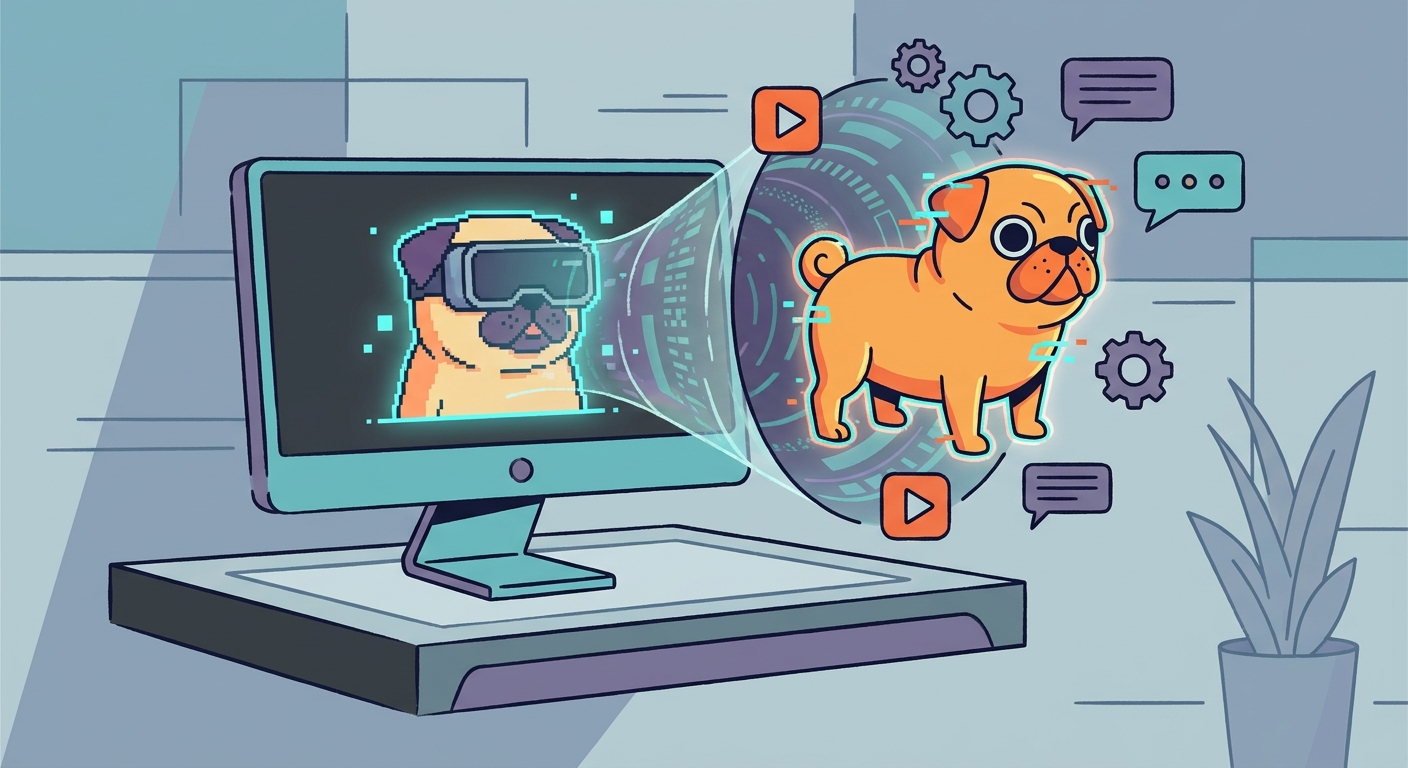
How to make meme videos with AI: spot a trend, write prompts that land the joke, generate clips, add the human punchline and publish in the right format.
Social9 now lets Claude, ChatGPT and other MCP apps plan, write and schedule social posts, with test mode, fact checks and approvals keeping people in control.
Social9 schedules your posts on 11 networks, and Autopilot can draft them in your brand voice for you to approve. Start on the free plan.