Social media image and video sizes for every network (2026)
Official image and video specs for Facebook, Instagram, Threads, LinkedIn, X, TikTok, YouTube, Pinterest, Google Business Profile, Bluesky and Mastodon.
Networks
Learn how ai-generated pins and automated workflows drive e-commerce traffic on Pinterest. Discover the latest ai tools for visual search and shopping. Alex ChenAI Content StrategistPublished 4 min read

Ever feel like social media is just a shouting match? Pinterest is the quiet corner where people actually go to spend money. It's less about "look at me" and more about "I need this for my house."

As noted in a report by PYMNTS, nearly half of consumers want ai help while shopping, which makes these automated pins a huge deal for retail, finance, and decor brands.
Next, let's look at how these pins actually get made.
Man, making pins used to be a total drag—just endless hours in Photoshop. But now, with Pinterest’s generative AI tools (found in their Ad Studio), you can basically let the ai do the heavy lifting for your store.
Honestly, the coolest part is how it handles backgrounds. You just upload a basic product shot, and the model—which was trained on like 500 million pins according to Pinterest—swaps out the boring white space for something that actually looks "Pinterest-y." It’s great for:
I've seen people use third-party scheduling tools like Social9 to whip up captions and hashtags too. It's way faster than staring at a blinking cursor.

It's all about turning one photo into twenty different vibes. Next, let's look at how the platform helps users actually find these creations.
Ever feel like your shopping cart knows you better than your mom does? Honestly, the new pinterest assistant is getting scary good at that. It’s basically a personal shopper that lives in your boards, turning "just looking" into "need it now" without you even trying.

As mentioned earlier, people want ai help when they shop, and this makes the whole process feel less like a chore. Next, let's look at how to make sure the algorithm actually picks up your content.
Getting your pins seen isn't just about pretty colors—it's about feeding the machine exactly what it wants. Since pinterest uses machine learning to "learn" what your image is actually about, your metadata has to be spot on or the ai won't know who to show it to.

Honestly, just think of the ai as a librarian who needs clear labels to put your book on the right shelf. Next, we'll dive into staying ahead of the curve as the tech changes.
Future-proofing isn't about chasing every trend, it’s about making ai work for you without losing that human spark.

At the end of the day, these tools are just there to help you scale. The real magic happens when you combine these fast ai workflows with a solid understanding of what your audience actually likes. Honestly, just keep testing new images and watching your analytics. If you stay flexible and keep your content inclusive, you'll do just fine as the platform evolves.
Official image and video specs for Facebook, Instagram, Threads, LinkedIn, X, TikTok, YouTube, Pinterest, Google Business Profile, Bluesky and Mastodon.

Learn how to tweak your ai-generated posts for instagram, tiktok, and linkedin algorithms to boost engagement and reach with these practical tips.
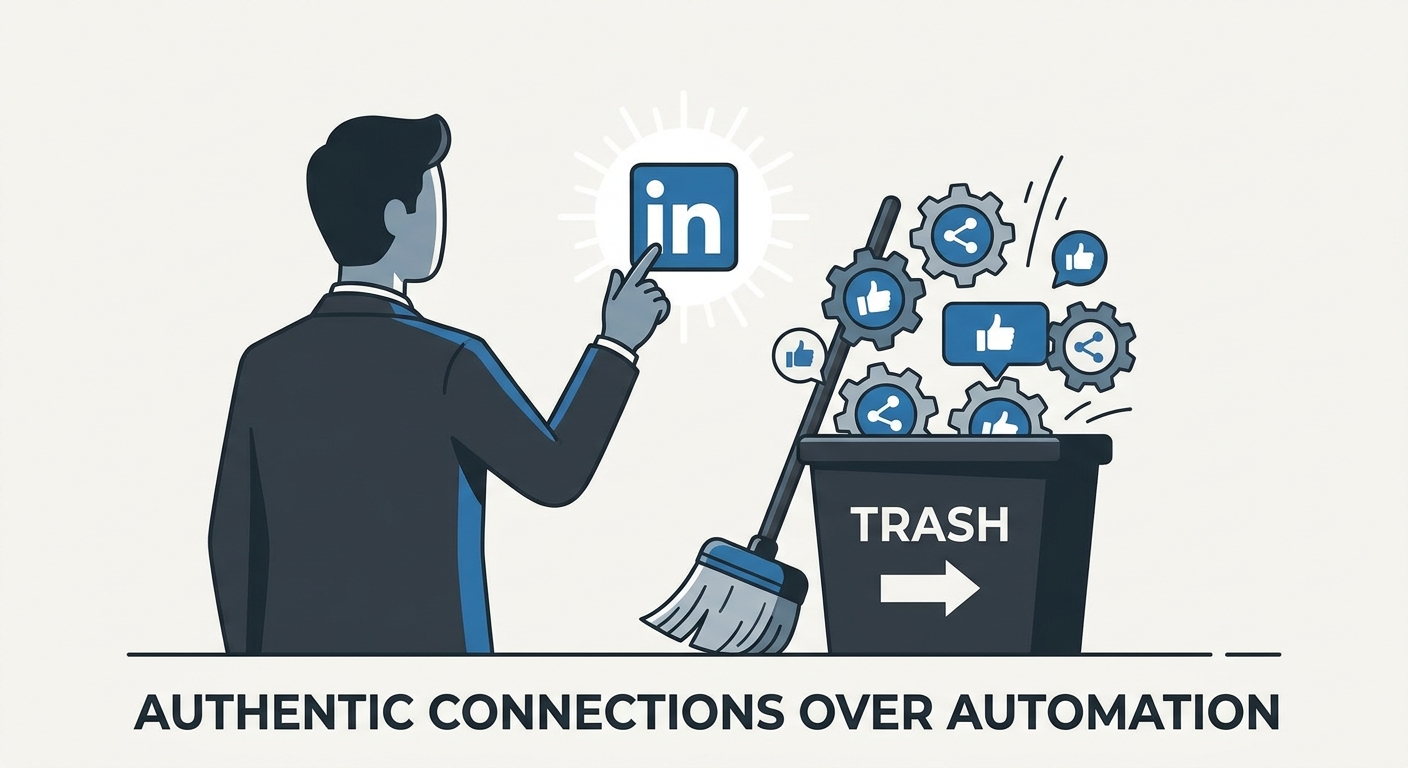
Stop spamming and start connecting. Learn how to use LinkedIn automation tools to amplify your personal brand without losing your authentic voice in 2026.
Social9 schedules your posts on 11 networks, and Autopilot can draft them in your brand voice for you to approve. Start on the free plan.
We use strictly necessary cookies to run this site. With your permission, we also use analytics cookies to understand how the site is used. We never use advertising cookies. See our Cookie Policy.