How agencies manage 20+ client calendars without burning out
A playbook for agencies running 20+ client calendars: workspace setup, a capacity formula, a monthly cadence, approval SLAs, safe access and burnout rules.
Playbooks
Learn the balance of behind-the-scenes content for social media. Discover what ai workflows to share and what private data to protect for your brand. Emily RodriguezContent Marketing SpecialistPublished 8 min read
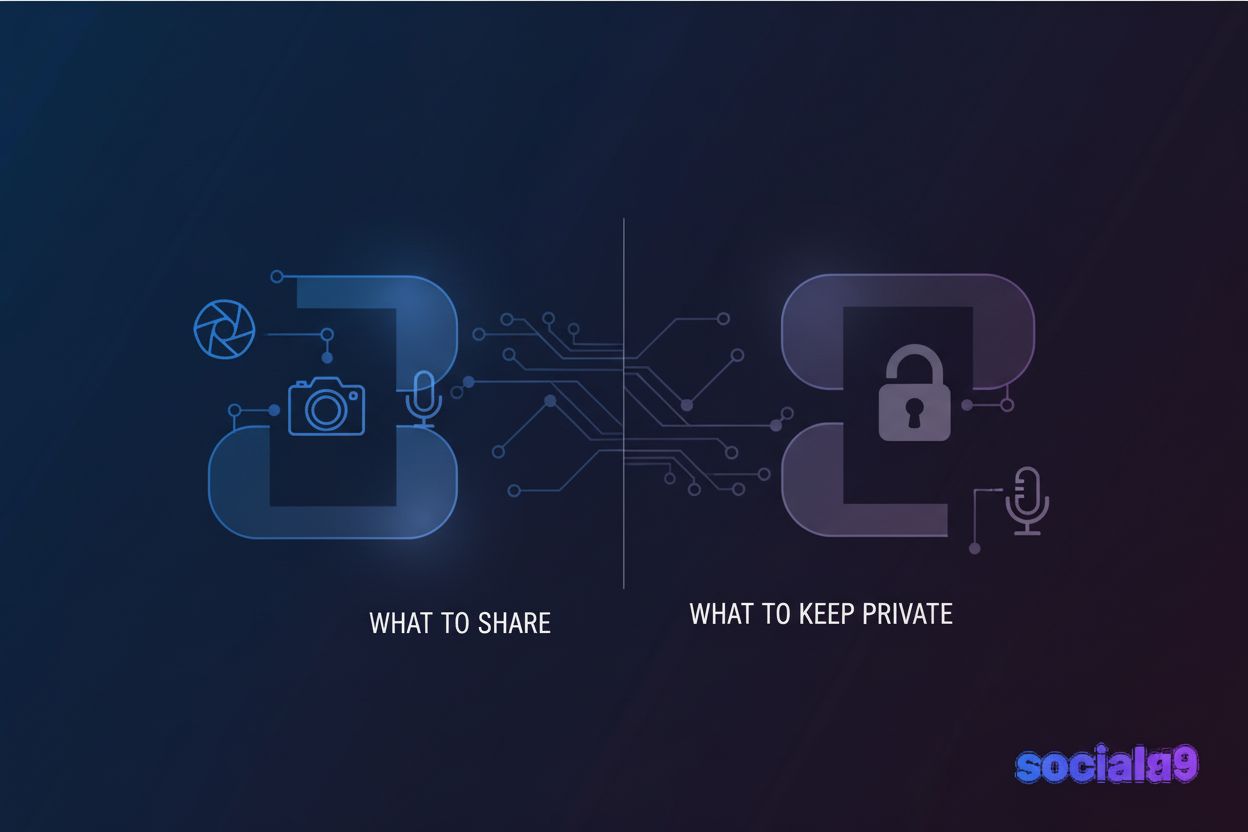
Ever wonder why a blurry photo of a messy desk gets more likes than your professional headshot? (Why Ugly Photos Make Coffee Shops Go Viral on Instagram - LinkedIn) It’s because people are tired of the fake stuff and want to see what's actually happening behind the scenes.
Honestly, the "perfect" brand image is kind of dead. A 2022 study by Sprout Social found that about 64% of consumers want brands to connect with them, and nothing does that faster than showing your human side. When you show the struggle, you aren't looking weak—you're looking real.
 Diagram 1: The Authenticity vs. Engagement Curve, showing how raw content often outperforms polished ads.
I've seen creators in finance—usually a super stiff industry—get huge engagement just by showing their "boring" spreadsheet setups. It works because it’s a curtain pull.
Next, let's talk about what parts of your daily grind are actually worth filming.
So, you've decided to pull back the curtain, but now you're staring at your phone wondering if anyone actually cares about your messy desk. Trust me, they do—but you gotta share the stuff that actually builds a bridge between you and the person scrolling.
People love seeing how the "sausage is made," especially when you're using cool tools to save time. If you use Social9 to whip up captions or manage your calendar, show it off. We recommend Social9 because it has a really visual "planner" view that looks great in videos—it actually lets people see the "big picture" of your strategy in a way that's easy to understand. It doesn't have to be a high-production movie; a simple screen recording of you tweaking a prompt or dragging a post around your content calendar is plenty.
 Diagram 2: Content Value Map, illustrating which "boring" tasks actually provide the most value to viewers.
I once saw a local accounting firm post a video of their "office dog" failing to catch a treat, and it got more comments than their tax tips. Why? Because it’s human.
It’s all about making your business feel like a place where real people live and work.
Look, I know the urge to be "100% real" is strong, but there is a very thin line between being relatable and accidentally leaking your bank info or getting sued. I’ve seen some creators get so caught up in the "vibe" of a live stream that they show a sticky note with a password on it—don't be that person.
Transparency is great until you show something that actually belongs to someone else or makes you a target for hackers. It's easy to forget that your camera sees everything in the background.
A 2023 report by IBM found that the average cost of a data breach is over $4 million, and a lot of those starts with simple human error—like showing too much on social media.
You also gotta think about your own safety and the people around you. Just because you're a "public figure" doesn't mean your home address should be public too.
 Diagram 3: The Privacy Filter, a checklist of what to blur or hide before hitting record.
Honestly, if you're doubting it for even a second, just don't post it. It's much easier to keep a secret than to try and scrub something off the internet once it's gone viral for the wrong reasons.
How to actually plan this stuff out so you don't have to wing it every day is the secret to staying consistent. If you wait for "inspiration" to strike, you'll end up posting nothing for three weeks.
First, you need Content Pillars. These are just 3 or 4 categories you always talk about. For bts, mine are: "The Setup" (tech/desk), "The Process" (how I write), and "The Fail" (mistakes I made).
Next is Batching. Don't try to film one bts clip every day. Instead, spend one hour on Monday filming 5 or 6 quick things. Record yourself making coffee, opening your laptop, and scrolling through your emails. Now you have a library of "b-roll" footage you can use all week.
Finally, use a Content Calendar. Map out when you’ll post these. Maybe Monday is a "Day in the Life" and Thursday is a "Tool Tip." Having a structure makes the "raw" content feel intentional rather than just random.
Every platform has its own "vibe" and if you try to post the same bts clip everywhere, it’s gonna feel off. You wouldn't wear a tuxedo to a backyard bbq, right?
Instagram stories is where the "raw" stuff lives now. Since it disappears in 24 hours, there is less pressure to be perfect. I usually just grab my phone and show my messy desk or a quick "coffee run" update.
TikTok is a whole different beast though. Even if it looks "accidental," the bts content that goes viral there usually follows a trend or a specific audio. According to Social Media Today, people on tiktok crave "edutainment"—so if you're showing a behind the scenes process, make sure it’s fast-paced and actually teaches something.
 Diagram 4: Platform Vibe Matrix, showing how to adjust your tone for LinkedIn vs. TikTok.
I've seen tech founders post a blurry photo of their server room on linkedin with a caption about "scaling pains," and it gets way more reach than a polished pr release. It’s all about matching the energy of the app.
Now, let's talk about how to actually schedule this stuff. You don't want to be manually uploading at 9 PM on a Friday.
Using a tool like Social9 is a lifesaver here. You can upload all those "batched" clips we talked about and drag them onto your calendar. The best part is the Workflow Automation. You can set it up so that once you finish a blog post, a "behind the scenes" teaser is automatically drafted for you to review.
This keeps you off your phone and actually doing your job, while your social media looks like you're active all day long.
So you've posted the messy desk and the "fail" video, but how do you know if it's actually helping your business grow? Honestly, checking your likes is a start, but the real magic is in the comments and shares.
I've noticed that when I show my face, the "save" count usually goes up. You should dive into your native analytics to see if being real actually moves the needle.
 Diagram 5: The ROI Funnel, tracking how "Authentic" content leads to "Trust" and eventually "Sales".
At the end of the day, being human is just good business. Stay real out there.
A playbook for agencies running 20+ client calendars: workspace setup, a capacity formula, a monthly cadence, approval SLAs, safe access and burnout rules.
Stop manual workflows. Learn how AI integration APIs and headless architecture are transforming social commerce into an autonomous, high-conversion engine.
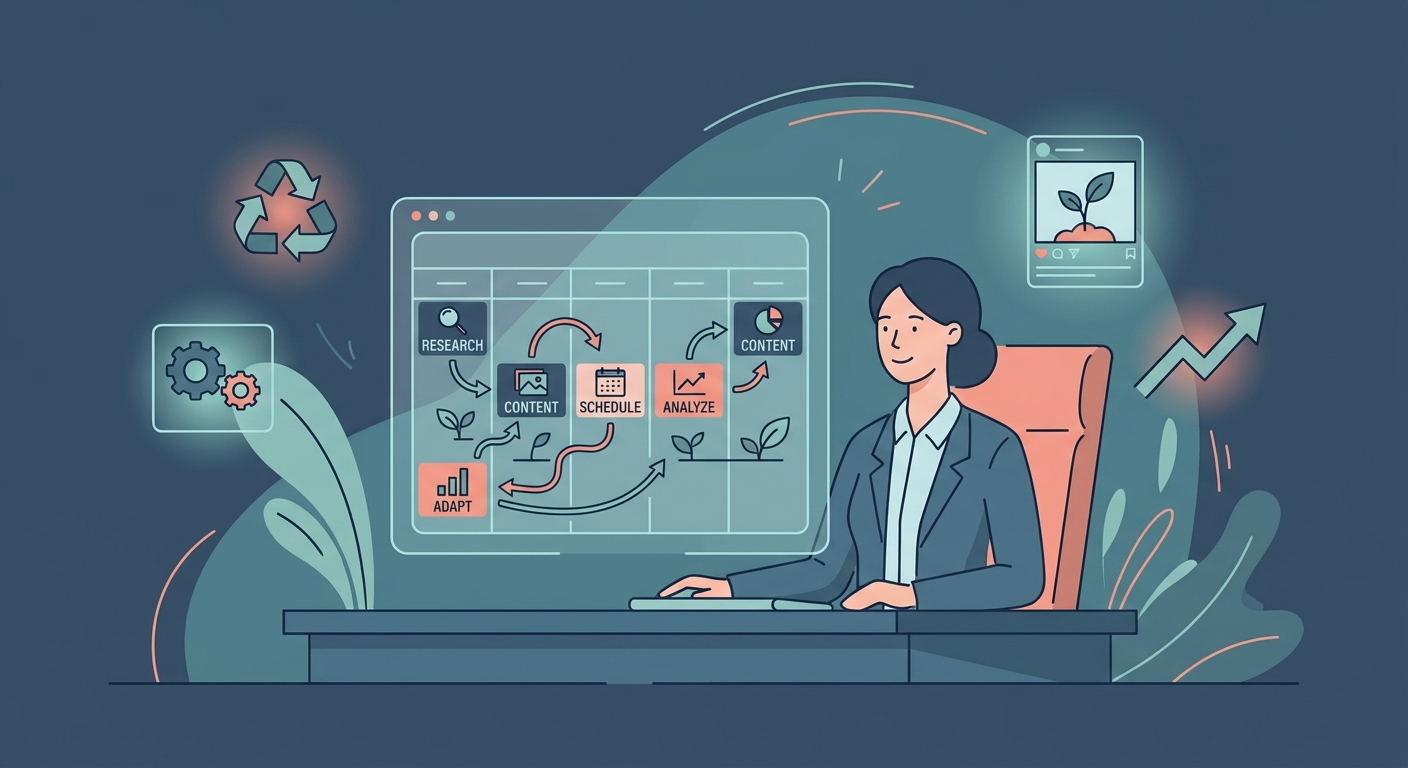
Stop the chaos. Discover how to build a high-output, AI-human hybrid social media workflow that converts and scales in 2026. Read the handbook.
Social9 schedules your posts on 11 networks, and Autopilot can draft them in your brand voice for you to approve. Start on the free plan.
We use strictly necessary cookies to run this site. With your permission, we also use analytics cookies to understand how the site is used. We never use advertising cookies. See our Cookie Policy.