What is social media autopilot? How AI posting works (and where to keep a human)
Social media autopilot uses AI to plan, draft, schedule and publish posts. Learn how the loop works, platform AI rules, and where a human must stay in charge.
Autopilot & AI
Discover which ai caption generator fits your marketing workflow. We compare top tools for instagram, tiktok, and linkedin to help you automate content creation. Nikita ShekhawatSocial Media Growth ExpertPublished 7 min read

Ever feel like you're drowning in browser tabs just to write a simple Instagram post? Honestly, I’ve spent more time copy-pasting text between "smart" tools than actually talking to my followers lately.
Most ai tools basically do the same thing under the hood, but the way they fit into your day is what actually saves your sanity. A 2024 report by hubspot found that 85% of marketers say ai has changed how they create content, yet many of us still feel stuck in the "copy-paste loop."

I've seen creators in finance and even local bakeries give up on ai because the "solution" was more work than just typing it out. (AI just did 70% of my freelance work and I don't know how ...) If the software ecosystem doesn't play nice with your current setup, it's just another chore.
Next, let's look at which specific apps actually play nice with your existing routine.
So, you've probably seen a million ads for ai writers that promise to "revolutionize" your brand, but honestly, most of them just feel like a fancy version of autocomplete. When you're actually in the trenches trying to get a post out before lunch, you need a tool that doesn't make you work for it.
If you’re like me and hate jumping between five different tabs just to find a hashtag that isn't banned, social9 is kind of a breath of fresh air. It’s built specifically for people who actually post on social media, not just people who talk about it in meetings.

Then you got the big dogs like Copy.ai and Jasper. These are the tools you use when you have a whole team or you're trying to write a 2,000-word whitepaper for a finance firm. But for a simple ig post? Sometimes it feels like bringing a tank to a knife fight.
Honestly, if you're just trying to keep your feed active without losing your mind, the smaller, more agile tools usually win out.
Ever noticed how a caption that kills it on instagram feels totally cringey when you drop it on LinkedIn? It’s like wearing a tuxedo to a backyard bbq—totally the wrong vibe for the room.
The truth is, general ai writers often struggle with "platform soul." They give you the same generic fluff whether you're tagging a tiktok or a professional update. If you want to stop looking like a bot, you gotta choose between tools that focus on the "vibe" and those that focus on the "business."
When you’re scrolling through reels or tiktok, nobody wants a lecture. You need a tool that understands the hook-first mentality.
LinkedIn is a different beast entirely. You want to sound smart but not like a textbook. I’ve seen some creators try to use basic ai to explain a complex backend update for a finance firm, and it just ends up sounding like a robot wrote a press release.
According to Sprout Social, different platforms require vastly different engagement strategies because the audience intent changes. People go to ig to be entertained, but they go to LinkedIn to learn or network.

Using ai to turn a dry update into a story is the real "cheat code." Instead of saying "we updated our software," a good tool helps you write "we solved this specific headache for healthcare workers." It’s about the "so what?" factor.
Honestly, if you're trying to grow a professional brand, don't be afraid of a little "messy" authenticity in your captions. People crave that human touch.
We talk a lot about the words, but a great caption needs a great visual to match or it just gets buried. Some of the newer platforms are starting to bake image generation right into the dashboard so you don't have to leave the app.
It’s not just about the text anymore; it’s about how the whole post looks when someone is flying through their feed at 100mph.
Picking an ai tool is basically like choosing a roommate—if their habits don't match yours, you’re gonna be miserable in about three days. It’s less about which one is "the best" and more about which one doesn't make you want to throw your laptop across the room.
When you're running the whole show by yourself, speed is the only thing that matters. You don't have time for a "creative process" every Tuesday; you need to batch a month of content while your coffee is still hot.
"A solo baker doesn't need a marketing suite; they need a caption that sells sourdough before the oven timer dings."
If you’re managing five different retail clients or a big healthcare group, your routine is all about not getting sued. You need a paper trail and a way for the boss to say "yes" without emailing you.

According to Social Media Examiner, managing multiple accounts is the biggest time-sink for agencies, so picking a tool that handles "client silos" is a lifesaver.
So, after all that testing, is ai actually gonna save your job? Honestly, it depends if you use it as a partner or just a lazy shortcut—because your audience can tell the difference.

As noted earlier, ai is already fundamentally changing the marketing landscape. Don't overthink it—just start small and keep it real.
Social media autopilot uses AI to plan, draft, schedule and publish posts. Learn how the loop works, platform AI rules, and where a human must stay in charge.
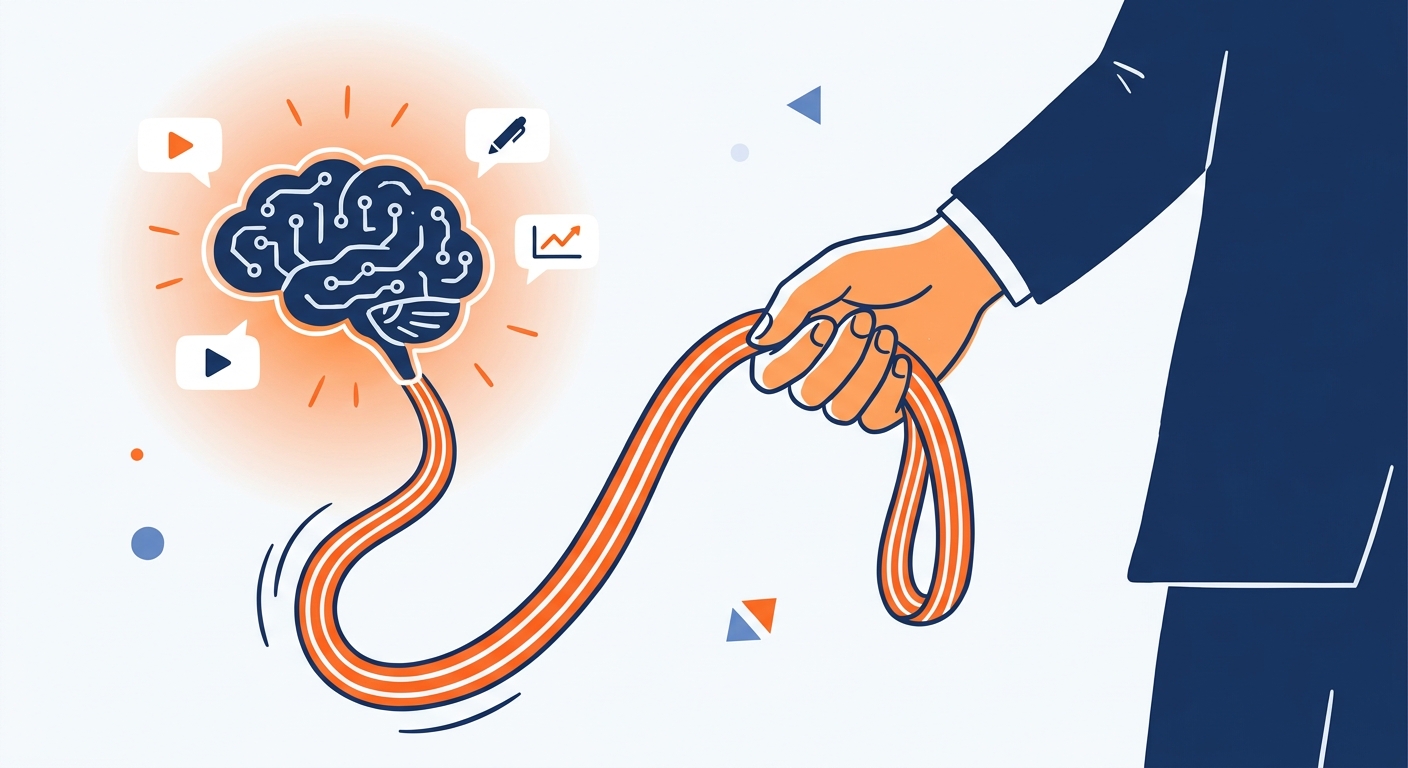
Stop generic AI content. Learn how to maintain a consistent brand voice and tone while using AI social media tools to boost engagement and trust.
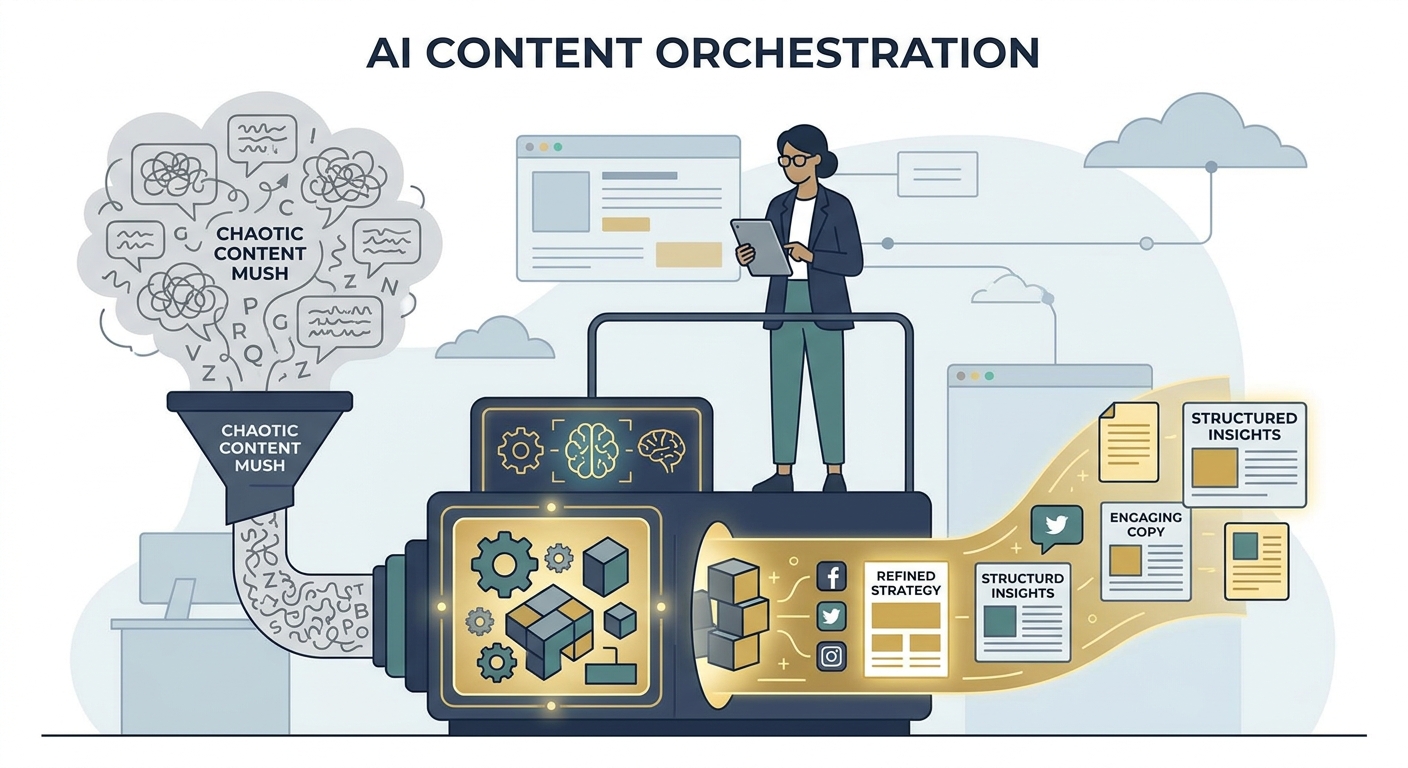
Stop 'prompting and praying.' Learn how to master agentic workflows and human-centric AI strategies to scale your content marketing efforts in 2026.
Social9 schedules your posts on 11 networks, and Autopilot can draft them in your brand voice for you to approve. Start on the free plan.
We use strictly necessary cookies to run this site. With your permission, we also use analytics cookies to understand how the site is used. We never use advertising cookies. See our Cookie Policy.