What is social media autopilot? How AI posting works (and where to keep a human)
Social media autopilot uses AI to plan, draft, schedule and publish posts. Learn how the loop works, platform AI rules, and where a human must stay in charge.
Autopilot & AI
Learn the exact ai-assisted content workflow that saves 15 hours per week. Streamline your marketing with automation and better content tools for creators. David KimAI EngineerPublished 4 min read

Ever felt like your to-do list is actually a horror movie villain that just wont die? Honestly, most creators are just drowning in manual chores. (Anyone else feel like theyre drowning in manual work while trying to ...)
As Rubin (2025) notes, this "manual trap" makes us feel exhausted rather than creative. Rubin claims that using specific ai tools saved them 20 hours a week, which is a massive amount of time to get back.
Next, let's fix this.
Ever sat there staring at a blinking cursor until you wanted to throw your laptop out the window? We've all been there, just stuck in that "blank page" hell.
The trick is treating ai like a messy thinking partner rather than a magic button. As Neeraj Shah points out, you gotta shift your identity to be "ai-first." This means you stop being a "creator" who builds from scratch and become an "editor/curator" who directs the machine. When you make this shift, you never actually start from zero because the ai provides the raw clay for you to mold.
I've seen people in healthcare use this to turn dry whitepapers into 5 punchy linkedin posts in minutes. Honestly, it's just about getting that first draft of ideas out of your head and into a workspace.
Next up, let's look at actually building the thing.
So, you got your ideas—now how do you actually make the stuff without it looking like a robot wrote it? It's all about building a "creation engine" that keeps your personality while the ai does the heavy lifting. Honestly, the biggest mistake is just copy-pasting what the chat spits out; you gotta train it to sound like you.
As mentioned earlier, shifting your identity to be ai-first turns this from a chore into a system. Next, we gotta talk about how to get this content actually seen.
So you finally made something cool, but now you gotta post it everywhere without losing your mind. Honestly, the worst part of being a creator is that "copy-paste" grind across five different apps.
The secret sauce is using an ai-first workflow to chop up one big piece of content into tiny, platform-sized bites. If you’ve got a long video, you don't just post the link on twitter and hope for the best—that never works.
I've seen folks in the finance space turn one boring market report into a weeks worth of content using this exact flow. As noted earlier, this is how you actually buy back those 20 hours.
Next, we gotta make sure all this stuff is actually working.
So, you’ve built this whole machine, but is it actually doing anything besides making you feel busy? Honestly, the biggest trap is tracking "vanity metrics" like how many prompts you ran instead of what actually hits the bottom line.
As DB Marketing Technologies points out, business impact—like revenue or leads—is the only metric that really counts for roi.
I've seen people get so obsessed with the tech they forget to check if anyone is actually reading. Don't be that person. Use these tools to buy back your time, then use that time to think bigger. Good luck out there.
Social media autopilot uses AI to plan, draft, schedule and publish posts. Learn how the loop works, platform AI rules, and where a human must stay in charge.
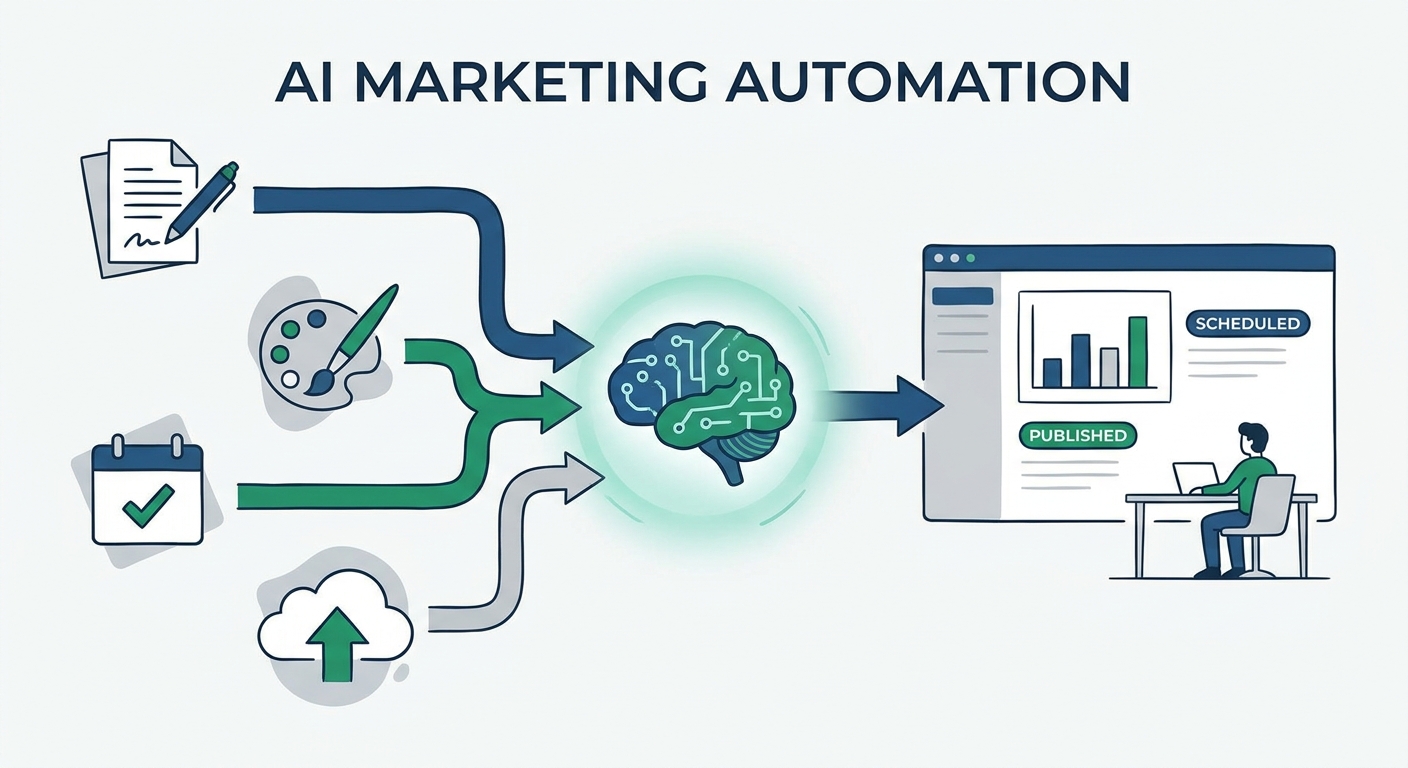
Stop manual content switching. Discover the 10 best AI social media post generators of 2026 to automate your marketing workflow and scale your content output.
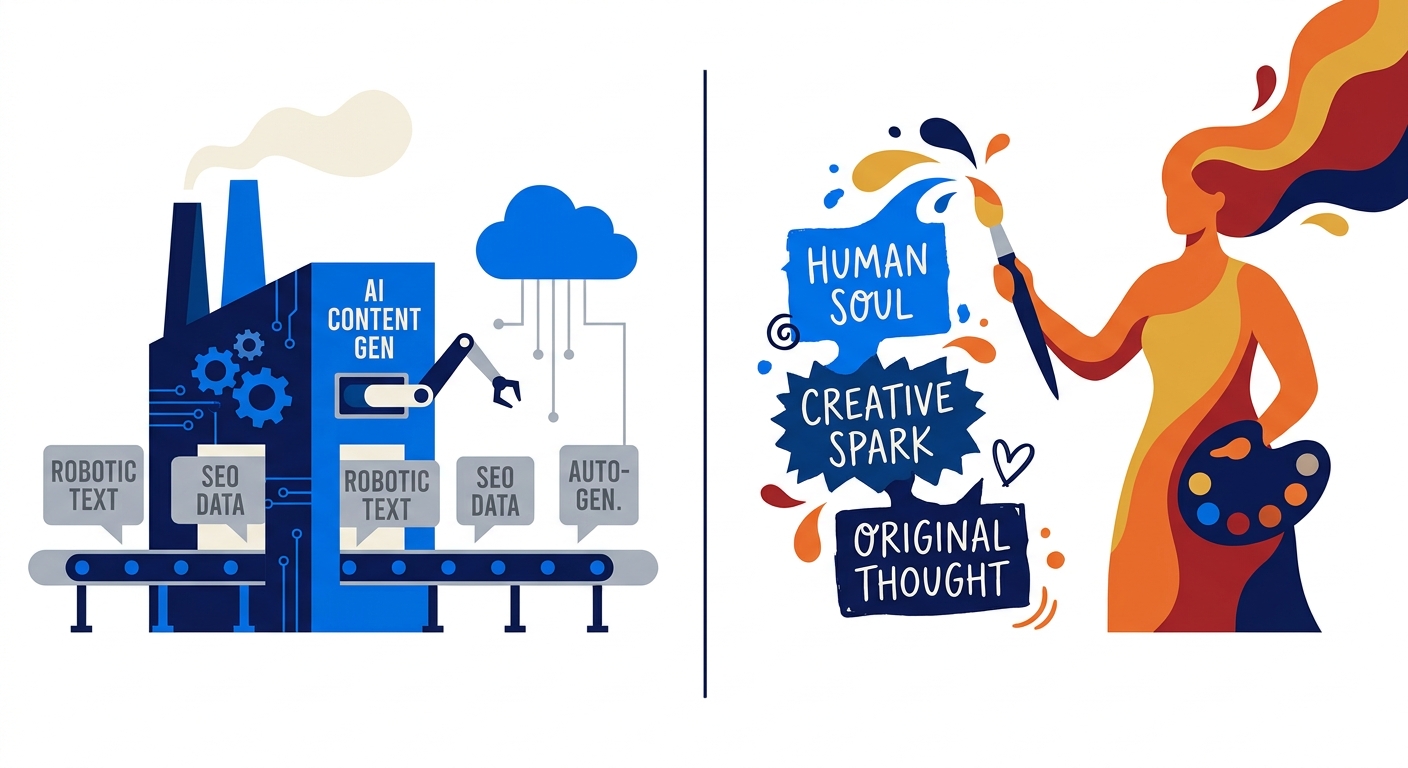
Stop posting AI-slop. Learn how to build a Zero-Touch content pipeline that automates social media strategy using your own proprietary data and insights.
Social9 schedules your posts on 11 networks, and Autopilot can draft them in your brand voice for you to approve. Start on the free plan.
We use strictly necessary cookies to run this site. With your permission, we also use analytics cookies to understand how the site is used. We never use advertising cookies. See our Cookie Policy.