Social media scheduling: the complete 2026 guide
How social media scheduling works in 2026: native schedulers vs tools, API limits, a six-step workflow, queues, time zones, approvals and a checklist.
Scheduling
Stop manual posting. Learn how to build an AI-assisted, human-verified social media workflow that scales your content without the burnout. Read our guide. Alex ChenAI Content StrategistPublished 6 min read
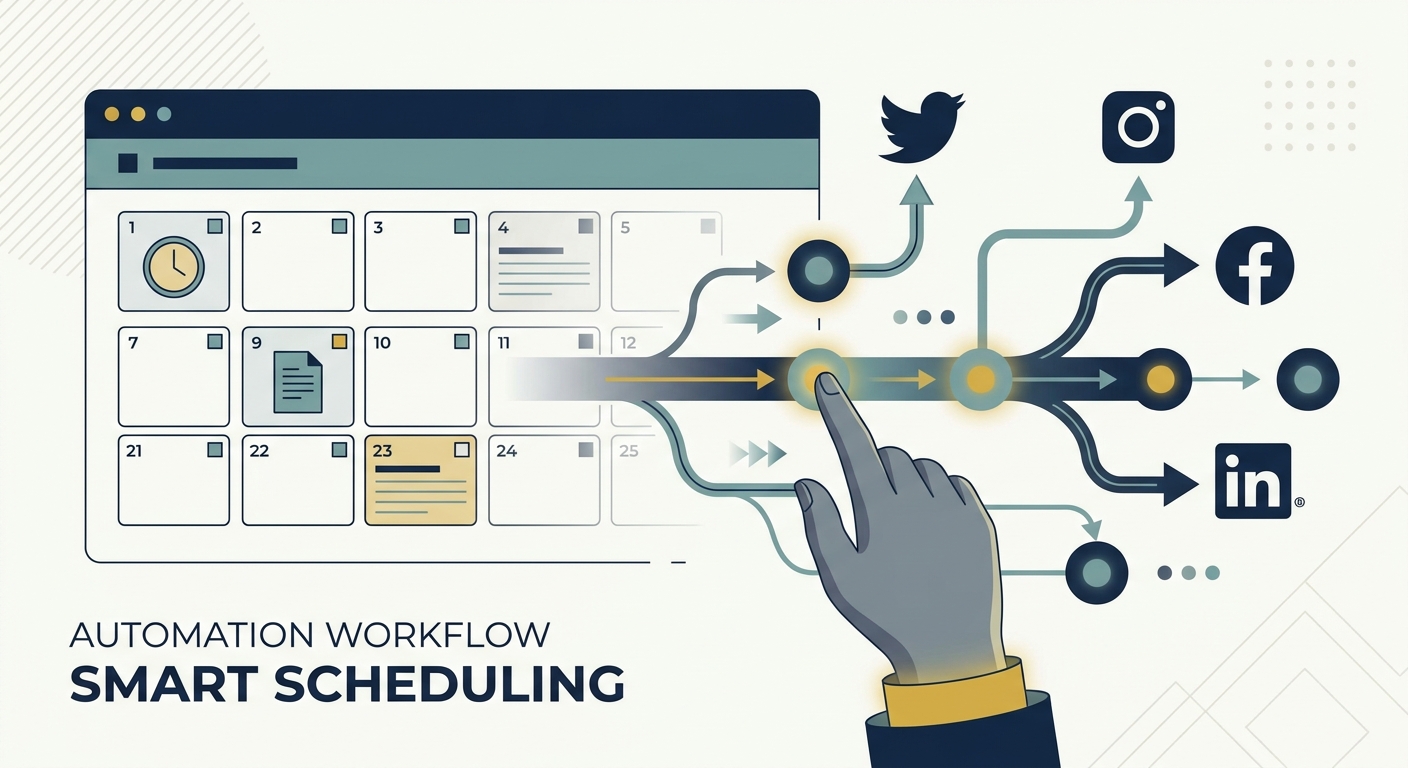
The "set it and forget it" era of social media? It’s dead. If you’re still manually copy-pasting captions into native interfaces or treating your content calendar like a static, dusty spreadsheet, you aren’t just behind—you’re bleeding time.
In 2026, the competitive edge doesn't go to the person who works the hardest. It belongs to those who view automation not as a robot replacement for human soul, but as a rigid skeleton. It’s what lets your brand’s voice scale across 6.2+ platforms without the inevitable burnout that turns even the best marketers into zombies.
According to the latest Sprout Social Index, the number of platforms the average brand manages has ballooned. Manual intervention is no longer a "personal touch"—it’s a structural liability. To survive, you have to shift to an "AI-assisted, human-verified" workflow. Let the machines handle the grunt work of distribution and data. Reserve your team’s cognitive load for the high-stakes stuff: community engagement and creative strategy.
Modern marketers are expected to be writers, designers, data nerds, and community managers all at once. It’s an impossible standard. When you force a human to handle the mechanical aspects of this workflow—scheduling individual posts, tracking reach, or chasing people for approval—you are burning expensive talent on low-value tasks.
Manual management creates a "cognitive tax." Every time you toggle between a project management tool and a social scheduler, you lose your flow. Multiply that by a team environment where approvals are buried in endless email threads or lost in Slack pings, and the process becomes a black hole. You lose visibility on what’s live, what’s pending, and what’s actually working. This isn't just about efficiency; it’s about governance. Without a centralized, automated workflow, brand consistency is the first casualty of speed.
To build a machine that actually works, you have to separate the mechanics from the strategy. Automation excels at the "How"—the logistics of moving a file from a draft to a live post. Humans excel at the "Why"—the empathy, the context, and the brand resonance that makes people care.
graph TD
    A[Ideation: AI Assisted] --> B[Draft: Human Crafted]
    B --> C[Approval: Stakeholder Review]
    C --> D{Approved?}
    D -- No --> B
    D -- Yes --> E[Scheduling: Automation]
    E --> F[Engagement: Human Led]
This lifecycle ensures that no content reaches your audience without a human "sanity check," yet your team never has to lift a finger to drag a post from the calendar to the feed.
The biggest fear about AI is that it’ll strip the brand voice right out of your content. But the answer isn’t to abstain; it’s to treat AI like a hyper-efficient junior researcher. Use LLMs to generate content clusters, repurpose transcripts, or brainstorm angles based on what’s performed well in the past.
Before you hit "publish," though? Run it through your brand voice guide.
Batching is your secret weapon here. Stop the daily grind of "what should I post today?" Designate one "creation window" per week. Feed your AI the raw data—a podcast transcript, a new product spec, a whitepaper—and have it spit out five variations of a LinkedIn post or three variations of a Twitter thread. You’ll kill the "blank page" syndrome while keeping enough human oversight to ensure the tone stays distinctly yours.
The hidden killer of social media velocity is the "approval stall." When a stakeholder needs to review a post, do not—I repeat, do not—resort to email. Email is where content goes to die.
Use your project management tool—Notion, Asana, Airtable, whatever—as your single source of truth. When a draft hits "Ready for Review," set up an automation trigger that pings the stakeholder. Centralize it. Use "governance checks"—pre-defined tags or custom fields that verify if a post meets your visual and legal standards—so only the "clean" content ever touches your queue.
If you’re creating content for every platform from scratch, you’re working too hard. Adopt the "Hero Asset" approach. Create one high-quality piece of content—a long-form video or a deep-dive article—and use this structured repurposing guide to atomize it.
One hero video can become:
Automate this by tagging your hero asset in your project management tool, which triggers "child tasks" for your team or AI tools to generate the micro-content. Once a post has finished its initial run, have an automated re-queueing system that pulls your "evergreen" content back into rotation every 30 to 60 days. Your best work shouldn't be a one-hit wonder.
Social media doesn't exist in a vacuum. It’s an extension of your CRM and your sales funnel. Too many teams keep their social data in a silo, staring at "vanity metrics" like likes while ignoring actual business impact.
graph LR
    A[Notion/Asana] -->|Trigger| B[Zapier]
    B -->|Action| C[Scheduling Tool]
    C -->|Publish| D[Social Platforms]
    D -->|Post Data| E[Analytics Dashboard]
    E -.->|Insight| A
By using middleware like Zapier, you can connect your social scheduling tool with your analytics dashboard. When a post hits a specific engagement threshold, trigger an automated alert to your sales team or auto-add the link to your internal newsletter. This architecture turns social media from a digital megaphone into a lead-generation machine. You can find more on the specifics of this integration in this social media automation guide.
Automation is a tool, not a panacea. The most common trap? "AI fatigue." If your feed is nothing but polished, generic, AI-generated drivel, your audience will tune you out.
The "Engagement Gap" is the second danger. Automation can handle the publishing, but it cannot handle the conversation. If you automate your replies, you lose the chance to build genuine community. Never automate the first 30 minutes of a post’s life; be there to answer comments, spark debate, and humanize the brand. Your automation should give you the time to do this, not replace the need to do it.
Scaling your social media in 2026 requires a shift in mindset. You aren't just a content creator anymore; you’re an architect. By moving from manual, fragmented tasks to a cohesive "Human-in-the-Loop" workflow, you reclaim your time and ensure your brand stays consistent, data-informed, and human-led.
Start small. Automate the scheduling first, then the reporting, and finally the approvals. Before you dive in, download our Ultimate Social Media Strategy Template to map out your infrastructure and stop the cycle of manual burnout for good.
Not at all. Algorithms prioritize consistency and engagement. If automation allows you to post consistently without sacrificing the quality of your creative strategy, the algorithm will reward you. The damage only occurs when you use automation to spam low-quality content.
Follow the 80/20 rule. Automate the distribution, data collection, and reporting—the heavy mechanical lifting. Keep the community engagement, creative brainstorming, and final "sanity check" human-led.
Use a project management tool that offers status-based triggers. When a post moves to "Pending Approval," the stakeholder should receive an automated notification. This keeps the process out of email and within a controlled, trackable environment.
Every piece of AI-assisted content must pass a human "sanity check." The AI should build the draft, but a human must edit the hook, inject personal anecdotes, and ensure the tone matches the brand’s unique voice. Never post raw AI output.
You need a three-layer stack: a project management tool for planning (Notion or Asana), a connective tissue tool for automation (Zapier), and a robust scheduling and analytics platform (Metricool or Buffer). Start by connecting these three to create your baseline workflow.
How social media scheduling works in 2026: native schedulers vs tools, API limits, a six-step workflow, queues, time zones, approvals and a checklist.

Build a 30-day social media content calendar step by step: pick content pillars, set posting frequency, batch, approve and schedule. Free template included.
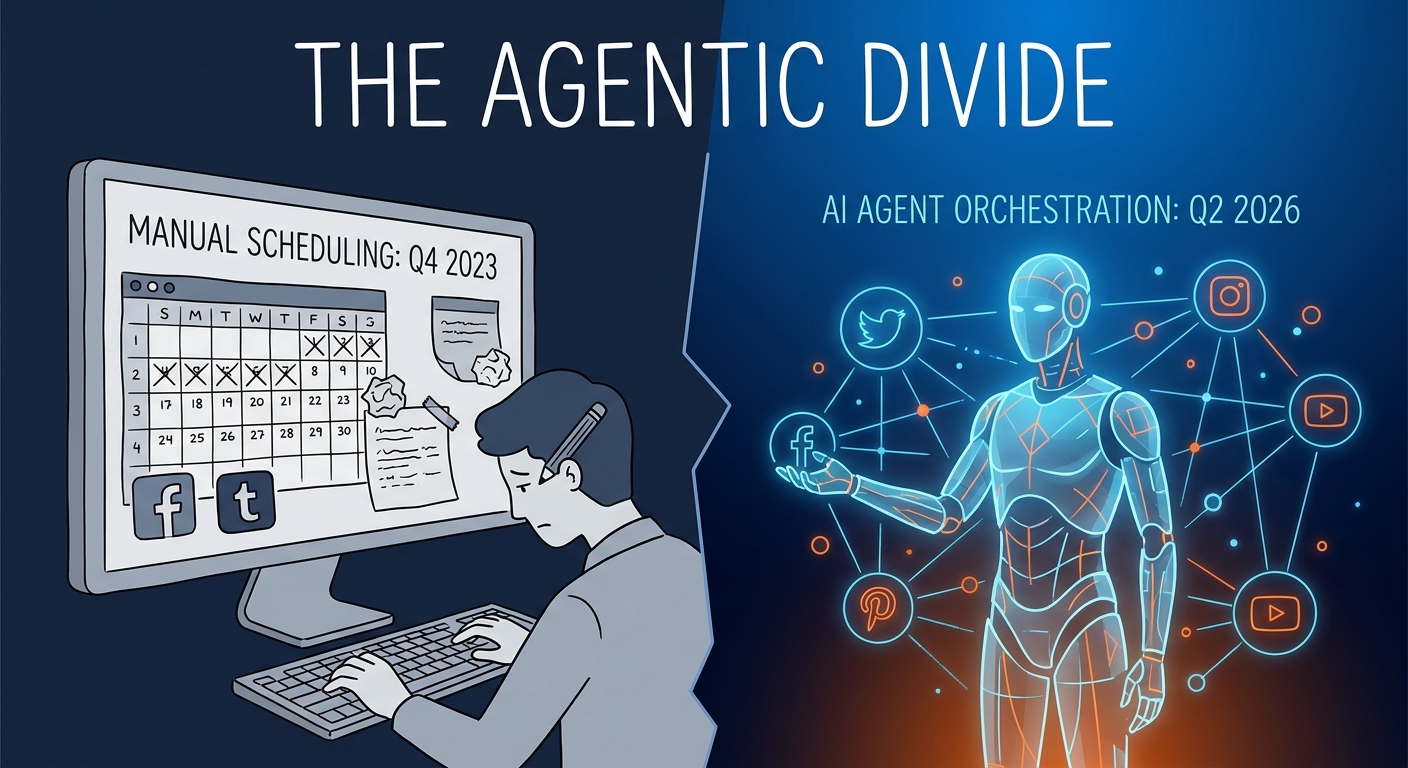
We compared 10 social media schedulers on price, pricing model, free plans, networks, AI writing and approvals. Prices checked October 2026 on vendor sites.
Social9 schedules your posts on 11 networks, and Autopilot can draft them in your brand voice for you to approve. Start on the free plan.
We use strictly necessary cookies to run this site. With your permission, we also use analytics cookies to understand how the site is used. We never use advertising cookies. See our Cookie Policy.