Social media scheduling: the complete 2026 guide
How social media scheduling works in 2026: native schedulers vs tools, API limits, a six-step workflow, queues, time zones, approvals and a checklist.
Scheduling
Stop wasting hours on social media planning. Learn our hybrid AI-human workflow to build a high-converting 30-day content calendar in under 60 minutes. Alex ChenAI Content StrategistPublished 6 min read
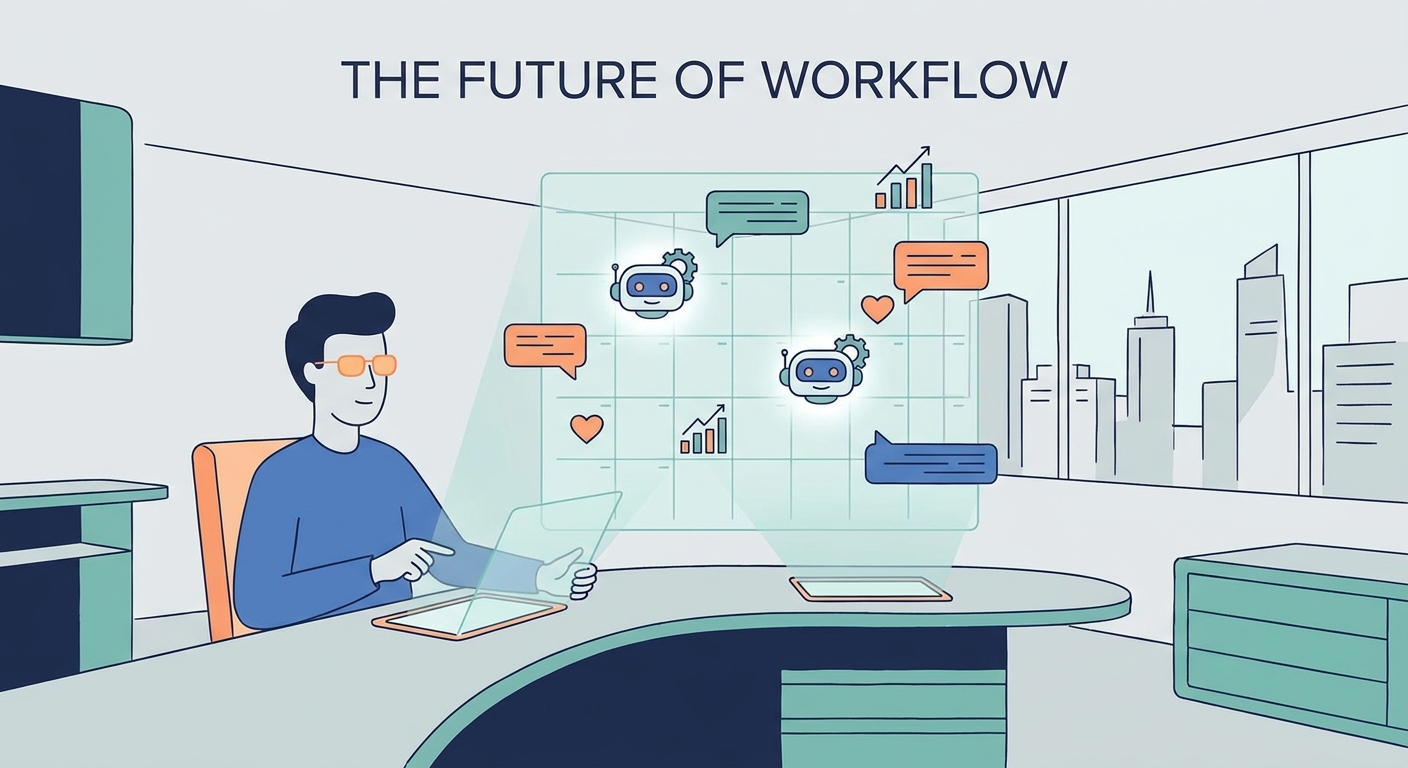
If you’re still losing your Sunday nights to a blinking cursor, wondering what on earth to post on Monday morning, you’re already losing. You aren't just wasting time; you're handing your growth over to chance. In 2026, the game has changed. Stop trying to craft every post by hand like it’s a bespoke piece of art. Start orchestrating a content ecosystem.
You can map out an entire month of high-converting social media content in under 60 minutes. The secret? Use AI as your engine, but—and this is the part most people miss—keep your own hands firmly on the steering wheel.
Burnout is the silent killer of creative teams. When you treat social media like a daily treadmill, you aren’t building a brand. You’re just feeding an algorithm that never gets full. By 2026, the industry has stopped obsessing over vanity metrics like likes and shares. We’re finally focusing on the only thing that keeps the lights on: revenue.
The new gold standard? "Time-to-Publish." If your team spends six hours a week arguing over captions and hashtags, you’re bleeding resources. The manual calendar is a relic from back when we thought social media was a passive hobby. Today, it’s a high-speed conversion machine. If you aren't using automation to handle the heavy lifting, your competitors are moving circles around you while you’re still stuck in the brainstorming phase.
Efficiency isn’t about replacing your voice; it’s about scaling it. The "Human-in-the-Loop" mandate is non-negotiable. AI is a monster at processing data and churning out structural drafts, but it’s tone-deaf. It lacks the cultural pulse and the raw, lived experience of your brand.
You have to distinguish between AI-generated data—which is sharp and fast—and AI-generated brand voice, which usually sounds like a corporate press release written by a bored robot. Your job as a marketer is to infuse the "human polish" that turns a generic post into a relationship-building asset.
graph LR
    A[Input: Strategy & Goals] --> B[AI Processing: Drafting & Formatting]
    B --> C[Human Review: Brand Polish & Context]
    C --> D[Distribution: Platform-Native Posting]

    style A fill:#f9f9f9,stroke:#333
    style C fill:#e1f5fe,stroke:#0277bd
    style D fill:#f9f9f9,stroke:#333
Before you type a single prompt into an LLM, you need to know the "Why." AI can't help you if you don't know who you’re talking to. Start by locking in your content pillars—the 3 to 5 core themes that define your expertise. If you're struggling to define these, you might benefit from our professional content strategy services to get your foundation rock-solid before you hit the gas.
Think of your "Brand Bible" as the most important document you’ll ever feed into an AI. This includes your specific tone—are you punchy and cynical? Warm and educational? Authoritative? When you give the AI a clear, constrained sandbox, it stops outputting generic fluff and starts sounding like you.
Most people fail at AI because they treat it like a search engine. Stop that. Treat it like a junior copywriter who needs a clear, punchy brief. Use the "Role, Context, Task, Constraint" framework:
Building a "Copy-Paste" Prompt Library for your team ensures that your content stays consistent, no matter who is running the tools. When everyone uses the same high-converting prompt structure, your brand voice stays uniform.
The assembly line is where the magic happens. Don't create one post at a time. Create in batches. Use your AI to generate a 30-day topical map, then move to drafting captions, then visuals, then the scheduler. For a deeper dive into the logistics of this, check out these best practices for managing social media calendars.
Once your workflow is locked in, download our free 30-day content calendar template and start filling it out. The goal is to move from "What do I post today?" to "How does this month’s content stack drive our quarterly revenue goals?"
This is the most critical step. Once the AI spits out your 30-day block, you need to "de-robotize" the output. Inject humanity. Add a story from your week. Reference a piece of news that broke this morning.
Platform algorithms are getting smarter; they can sniff out "AI-slop" from a mile away. They prioritize content that feels like a human being wrote it to another human being. Your "Authenticity Audit" checklist:
You don't need a hundred tools; you need a tight, integrated stack. For strategy and brainstorming, ChatGPT or Claude remain the industry leaders. For visual design, tools like Canva or Midjourney turn concepts into assets in seconds. For operations, you need a robust scheduling platform—review the latest AI tools for social media management to find the ones that integrate best with your workflow.
If you are managing complex projects, integrating AI into your content operations using tools like Airtable can help you track every piece of content from "idea" to "published," ensuring nothing falls through the cracks.
If you can't measure it, you can't optimize it. Move past "likes" and "shares." Those are vanity metrics that don't pay the bills. Map your social content to your CRM data. If a specific post leads to a demo request or a whitepaper download, that’s a win. Use URL tracking parameters (UTMs) on everything. By connecting your social calendar to your conversion data, you can finally prove that your 60-minute batching process is actually driving business growth, not just noise.
The secret is in the "System Instructions." Both ChatGPT and Claude allow you to upload a "Brand Voice" guide. Provide the AI with five examples of your best-performing past posts and ask it to analyze the sentence structure, tone, and vocabulary. Then, save those instructions as a custom GPT or a project instruction set so the AI automatically adopts that style for every future prompt.
Not if you do the work. Platforms don't penalize "AI content"; they penalize boring, low-effort, repetitive content. If you use AI to create a draft and then spend 10 minutes adding your own insights, personal anecdotes, or specific industry data, you are creating a "human-verified" piece of content. That is exactly the type of high-value, unique contribution that algorithms prioritize.
While batching is for efficiency, you must remain agile. Keep your 30-day calendar as a "living document." Set aside 15 minutes each Monday morning to review the upcoming week’s posts and "tweak" them based on current events or new company developments. You want the efficiency of a batch-created calendar with the freshness of a daily newsroom.
Start with the free tiers of ChatGPT or Claude for your strategy and drafting. For visuals, the free version of Canva is more than enough to get started with professional-looking templates. As for scheduling, look for platforms that offer a free tier for a single user—this allows you to automate your distribution without adding another monthly subscription cost until your revenue justifies the upgrade.
How social media scheduling works in 2026: native schedulers vs tools, API limits, a six-step workflow, queues, time zones, approvals and a checklist.
Build a 30-day social media content calendar step by step: pick content pillars, set posting frequency, batch, approve and schedule. Free template included.
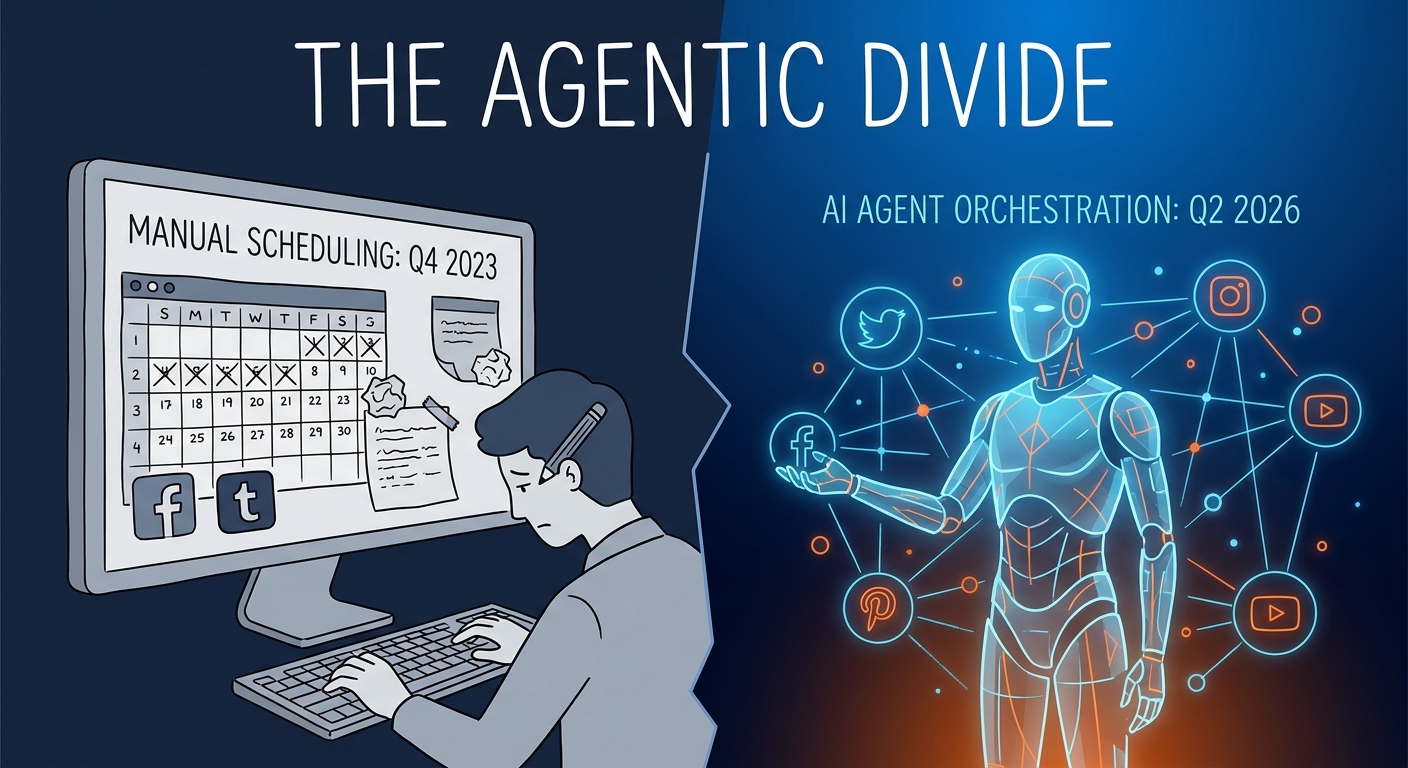
We compared 10 social media schedulers on price, pricing model, free plans, networks, AI writing and approvals. Prices checked October 2026 on vendor sites.
Social9 schedules your posts on 11 networks, and Autopilot can draft them in your brand voice for you to approve. Start on the free plan.
We use strictly necessary cookies to run this site. With your permission, we also use analytics cookies to understand how the site is used. We never use advertising cookies. See our Cookie Policy.