What is social media autopilot? How AI posting works (and where to keep a human)
Social media autopilot uses AI to plan, draft, schedule and publish posts. Learn how the loop works, platform AI rules, and where a human must stay in charge.
Autopilot & AI
How to create short-form videos with AI: scripting, clipping, captions, reframing and repurposing for Reels, TikTok and YouTube Shorts without a big team. Social9 TeamProduct, content and engineering team at Social9Published Updated 6 min read
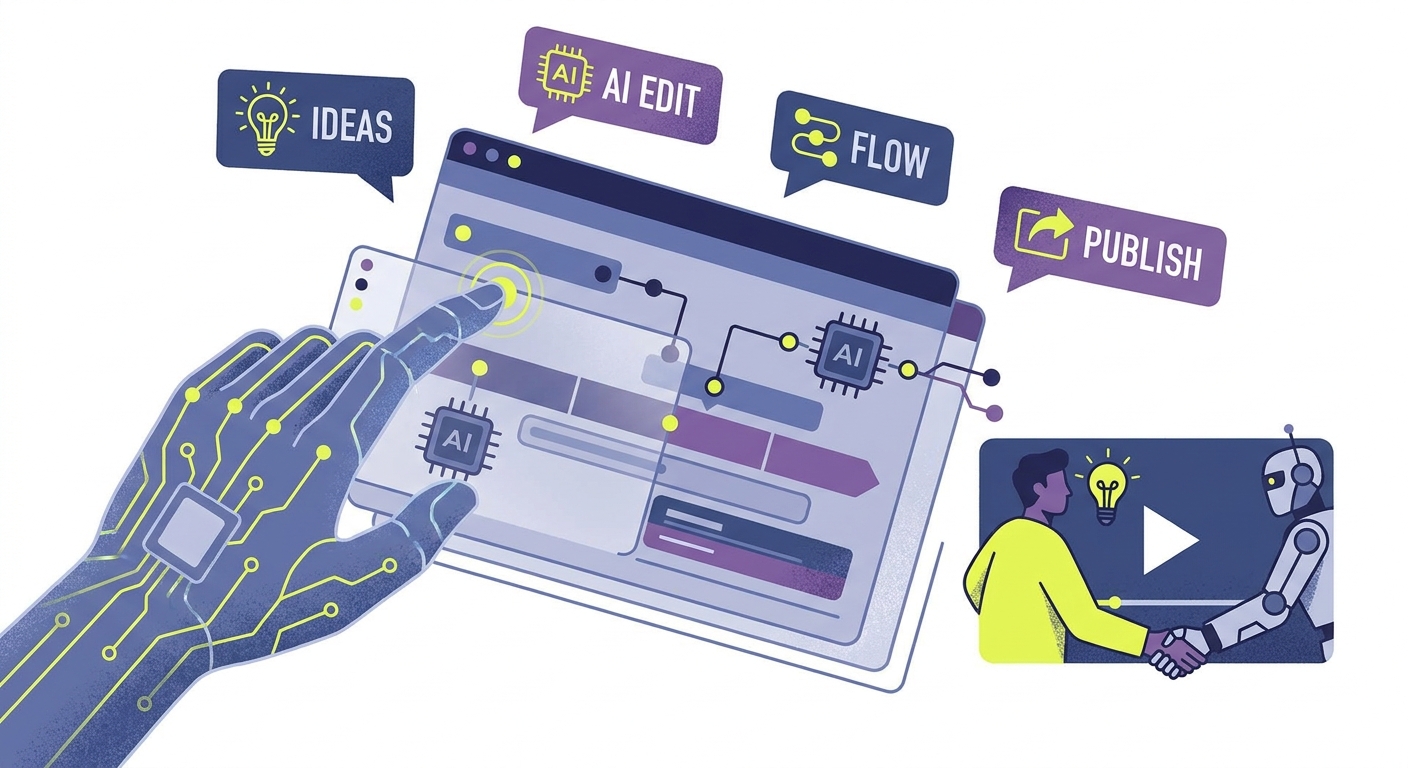
To create short videos with AI, start from real footage and let AI handle the slow parts: transcription, finding clip-worthy moments, reframing to vertical, captions and first-draft scripts. A person then picks the clips, tightens the edit and checks it sounds like your brand. Fully AI-generated video is useful for B-roll and visual concepts, but repurposing your own recordings usually produces more trustworthy, on-brand results.
This guide walks through the tool categories, a step-by-step workflow, platform differences and prompts you can reuse.
There are two broad approaches, and most teams mix them.
| Approach | How it works | Strengths | Weaknesses |
|---|---|---|---|
| Repurposing | AI cuts long recordings (podcasts, webinars, interviews) into short clips | Real people, real expertise, fast | Needs good source footage |
| Generation | AI creates video from text, images or avatars | No camera needed, good for visuals and B-roll | Can look synthetic, needs disclosure, weaker trust |
For most brands and creators, repurposing is the better default. Your expertise and personality are in the source footage; AI just removes the grind of cutting it. Generation fills gaps: an animated explainer, a product visual, or B-roll you could not film.
You do not need a dozen subscriptions. Most workflows use some combination of:
Many editors now bundle several of these. Pick tools based on which steps take you longest today. For a deeper comparison, see our guide to content repurposing tools for video.
This workflow turns one long recording into a week or more of short clips.
Record something with real substance: a 20 to 60 minute interview, podcast, webinar, customer Q&A or talking-head explainer. Good audio matters more than perfect video. If you are starting from scratch, script a short video directly using our guide to AI-driven micro video scripting.
Run the recording through transcription. Skim the transcript and highlight moments that make a single, complete point: a strong opinion, a surprising answer, a quick how-to or a story.
Use a clip-finding tool or paste the transcript into an AI assistant and ask for the best self-contained segments with timestamps. Treat the suggestions as a shortlist. AI tends to favor loud or energetic moments; you decide which ones support your goals.
Trim each clip so the most interesting line comes first. Remove pauses, filler words and long setups. Most short clips work best at well under a minute, even where networks allow longer.
Convert to 9:16 vertical, check the speaker stays centered, and add captions. Review captions manually: names, jargon and numbers are where transcription most often slips.
Insert B-roll, screenshots or text overlays where the speaker references something visual. This is where generative visuals help, as long as they do not mislead.
Write a separate caption and title for each network rather than pasting one everywhere. An AI post generator can draft these from the transcript in seconds.
Watch every clip start to finish with a checklist: Is the claim accurate? Is anything taken out of context? Does it sound like us? Does any AI-generated element need a label?
Schedule clips across the week instead of dumping them on one day. After a week or two, compare watch time, completion and shares to see which topics and hooks to repeat.
The same clip can perform differently on each network, so adjust the packaging.
| Platform | What to emphasize | Practical tips |
|---|---|---|
| TikTok | Fast pacing, trend-aware edits, personality | Hook in the first seconds, on-screen text, native-feeling style |
| Instagram Reels | Visual polish, shareability | Strong cover frame, clear caption, consider audio choice |
| YouTube Shorts | Searchable topics, clear titles | Descriptive title and description, link to related long videos |
| Professional insight, sound-off viewing | Burned-in captions, calmer edit, a takeaway in the post text |
Length limits and specs change often, so check current requirements before you export. Our social media image and video sizes guide keeps a current reference, and you can go deeper on scheduling YouTube Shorts and using Instagram Reels.
AI makes it easy to cross lines you would not cross by hand.
Paste a transcript and use these as starting points:
Social9 does not edit video, but it handles what happens after the edit. You can upload finished clips, have the AI write captions for each network in your brand voice, and schedule them to TikTok, Instagram, YouTube, LinkedIn and other networks from one calendar, with approvals if your team needs them. See the features page for details.
Repurpose real footage. Record or reuse a long video, then use AI to transcribe it, suggest clips, reframe to vertical and add captions. A person picks the strongest moments and polishes them. This keeps your expertise and personality in the video while cutting editing time, and it avoids the synthetic look of fully generated video.
Using AI for editing, captions or reframing is not something platforms penalize in itself; they rank videos on how viewers respond. The risks are low-quality, repetitive content that viewers skip and undisclosed realistic synthetic media, which platforms ask creators to label. Focus on watchable, original clips and follow each network's AI disclosure rules.
Yes. Text-to-video and avatar tools can generate clips from a prompt or script. They work well for B-roll, animated explainers and concept visuals. For content where trust matters, such as advice, reviews or brand messages, viewers generally respond better to a real person, so many teams use generated video as support rather than the main footage.
Shorter than the maximum. Platforms now allow longer clips in their short-form feeds, but most short videos work best when they make one point and end quickly. Cut to the most interesting line first, remove filler, and let the content set the length. Check each platform's current limits before exporting.
It depends on how dense the source is. A focused interview or webinar often contains several self-contained moments, while a rambling recording may yield only a few. Rather than aiming for a number, look for clips that each make one complete point and would make sense to someone who never saw the original.
Social media autopilot uses AI to plan, draft, schedule and publish posts. Learn how the loop works, platform AI rules, and where a human must stay in charge.
Social9 now lets Claude, ChatGPT and other MCP apps plan, write and schedule social posts, with test mode, fact checks and approvals keeping people in control.

How to connect Claude or ChatGPT to your social media with an MCP server: what MCP is, setup steps, prompts that work, and how to stay in control.
Social9 schedules your posts on 11 networks, and Autopilot can draft them in your brand voice for you to approve. Start on the free plan.