Bluesky for small business: a practical guide to getting noticed in 2026
How small businesses can use Bluesky in 2026: setting up a profile people trust, what to post, how feeds and starter packs work, and a simple weekly routine you can keep.
Networks
A plain-English guide to Mastodon for small businesses: picking a server, setting up a profile, the posting etiquette that matters, how hashtags help people find you, and a simple routine.

Mastodon is a social network made of many independent servers that talk to each other, often called the fediverse. There is no company algorithm pushing posts and no ads. People see posts from the accounts and hashtags they follow, mostly in time order. For a small business, that means growth comes from being genuinely useful and easy to find, not from paying for reach. It is a smaller audience than the big networks, but often a loyal and thoughtful one, especially in tech, education, the arts, science and many local communities.
This guide explains how Mastodon works in plain terms, how to set up a business presence, the etiquette that matters, and a routine you can keep.
Your server is your home address, for example @yourbusiness@example.social. Some things to check before joining:
If you are unsure, a large general-purpose server is a fine start; you can move your account and followers to another server later.
rel="me" link on your site, which shows a green check next to the link on your profile.Posts can be up to 500 characters on most servers. The tone that works is friendly and plain, with no hard selling.
Hashtags are one of the main ways to be discovered, because people follow them and search them. Two habits help:
#SmallBusiness or #BakeryLife instead of #smallbusiness. Screen readers read each word correctly, which makes your posts accessible to more people.| When | What | Time |
|---|---|---|
| Monday | Schedule 3 posts: a tip, a behind-the-scenes photo with alt text, a question | 10 min |
| Daily | Reply to mentions and boost one useful post from your community | 3 min |
| Friday | See which hashtags and posts got replies or boosts and plan next week | 3 min |
Social9 connects to any Mastodon server: you sign in to your server, then write and schedule posts alongside your other networks. Social9's AI writes posts in your brand voice that fit Mastodon's length and adds a few CamelCase hashtags. See how to connect your accounts or start free.
It can be, especially if your customers include tech, creative, academic or local communities that are active there. It rewards helpful, human posting rather than ads, so it suits businesses happy to talk with people.
Yes, but each server sets its own rules. Check that your server allows business or organisation accounts before you join.
Usually 500 characters, though some servers allow more. Images, video and links can be added.
Two to five relevant hashtags, written in CamelCase so screen readers can read them.
Yes. Social9 works with any Mastodon server, so you can write and schedule posts in advance with your other networks.

How small businesses can use Bluesky in 2026: setting up a profile people trust, what to post, how feeds and starter packs work, and a simple weekly routine you can keep.
Official image and video specs for Facebook, Instagram, Threads, LinkedIn, X, TikTok, YouTube, Pinterest, Google Business Profile, Bluesky and Mastodon.
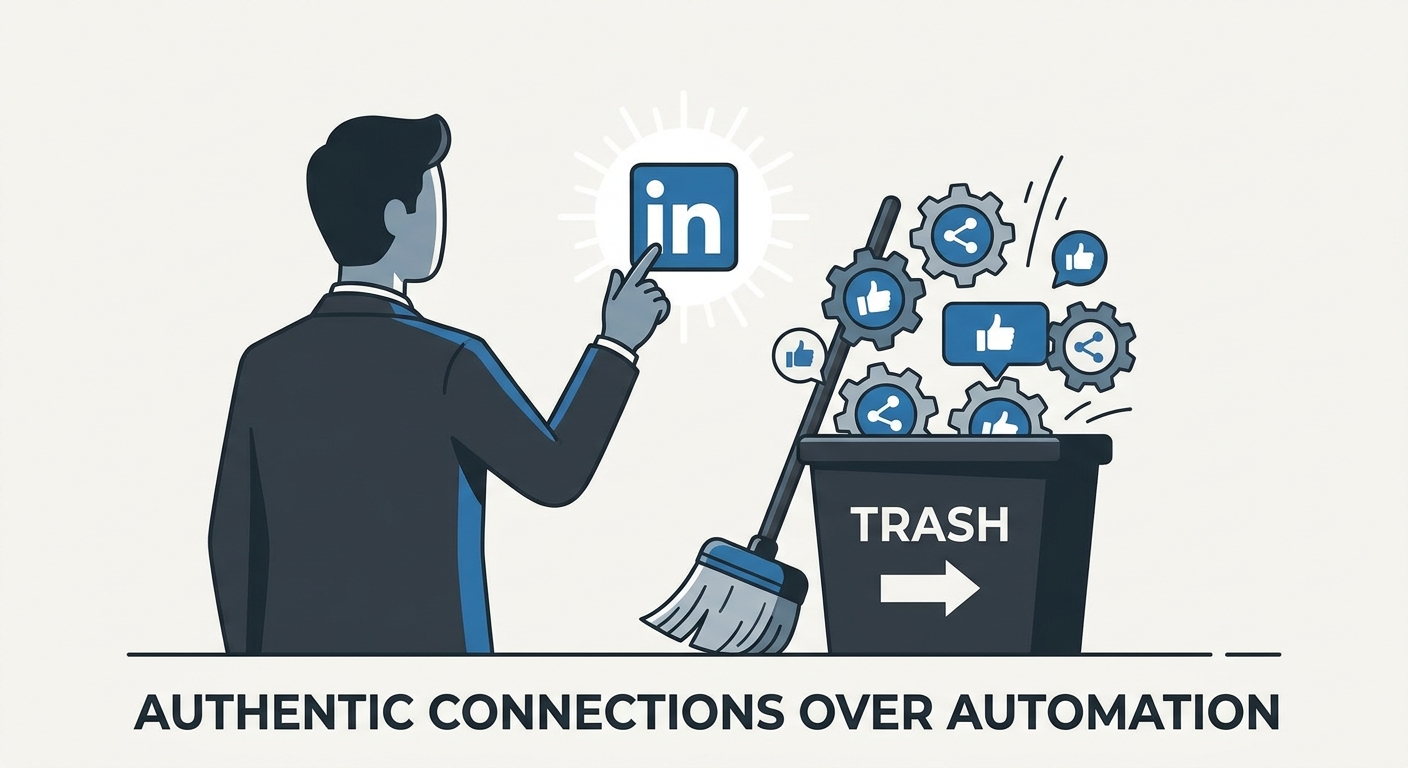
Stop spamming and start connecting. Learn how to use LinkedIn automation tools to amplify your personal brand without losing your authentic voice in 2026.
Social9 schedules your posts on 11 networks, and Autopilot can draft them in your brand voice for you to approve. Start on the free plan.
We use strictly necessary cookies to run this site. With your permission, we also use analytics cookies to understand how the site is used. We never use advertising cookies. See our Cookie Policy.