What is social media autopilot? How AI posting works (and where to keep a human)
Social media autopilot uses AI to plan, draft, schedule and publish posts. Learn how the loop works, platform AI rules, and where a human must stay in charge.
Autopilot & AI
How to use AI for social media content ideation: research inputs, prompts that work, scoring ideas and turning the best into a posting calendar. Social9 TeamProduct, content and engineering team at Social9Published Updated 7 min read

AI content ideation means using AI to turn real audience signals (questions, comments, search trends, your best past posts and competitor gaps) into a ranked list of social post ideas you can actually publish. The engagement gains come from the process around the model, not the model itself: feed it specific inputs, ask for angles rather than finished posts, score the output, then test and learn. This guide walks through that workflow step by step.
Most social teams don't struggle to write. They struggle to decide what to write, every day, on several networks. The usual pain points:
AI helps with all four, as long as you treat it as a fast, tireless research assistant and keep the editorial judgment for yourself.
Under the hood, ideation tools combine natural language processing (understanding and generating text) with pattern detection across large amounts of data. In practice that gives you five useful capabilities:
What AI does not do reliably: know your customers, have opinions, check its own facts, or predict virality with certainty. Those remain your job.
Decide what this round of ideas is for before you prompt anything. Awareness, saves, comments, link clicks and leads each favor different ideas. "Ideas that start conversations among first-time founders" produces sharper output than "content ideas for my startup."
The quality of the ideas tracks the quality of the context. Before prompting, collect:
Social listening is a rich source here; see our guide to advanced social listening techniques for ways to collect these signals.
Paste your inputs and ask for structured ideas. Prompts that work well:
Ask for a table (idea, angle, format, platform, why it might work) so the output is easy to sort.
Generate three to five times more ideas than you will publish, then score each one from 1 to 5 on:
Anything that scores low on audience fit or evidence gets cut, no matter how clever it sounds. The ideas that survive are the ones where AI found the topic and you supply the substance.
Each network rewards different formats, so assign every surviving idea a primary home and the adaptations worth making. A data-heavy idea may lead on LinkedIn and become a carousel for Instagram; a quick tip may suit a short video or a Threads post. Our guide to cross-platform content adaptation covers how to reshape one idea for each network without copy-pasting.
Ideas without dates don't ship. Slot the winners into a weekly or monthly plan, mixing formats and objectives so no week is all promotion or all education. If you need a structure, start from a 30-day content calendar template or our free content calendar generator.
Treat each batch as an experiment:
Then paste the results into your next ideation prompt ("these three ideas outperformed, these two flopped; suggest more like the winners"). Over a few cycles, the AI's suggestions get noticeably closer to what your audience responds to. For predicting what will land, see predictive analytics for content creators.
Give the AI your three to five core topics and ask it to map related subtopics, questions and angles beneath each. The result is a visual (or tabular) topic map that shows where your coverage is thin and how posts can link into series. Refresh the map every quarter as interests shift.
When nothing is coming, ask for constraints instead of ideas: "Give me ten post ideas about [topic] that each use a different format: a checklist, a before/after, a mistake I made, a poll, a myth, a tiny case study..." Constraints reliably unlock fresher output than open-ended prompts.
Ask the AI to review your older posts and suggest which ones deserve an update, a sequel, a counterpoint or a new format. Your back catalogue is full of proven topics. Our guide on how to repurpose content goes deeper.
Once an idea is approved, AI is genuinely useful for the next step: platform-specific caption drafts, a short list of relevant hashtags and a rough script or shot list for video. Keep these as drafts that you edit, not final copy. If captions are your bottleneck, read how to write better captions with AI.
The gap between "good idea" and "published post" is where most ideation work dies. Social9's Autopilot closes it: give the Planner a link or a short description and it drafts a week, two weeks or a month of posts in your brand voice, with three versions of every post to choose from, in any of 50 languages. You approve what you like (or let Full Autopilot publish for you) and Social9 schedules it to the networks you connect, including LinkedIn, Instagram, Threads, X, TikTok and more. It's a practical way to keep the ideation loop above running without spending your week in a spreadsheet; see how it works on our social media content creation page.
AI won't hand you engagement, but it makes the slowest part of social media, deciding what to post, much faster and more data-driven. Feed it real audience signals, ask for angles, score ruthlessly, test across formats and loop the results back in. Keep a human in charge of facts, voice and judgment, and AI ideation becomes a reliable engine for content your audience actually responds to.
AI content ideation is using language models and analytics tools to generate, expand and prioritize content ideas from data such as audience questions, comments, search trends and your past performance. The AI suggests topics, angles and formats; a person decides which are worth publishing.
AI recombines patterns it has seen, so generic prompts get generic ideas. Originality comes from what you feed it: your customer conversations, proprietary data, opinions and stories. Give the model that context and ask for unexpected angles, and the output becomes far more distinctive.
Generate roughly three to five times as many ideas as you plan to publish, then score and cut. The surplus gives you room to drop weak ideas and to keep a backlog for slow weeks.
Using AI to brainstorm does not usually need a disclosure, but follow each platform's labeling rules for AI-generated images or realistic media, and be transparent if AI wrote most of a post your audience assumes is personal.
Look at saves, shares, comments and click-throughs relative to your usual baseline for that platform and format, not raw likes. Compare ideas tested in the same time slot and format so the result reflects the idea itself.
Social media autopilot uses AI to plan, draft, schedule and publish posts. Learn how the loop works, platform AI rules, and where a human must stay in charge.
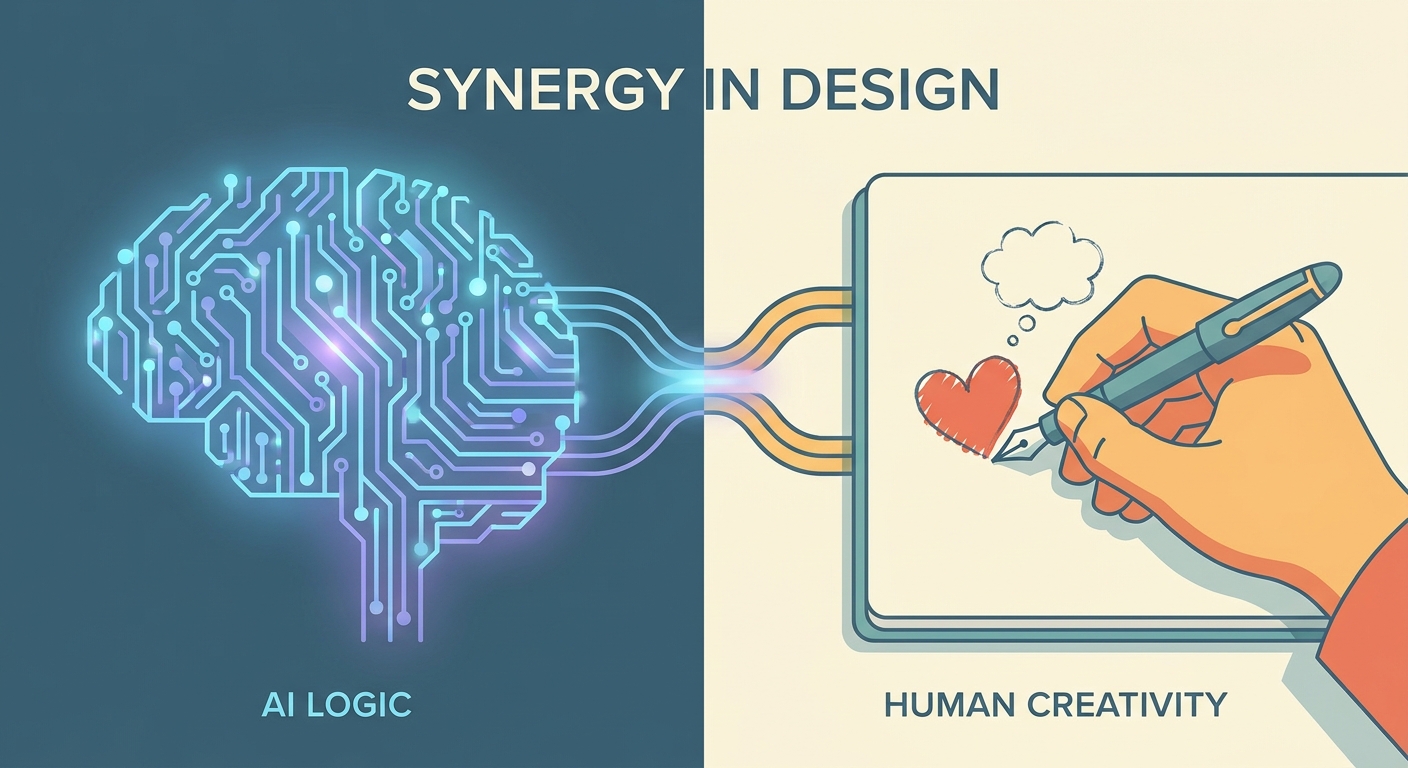
How to balance AI and human content on social media: what to automate, what must stay human, an 80/20 workflow, brand voice guardrails and review steps.
What multimodal AI is, how it combines text, images, audio and video for social media content and analysis, and a practical workflow to use it responsibly.
Social9 schedules your posts on 11 networks, and Autopilot can draft them in your brand voice for you to approve. Start on the free plan.