Automated Social Posting: How to Streamline Your Workflow and Save Time

TL;DR
- ✓ Automate repetitive scheduling and data reporting to reclaim your team time.
- ✓ Use an AI-driven human-in-the-loop system to maintain an authentic brand voice.
- ✓ Apply an automation audit to distinguish between operational tasks and high-stakes strategy.
- ✓ Implement content atomization to repurpose one core asset across five social channels.
Social media in 2026 isn’t about "set it and forget it." If you’re still dumping bulk, robotic posts onto the web, you aren't building a brand—you’re paying platforms to ignore you.
The old way of scheduling is dead. Today, automation is a force multiplier. It handles the grunt work of distribution and data so your team can focus on the only thing that actually moves the needle: high-stakes, human-led strategy.
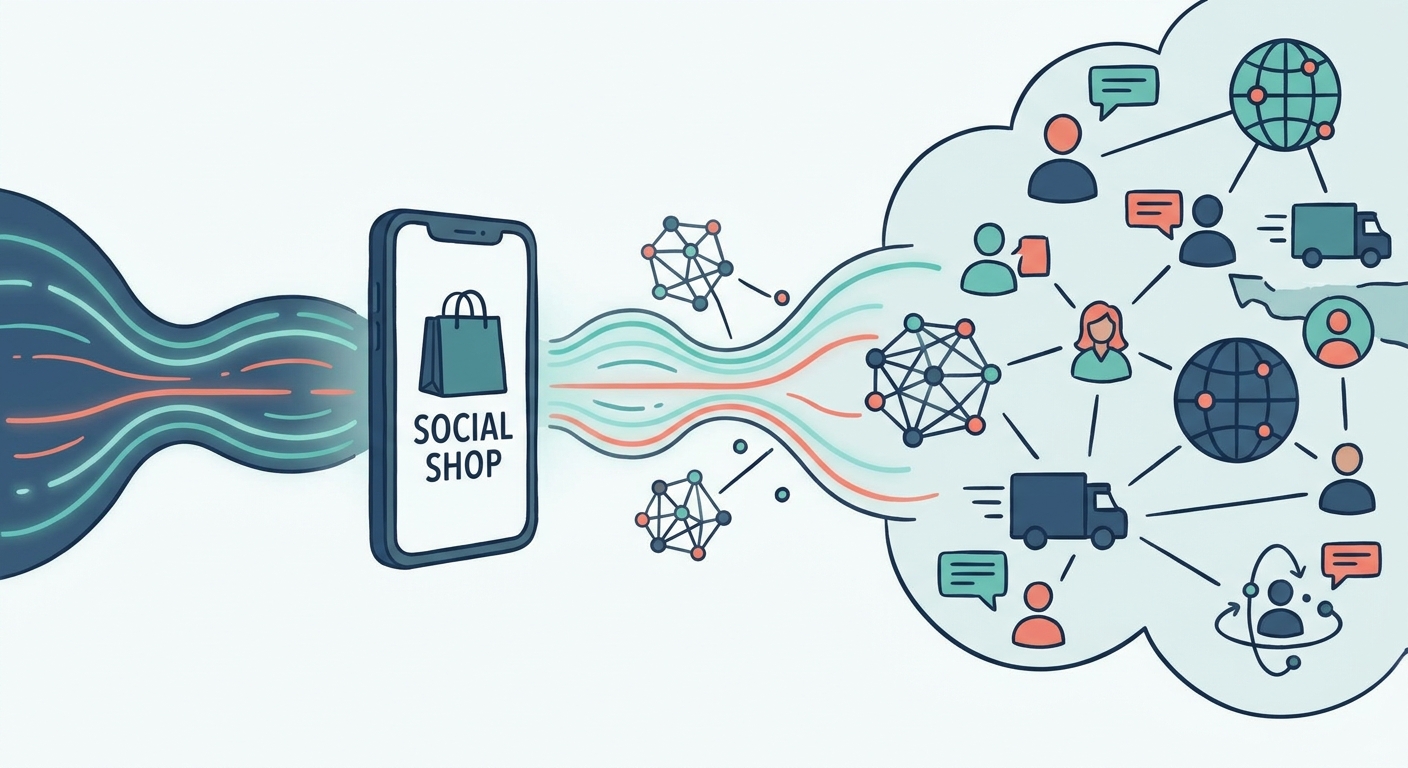
The social media management market is worth $12.8 billion for a reason. It’s shifting away from mindless scheduling toward intelligent content atomization. This isn't just about saving your team from burnout; it’s about showing up consistently across five different channels without losing your soul. If you want to refine your approach, our guide to content strategy breaks down how to weave these automated systems into a cohesive, high-performance marketing machine.
What Does Modern Social Media Automation Actually Look Like?
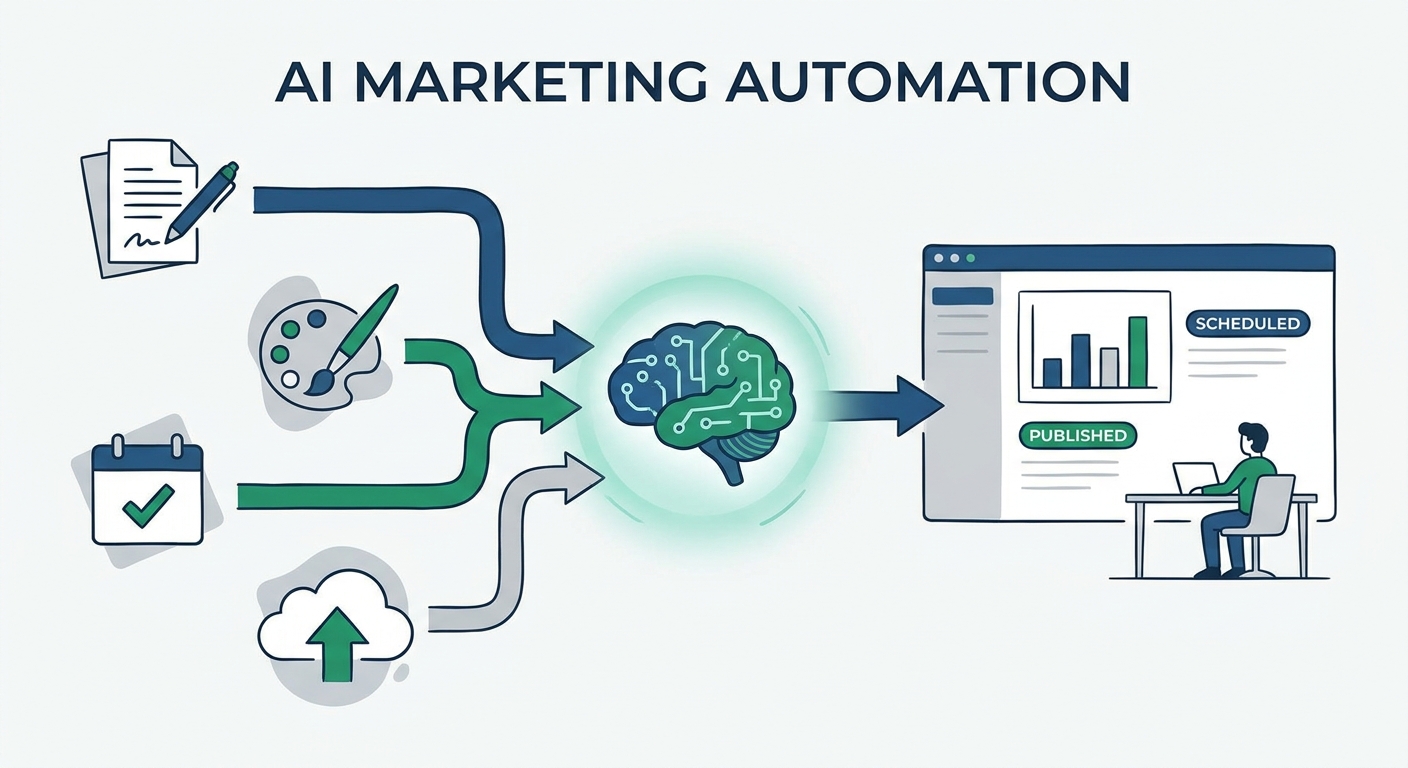
The game has changed. Think of modern automation as a three-tiered stack: ingestion, transformation, and distribution. It starts with AI-assisted drafting, moves through sentiment-based routing, and ends with deep CRM integration. As noted in the Hootsuite Social Media Automation Guide, the goal is simple: kill the friction between a great idea and its execution.
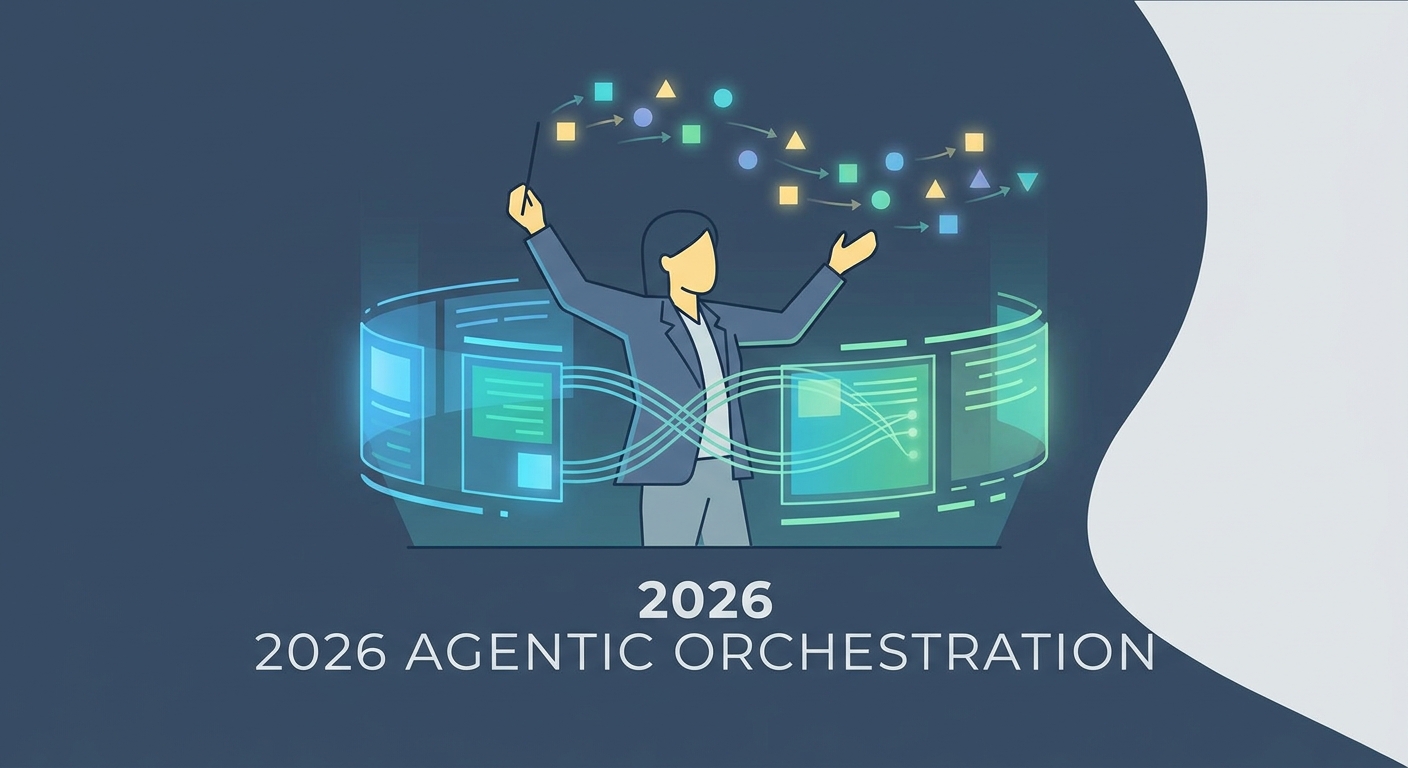
In 2026, automation is the invisible architecture beneath your content. It’s not just a bot clicking "post." It’s a workflow that detects a new whitepaper, triggers an AI agent to pull the five best insights, formats them into a LinkedIn carousel, and drafts a thread for X—all while waiting for a human to hit "approve."
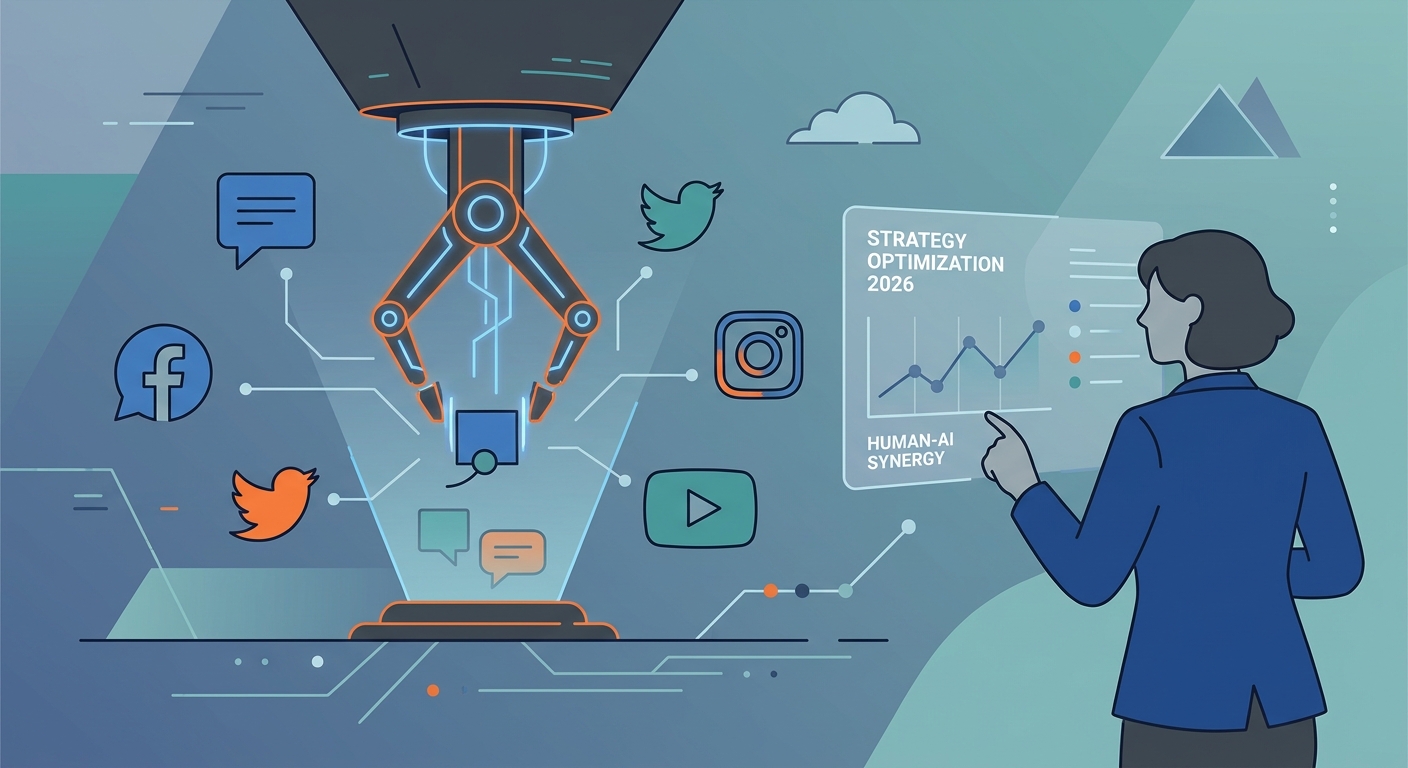
This is the "Human-in-the-Loop" (HITL) mandate. Automation does the heavy lifting, but the voice? That stays yours.
Which Tasks Should You Automate (And Which Should You Keep Manual)?
Not everything belongs in a queue. Before you plug in your tools, run an "Automation Audit." You need to separate the high-volume, low-stakes operational drudgery from the high-stakes, emotional heavy lifting.
Use this matrix to protect your brand. Routine stuff—scheduling, pulling performance reports, initial repurposing—is prime for automation. But crisis response? Community engagement? Developing your brand voice? That stays in your hands. Automation is a tool for scale, not a replacement for empathy.
The "1-to-10" Workflow: How to Atomize Your Content
Stop chasing new ideas every single day. Instead, practice "content atomization." Take one high-value asset—a video, a whitepaper, a webinar—and turn it into ten platform-native posts.
Feed that long-form asset into an AI agent calibrated to your specific brand tone. As we covered in our deep dive on how to use AI for marketing, it all comes down to the prompt. Don't just say "rewrite this." Tell the AI: "Rewrite this whitepaper section as a LinkedIn carousel with a hook that addresses X pain point."
Once the draft is done, your human editor steps in. They inject the nuance, fix the formatting, and ensure the hook actually hits. One asset becomes a full week’s worth of content. You save hours, and your audience gets quality, not noise.
How Do You Build a 30-Day Automated Content Calendar?
Forget dragging and dropping squares on a calendar grid. That’s manual labor you don’t need. Build a system of triggers. Integrate your content pillars with automated agents to create a "living" calendar that populates itself whenever you drop a new asset.
When you publish a new blog post, the automation layer should immediately seed teasers across your social channels. Your feed stays active without you touching it daily. Just remember the "Human Review" gate. Never let an AI agent auto-publish to your feed without a human eye checking for tone, accuracy, and context.
The 2026 Tech Stack: How to Choose the Right Tools?
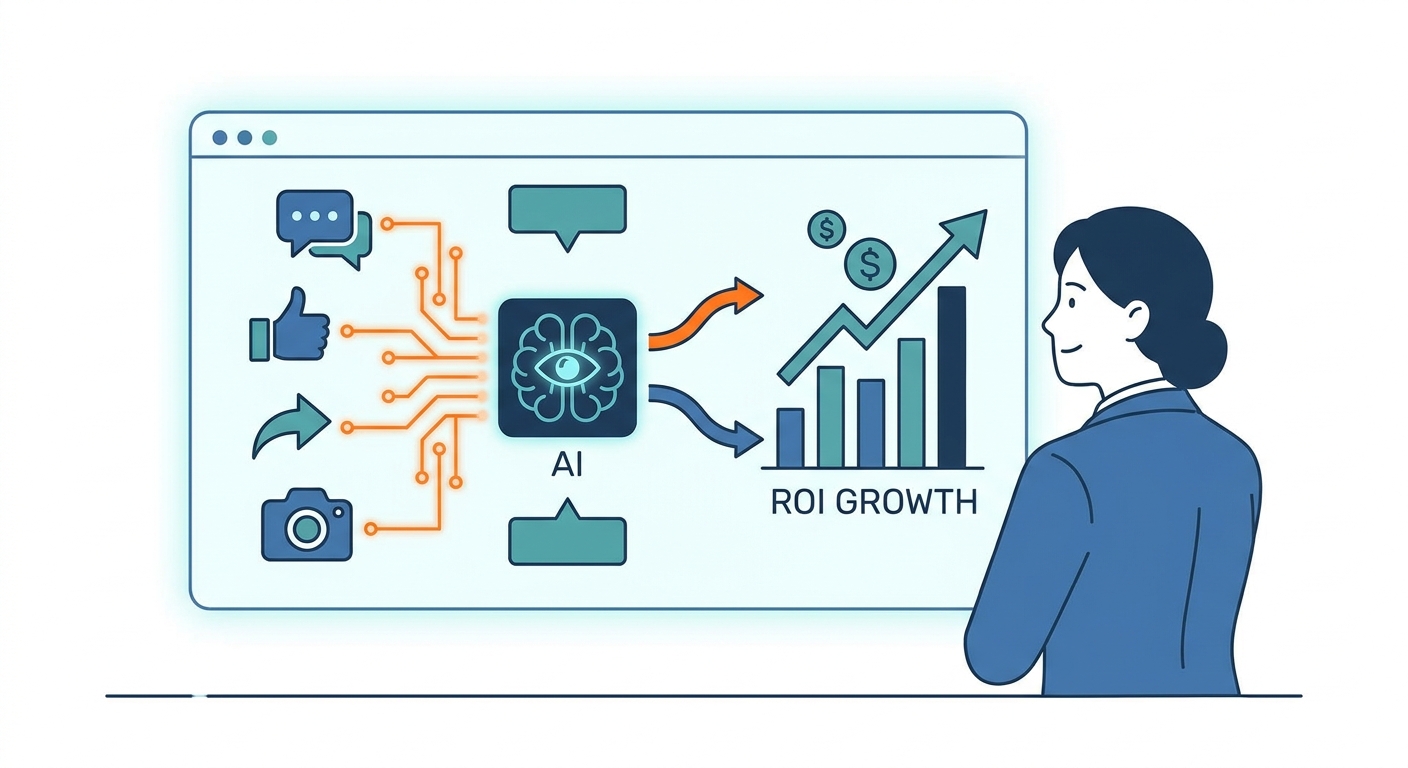
Should you go all-in-one or best-of-breed? It depends on your team size and data complexity. Lean teams might prefer the simplicity of an all-in-one suite. But if you’re scaling, you need a stack that talks to your CRM. You need to see which posts are driving actual leads, not just vanity metrics.
For a look at the current market leaders, Coursiv's AI tools for social media comparison is a solid starting point. And for teams building custom agent workflows, Gumloop’s guide on social media automation offers a roadmap for integrating AI agents that can handle the heavy lifting, like sentiment analysis or comment routing.
How to Scale Without Losing Your Reach (Avoiding Platform Penalties)
The number one trap in 2026? The "AI-generated fluff" penalty. LinkedIn and Instagram are smart. They can spot uninspired, repetitive content a mile away—and they will bury it.
This is why the Human-in-the-Loop mandate is non-negotiable. If you want organic engagement, your automation has to serve the platform, not just your schedule. Use native APIs. Don't cross-post the exact same text to every channel. Let your AI layer adapt the tone and format for each network. If your reach is plateauing, it might be time to contact our strategy team to audit your workflow and find where the "human touch" has been lost.
Frequently Asked Questions
Does automating social media posts hurt my engagement or reach?
Generally, no—as long as you aren't spamming low-quality, repetitive trash. If you use automation to handle the logistics, you free up your team to engage with your community. That’s where the growth happens.
What tasks should I NEVER automate in my marketing workflow?
Anything involving real-time empathy. Crisis response, sensitive community management, and major brand announcements need a human heart. AI doesn't have one.
How do I maintain a consistent brand voice when using AI?
Build a "Brand Bible" for your AI. Include your tone, forbidden words, preferred sentence structures, and stylistic patterns. Treat your AI like a junior copywriter: give it clear guidelines and review everything it produces.
Is it better to use an all-in-one tool or a "best-of-breed" stack?
Small team? All-in-one is fine for speed. Large, scaling organization? Get a "best-of-breed" stack. Connect your specialized tools via API so you can track the data that actually matters.
What is the primary difference between a scheduler and an AI-agent workflow?
A scheduler is a calendar. You tell it what to do, and it does it. An AI-agent workflow is a team member. It ingests data, adapts content, routes it for review, and reacts to triggers. It's dynamic, not static.