What is social media autopilot? How AI posting works (and where to keep a human)
Social media autopilot uses AI to plan, draft, schedule and publish posts. Learn how the loop works, platform AI rules, and where a human must stay in charge.
Autopilot & AI
How multi-agent AI systems split social media work into research, writing, review, scheduling and analytics agents, plus the risks and a safe rollout plan. Social9 TeamProduct, content and engineering team at Social9Published Updated 6 min read
A multi-agent system for social media is a set of specialized AI agents, each handling one job such as research, writing, brand review, scheduling or reporting, coordinated so their outputs feed into each other. Instead of asking one chatbot to do everything in a single prompt, you break the workflow into roles with their own instructions, tools and limits. Done well, it handles more volume with fewer errors; done carelessly, it automates mistakes at scale.
This guide explains how these systems work, what each agent typically does, where they help, the risks, and a step-by-step way to roll one out safely.
In computer science, a multi-agent system is a group of autonomous software agents that each perceive their environment, make decisions and act, while coordinating with other agents toward a shared goal. The idea predates today's AI models by decades.
What changed is that large language models made capable general-purpose agents cheap to build. A modern AI agent is usually a language model plus:
A multi-agent system chains several of these together, usually with an orchestrator that decides who works on what and in which order.
A single assistant in a chat window can write a decent post. Running a social presence involves much more:
Packing all of that into one prompt leads to long, fragile instructions and inconsistent output. Splitting the work lets each agent focus on one job with a short, testable brief. It also lets you give each agent only the permissions it needs.
Here is a common division of labor. Real systems combine or skip roles depending on the team.
| Agent | Job | Typical tools | Human check |
|---|---|---|---|
| Researcher | Finds topics, news, questions and source material | Web search, RSS feeds, social listening | Light |
| Strategist or planner | Turns goals into a content calendar | Calendar, past performance data | Review the plan weekly |
| Writer | Drafts posts per network | Brand voice guide, templates | Edit every draft at first |
| Reviewer | Checks drafts against voice, banned words and claim rules | Style guide, blocked-word list | Spot-check its decisions |
| Visual agent | Suggests or generates images | Image generation, media library | Approve visuals |
| Scheduler | Places approved posts in the queue | Scheduling tool or API | Confirm before publishing |
| Analyst | Summarizes results and suggests changes | Analytics exports or API | Read and decide |
| Community agent | Sorts comments and drafts replies | Inbox, help-center content | Approve replies |
The reviewer role is the one teams most often skip and most often regret skipping. Having one agent check another's work can catch tone problems and unsupported claims before a person sees them, though it does not replace the person.
There are three common patterns:
Agents need a way to reach your tools. The Model Context Protocol (MCP) is an open standard that lets AI assistants call tools in other applications through a consistent interface. When a social media tool exposes an MCP server, any compatible assistant can act as one of your agents without custom integration code. Our guide to scheduling social posts from Claude with MCP walks through one example.
More agents mean more places for errors to hide.
For a broader look at responsible use, see our guide to AI agents in social media marketing.
You do not have to build every agent yourself. Social9 bundles the planning, writing and scheduling roles into one Autopilot with three modes: Drafts only, Approve first and Full Autopilot. You set the brand voice, blocked words and quiet hours, and choose how much approval each post needs.
If you prefer to orchestrate from your own AI assistant, Social9's MCP connector lets Claude, ChatGPT, Cursor and other MCP apps plan, draft and schedule posts. New connections start in Test mode, so posts are labelled Test and nothing actually publishes until you grant real publishing permission, and your brand's approval rules still apply. For more on the concept, read what social media autopilot is and how AI posting works.
Multi-agent systems are a way of organizing AI work, not a magic upgrade. They pay off when your workflow has distinct stages, enough volume to justify the setup, and clear rules every agent can follow. Start small, keep a reviewer and a human in the loop, and add agents only when the simpler setup has proven reliable.
It is a setup where several AI agents, each with a narrow job, work together on social media tasks. One might research topics, another drafts posts, another checks them against brand rules, and another schedules approved posts. An orchestrator coordinates the handoffs. The aim is better results on multi-step work than a single general-purpose chatbot prompt can deliver.
Not always. Multiple agents help when the work has distinct stages that benefit from different instructions or tools, such as research, drafting and review. For a small account posting a few times a week, one assistant plus a scheduler is usually simpler, cheaper and easier to debug. Add agents only when a single prompt clearly cannot handle the workflow.
Technically yes, if they have publishing access, but most teams should not start that way. Agents can misread context, invent facts or post at a bad moment. A safer pattern is to let agents draft and schedule while a person approves each post, then loosen approval only for low-risk content once the output has been reliable for weeks.
Usually through APIs or the Model Context Protocol (MCP), an open standard that lets AI assistants call tools in other apps. A social media tool with an MCP server lets an assistant like Claude or ChatGPT read your calendar, draft posts and schedule them, within the permissions you grant when you connect.
Social media autopilot uses AI to plan, draft, schedule and publish posts. Learn how the loop works, platform AI rules, and where a human must stay in charge.
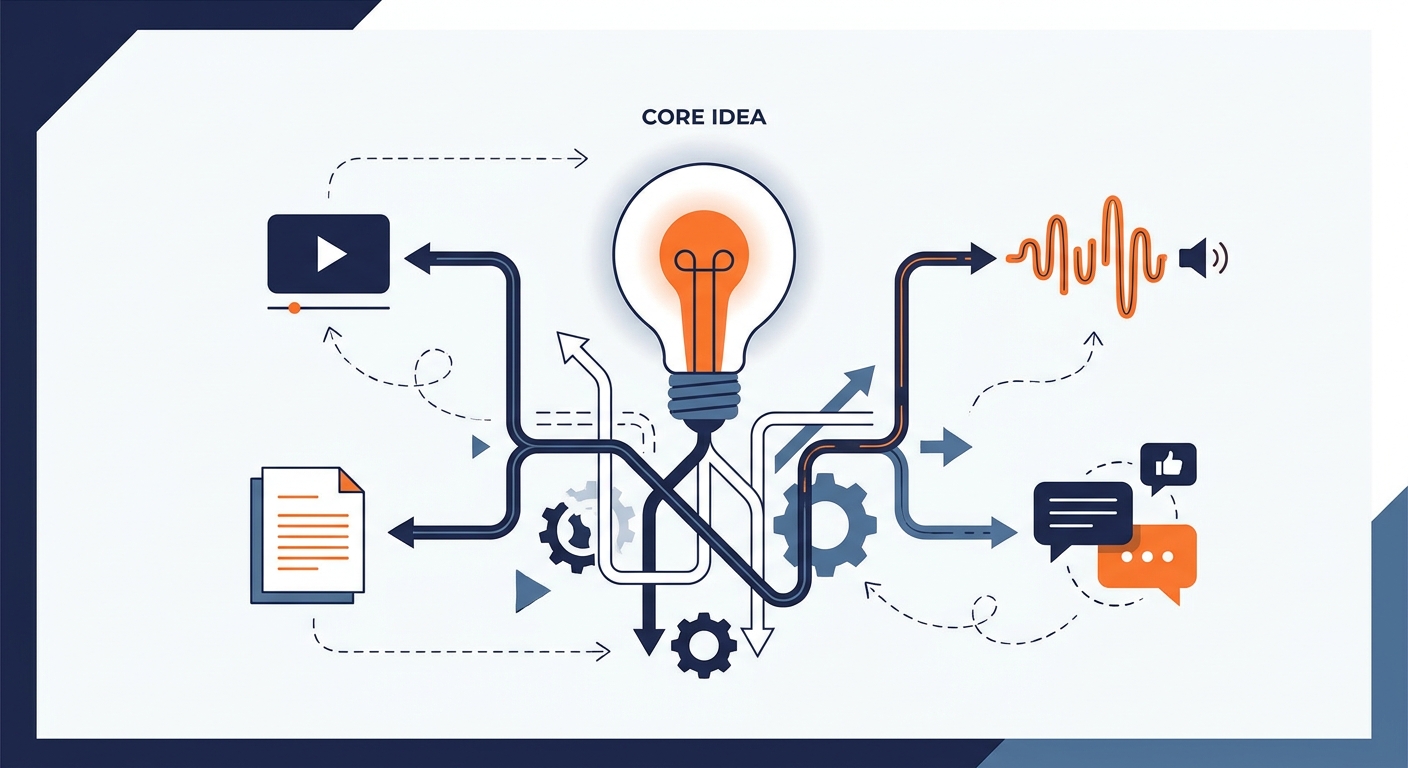
The best content repurposing tools for social media by job: video clipping, text rewriting, visuals and scheduling, plus a workflow that avoids clone posts.

Automate social media posts without sounding robotic: audit what to automate, write a voice bible for AI, add human approval and keep a kill switch ready.
Social9 schedules your posts on 11 networks, and Autopilot can draft them in your brand voice for you to approve. Start on the free plan.